Routing Configuration
Firebox Vclass User Guide 111
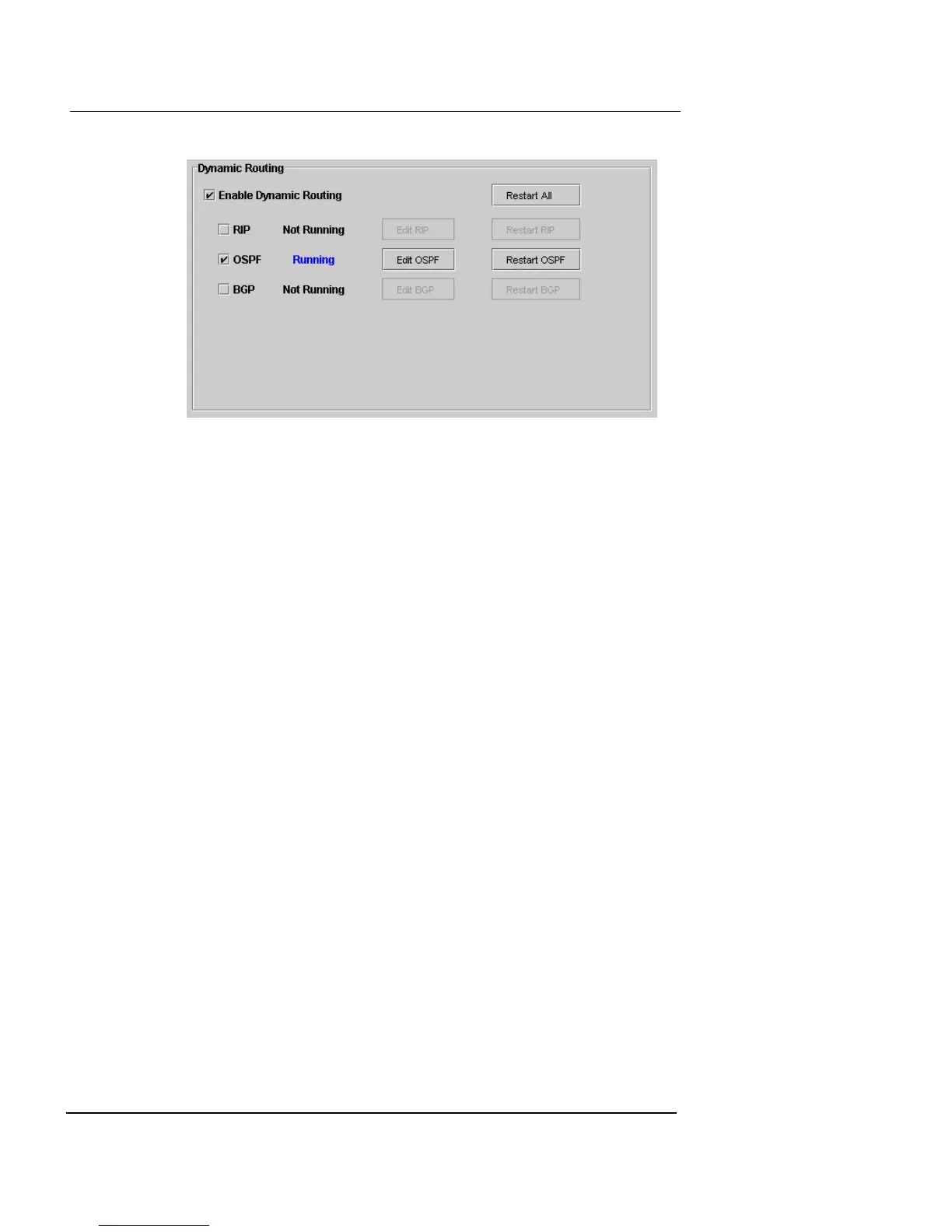
It is possible that dynamic routing can fail. If this occurs,
the Current Status displays “Not Running.”
1 Click Restart for the protocol.
A Confirmation dialog box appears.
2 Click Yes to restart.
When you have finished configuring routing, click one of
the following options:
Reset
To return the settings to the previous configuration.
Save Only
To save the settings to the Management Station and
apply them to the Firebox Vclass appliance when it
is restarted. When you are finished, click Close.
Apply
To immediately commit the settings to the Firebox
Vclass appliance.
At this time, the Firebox Vclass checks your entries for
accuracy. If the entry is correct, a green checkmark appears
to the left of the new routing table entry. If the entry is
incorrect, a red X appears.













 To Next Page