Configuring the Remote Users Authentication Policy
Firebox Vclass User Guide 335
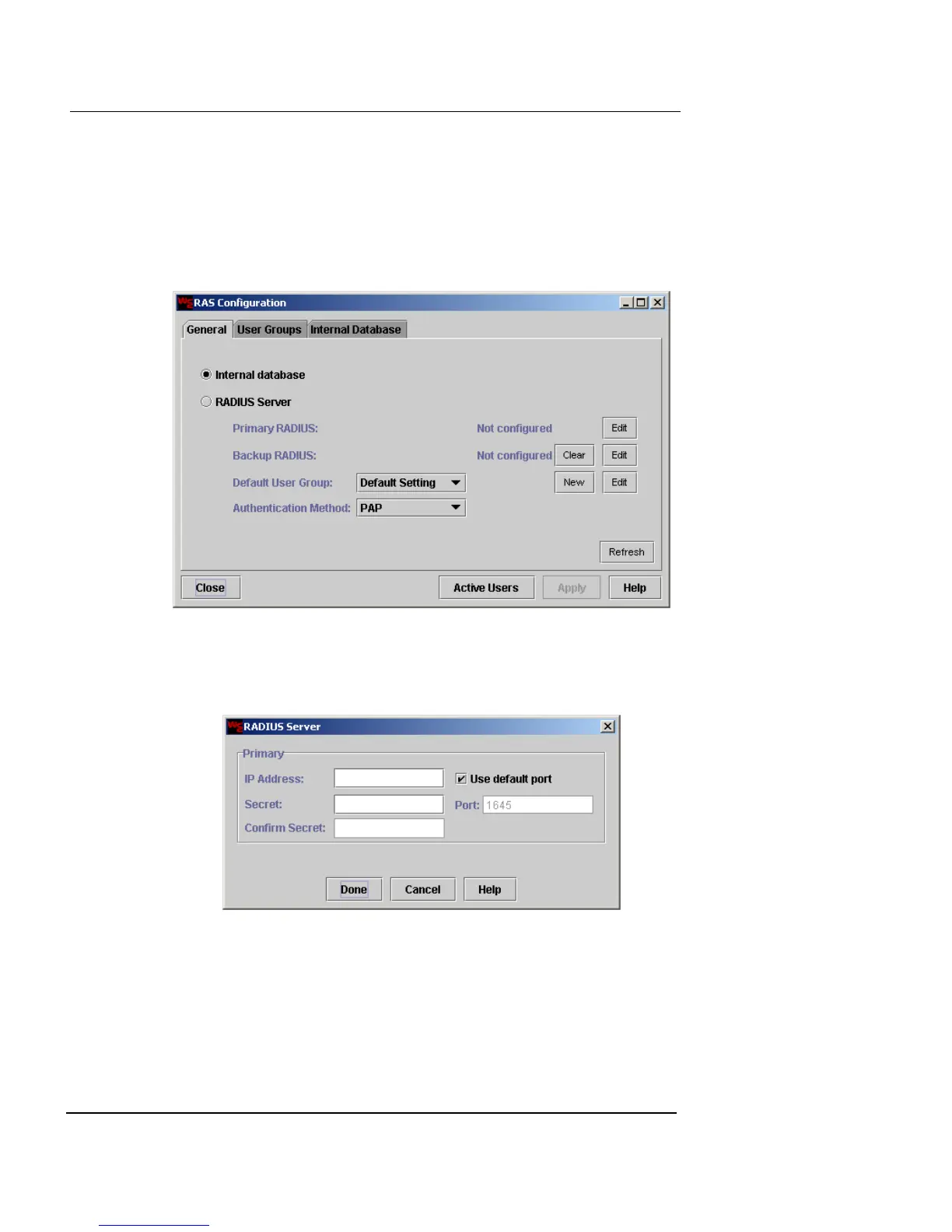
Using a RADIUS authentication database
To use a database stored on a RADIUS server:
1 From the main Vcontroller window, click Remote
Users.
The RAS Configuration dialog box appears.
2 Click RADIUS Server.
3 To the right of Primary Radius, click Edit.
The RADIUS Server dialog box appears.
4 In the IP Address field, type the IP address of the
RADIUS server.
5 In the Secret and Confirm Secret fields, type the secret
and confirm it.













 To Next Page