CHAPTER 12: Creating a Remote User VPN Policy
336 Vcontroller
6 To change the port number, clear the Use default port
checkbox, and then type the number in the Port field.
7 Click Done.
Repeat the previous steps to configure a connection to a backup
RADIUS server.
8 From the Authentication Method drop-down list,
select either PA P or SecurID and then click Done.
The IP address of the server is displayed.
9 Click Apply.
The Commit dialog box appears.
10 To flush any active connections that may be affected by
the changes, click the appropriate checkbox and then
click Commit.
N
OTE
Depending on how the RADIUS servers area is configured,
you might encounter a situation where the internal IP
address and DNS server IP address information might be
available on both the RADIUS server and the Firebox Vclass
security appliance. In this case, the Firebox Vclass appliance
automatically yields precedence to the RADIUS server when
a user is being authenticated.
Resetting an expired password
After a remote user account password has expired, you can
reset or replace it by following these steps:
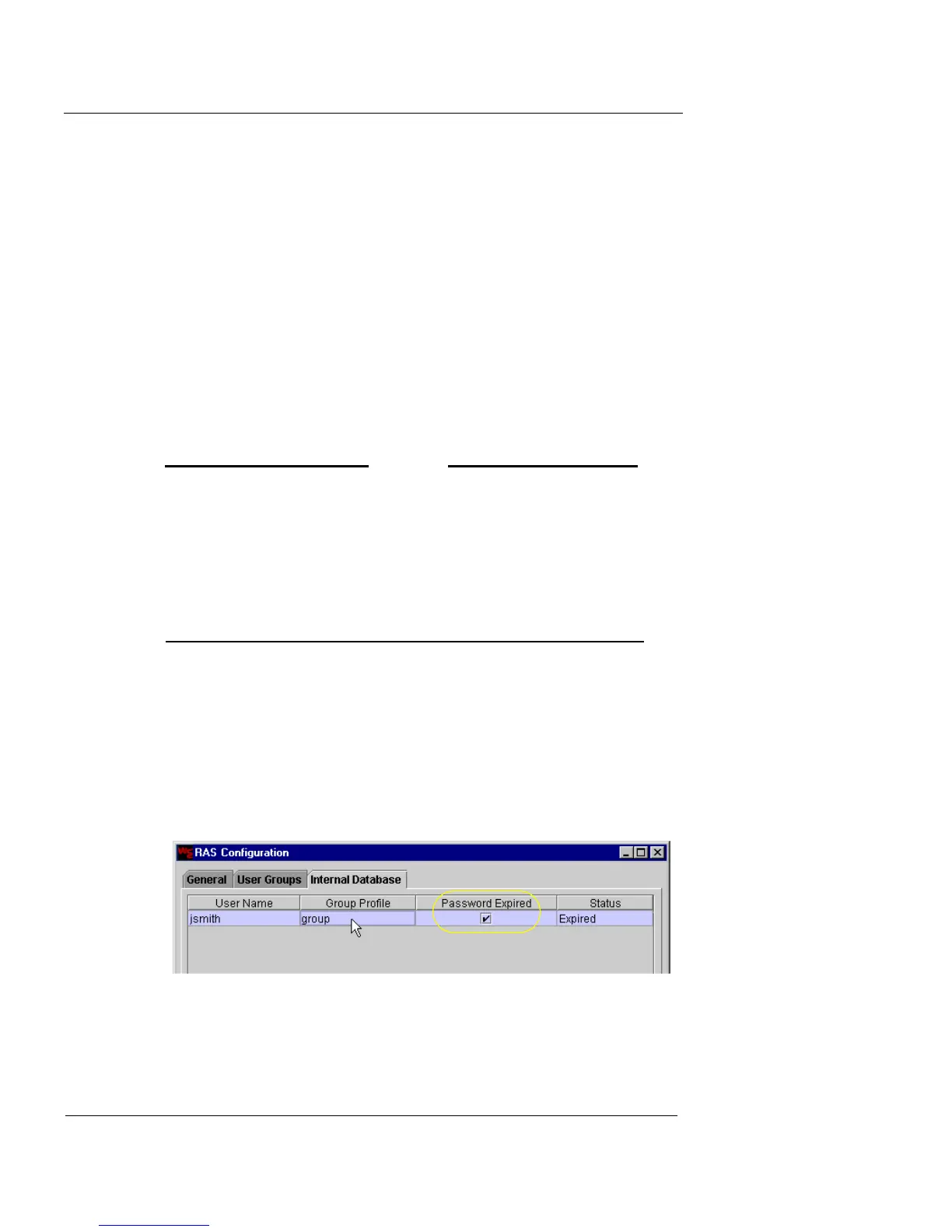
1 Click the Internal Database tab.
Any users with expired passwords show a checkmark under the
Password Expired column.
2 Select the RAS user entry, and click Edit.
The Edit RAS User dialog box appears. The Password fields are
inactive.













 To Next Page