CHAPTER 17: Backing Up and Restoring Configurations
406 Vcontroller
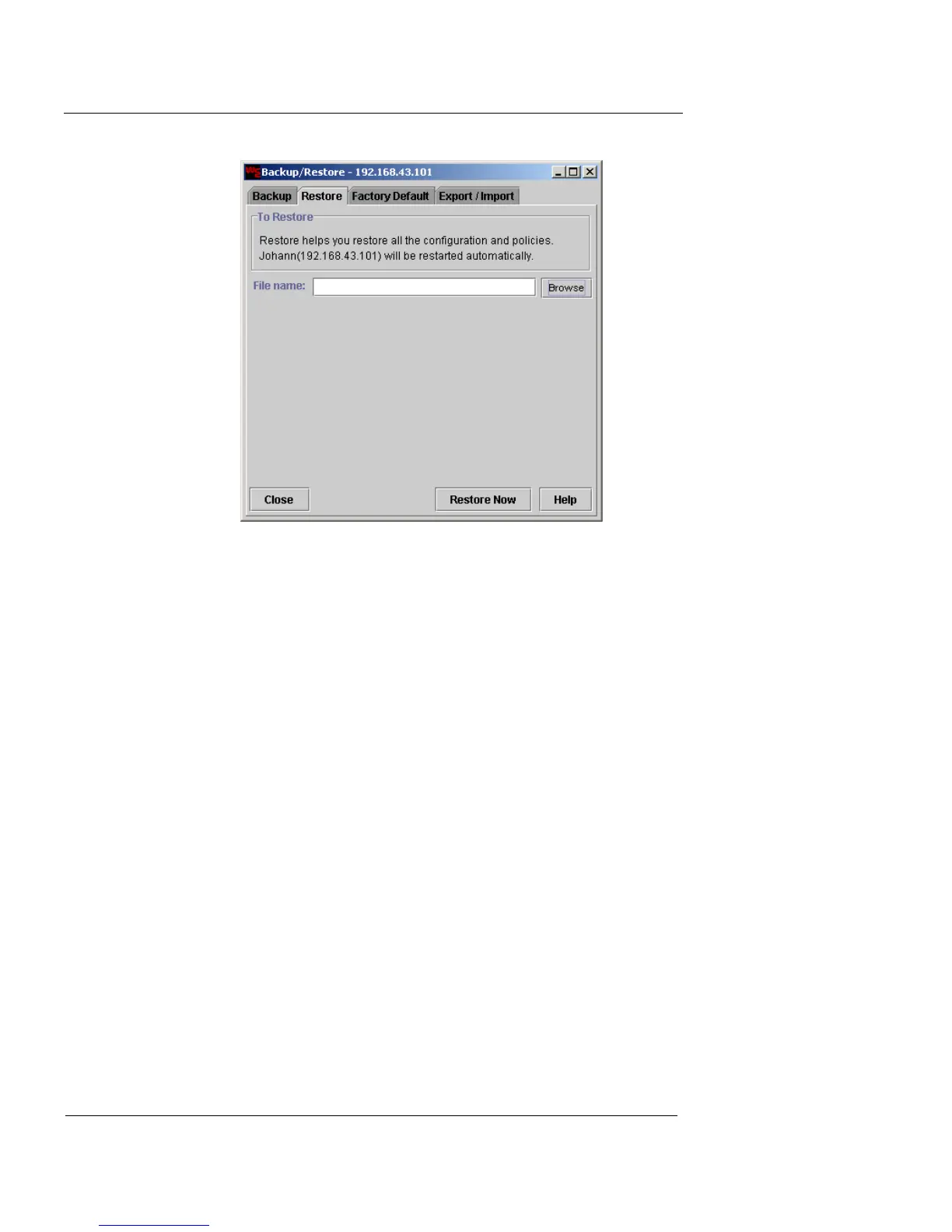
2 Click Browse.
The Select the file to restore dialog box appears. This dialog box
should automatically open to the directory containing all previous
archived files.
3 Select the appropriate backup file and then click Select.
The backup file name appears in the File Name field.
4 Click Restore Now.
A Warning dialog box appears.
5 To restore the appliance, click OK; otherwise, click
Cancel.
After the restoration is complete, another dialog box appears.
6 Click OK to proceed.
Another dialog box appears reporting that the server is
restarting. This dialog box closes itself when restart is complete.
7 Click the Log In button to log into your newly restored
Firebox Vclass appliance.













 To Next Page