License Configuration
Firebox Vclass User Guide 141
licenses from a License Package file, only the licenses that
apply to the current appliance (determined by the serial
number) are applied. You must install the License Package
separately to each appliance to apply or update all of your
licenses.
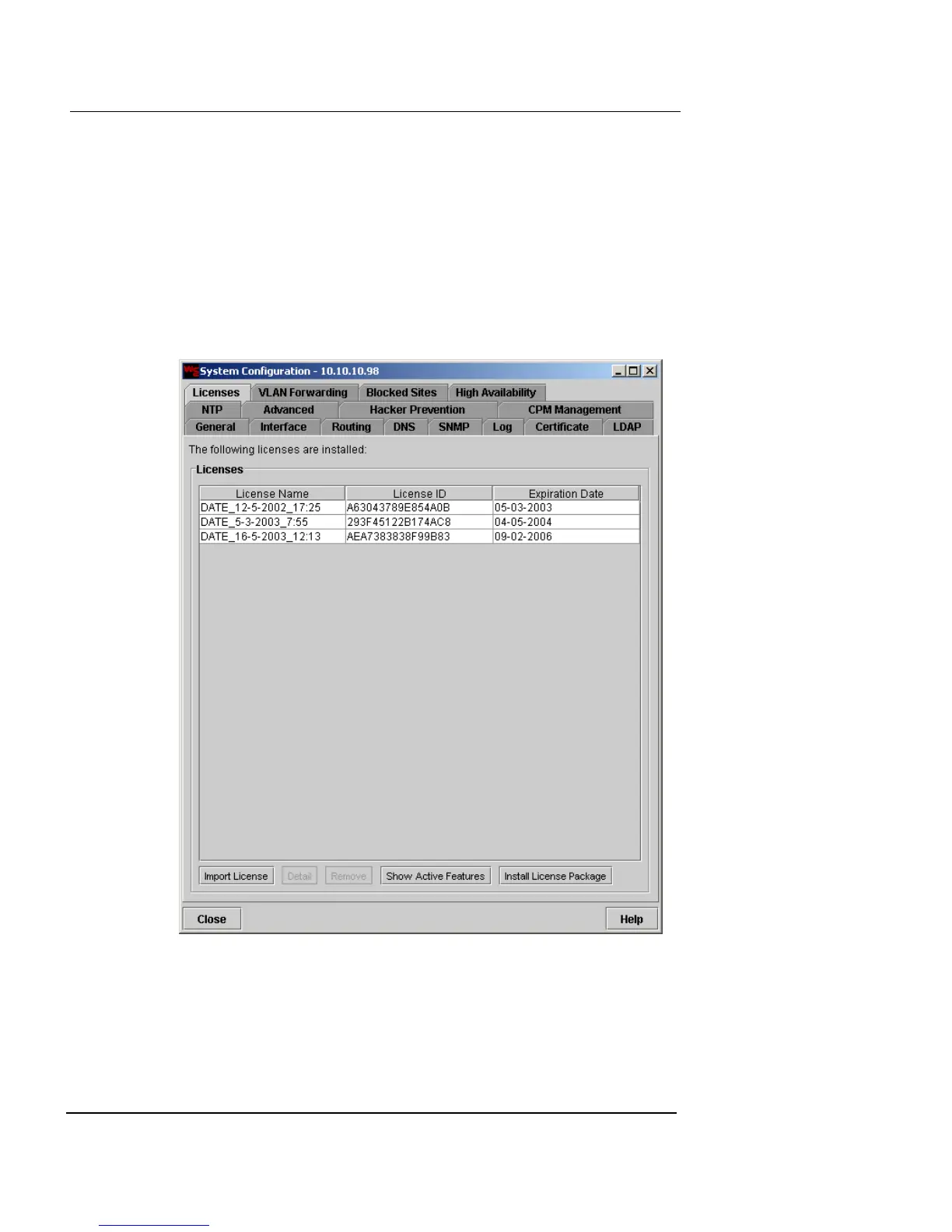
To install a License Package:
1 Click the Licenses tab.
The Licenses list is displayed.
2 Click Install License Package.
The Open Bulk License File dialog appears.













 To Next Page