CHAPTER 8: About Security Policies
204 Vcontroller
Weighted Least Connection
When new traffic is sent to the servers, an
algorithm determines the least number of
connection and weights that can be assigned.
If you chose Weighted Round Robin, Weighted Random,
or Weighted Least Connection from the Load Balancing
drop-down list, you can assign specific weights to particu-
lar IP addresses or address groups.
To assign weights:
1 Click New.
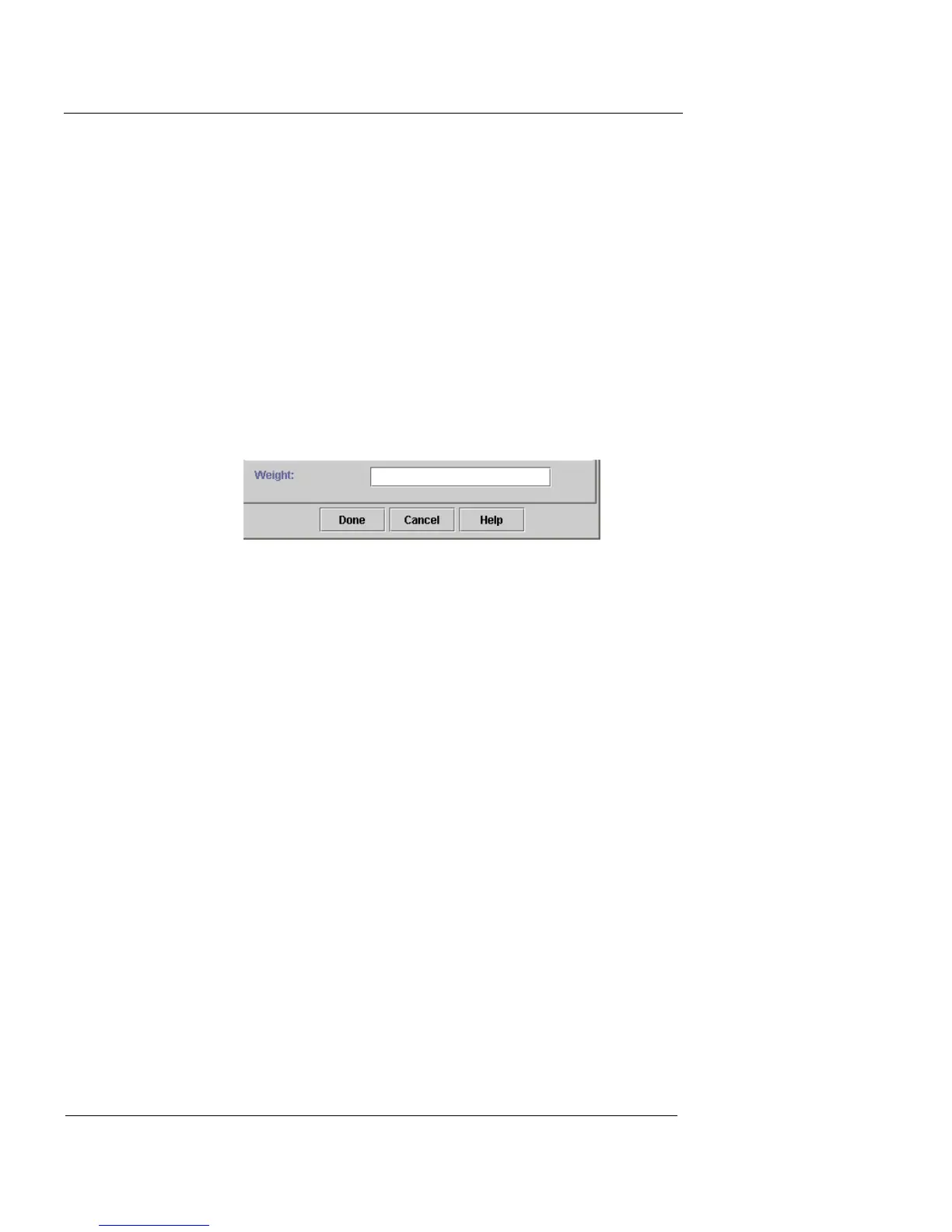
The New Mapping dialog box appears and the Weight field is
active.
2 Choose one of these options and follow these
instructions:
Address Group
Select an option from the drop-down list.
IP Address
Type the IP address of a server in this field.
3 In the Port field, type a port number.
4 Type the number that represents the percentage of load
you want to direct to this server in the Weight field.
The percentages should be related to the total number of servers
and their individual capacities.
5 Click Done.
6 Repeat this process as needed to distribute traffic loads
to other servers.
Up to 16 servers can be included in a single load-balancing
policy.
7 When you are finished, click Done to close the New
Load Balancing/NAT Action dialog box.













 To Next Page