Running the Vcontroller Installation Wizard
Firebox Vclass User Guide 55
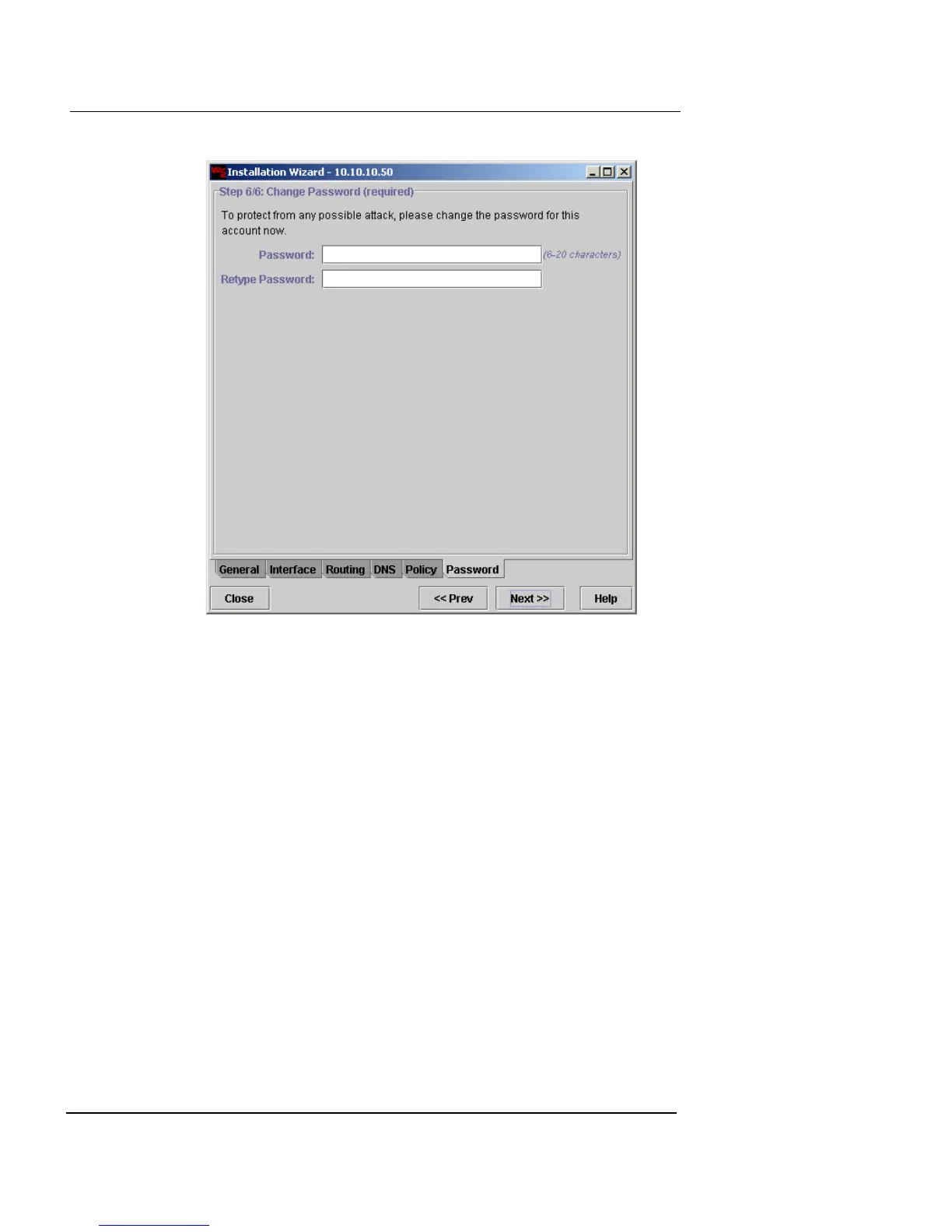
1 In the Password field, type a new password.
Passwords must be between 6 and 20 characters, can include
letters or numbers, and are case-sensitive.
2 Confirm the password by retyping it in the provided
field.
3 Click Next to proceed.
The completion window appears.













 To Next Page