CHAPTER 12: Creating a Remote User VPN Policy
344 Vcontroller
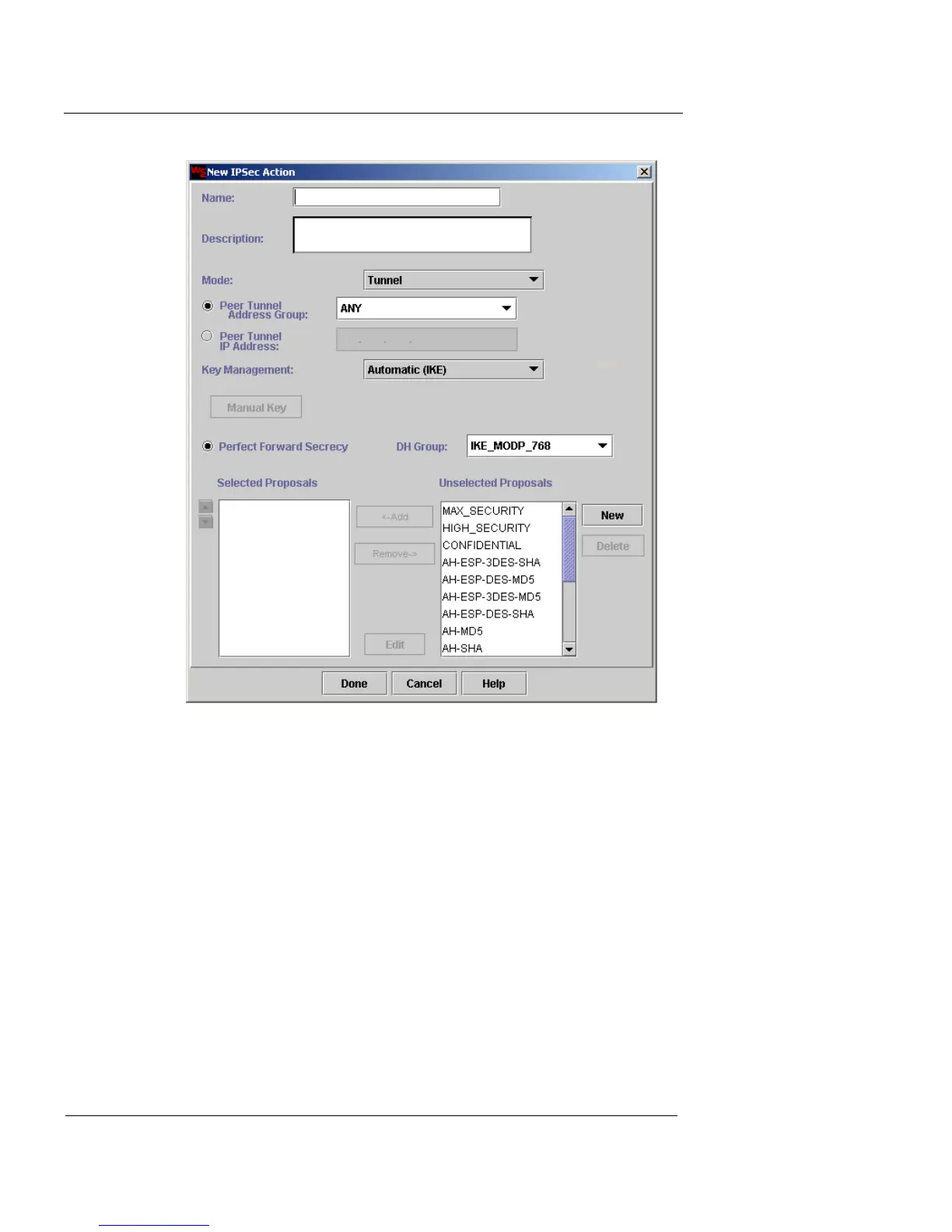
3 In the Name and Description fields, type a name and
brief description for the IPSec action. The Description
field is optional.
4 From the Mode drop-down list, select Tunnel.
5 Click Peer Tunnel Address Group or Peer Tunnel IP
Address.
Peer Tunnel Address Group
Then select the address group that represents the
IP address remote user from the drop-down list.
Peer Tunnel IP Address
Then type the remote user IP address.
6 From the Key Management drop-down list, select
Automatic (IKE).













 To Next Page