Configuring Accounts
Firebox Vclass User Guide 153
2 Type the IP address of interface 0 (Private) of the
Firebox Vclass appliance as in this example:
https://10.10.10.27
3 Press Return.
A Security Alert dialog box should appear, according to the
browser used.
4 Click Yes/OK to accept the certificate.
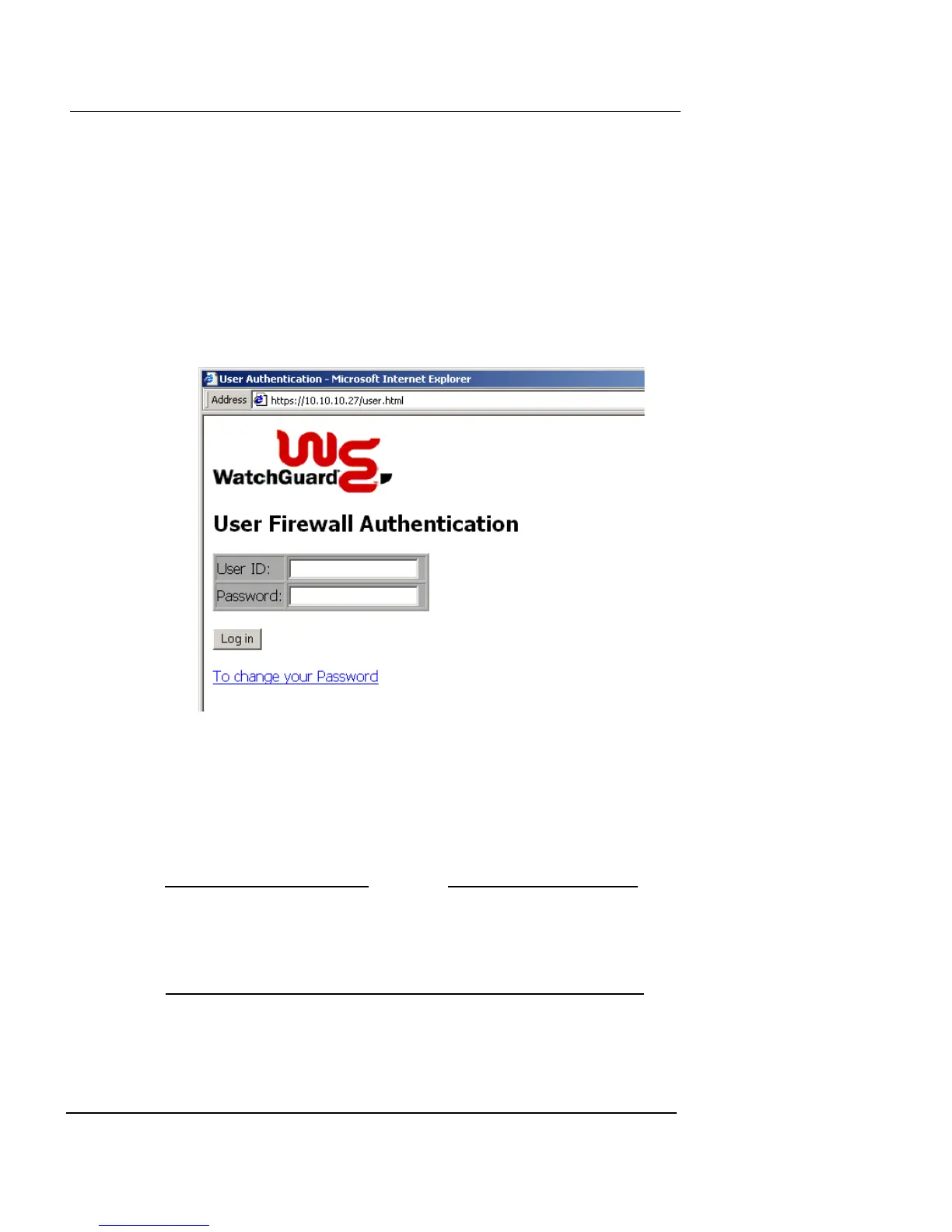
A Login page appears in the Web browser, similar to this
example:
5 Type the end-user account name in the User ID field.
6 Type the end-user password in the Password field.
7 Click Login.
If the entries are accepted, a status message appears in the
browser, confirming the connection. The user can now connect to
Web sites.
N
OTE
All end-user connections have an idle timeout of two hours. If
the user does not maintain active connections for two hours,
the end-user connection is disconnected, and the end user
must log in again.













 To Next Page