CHAPTER 8: About Security Policies
176 Vcontroller
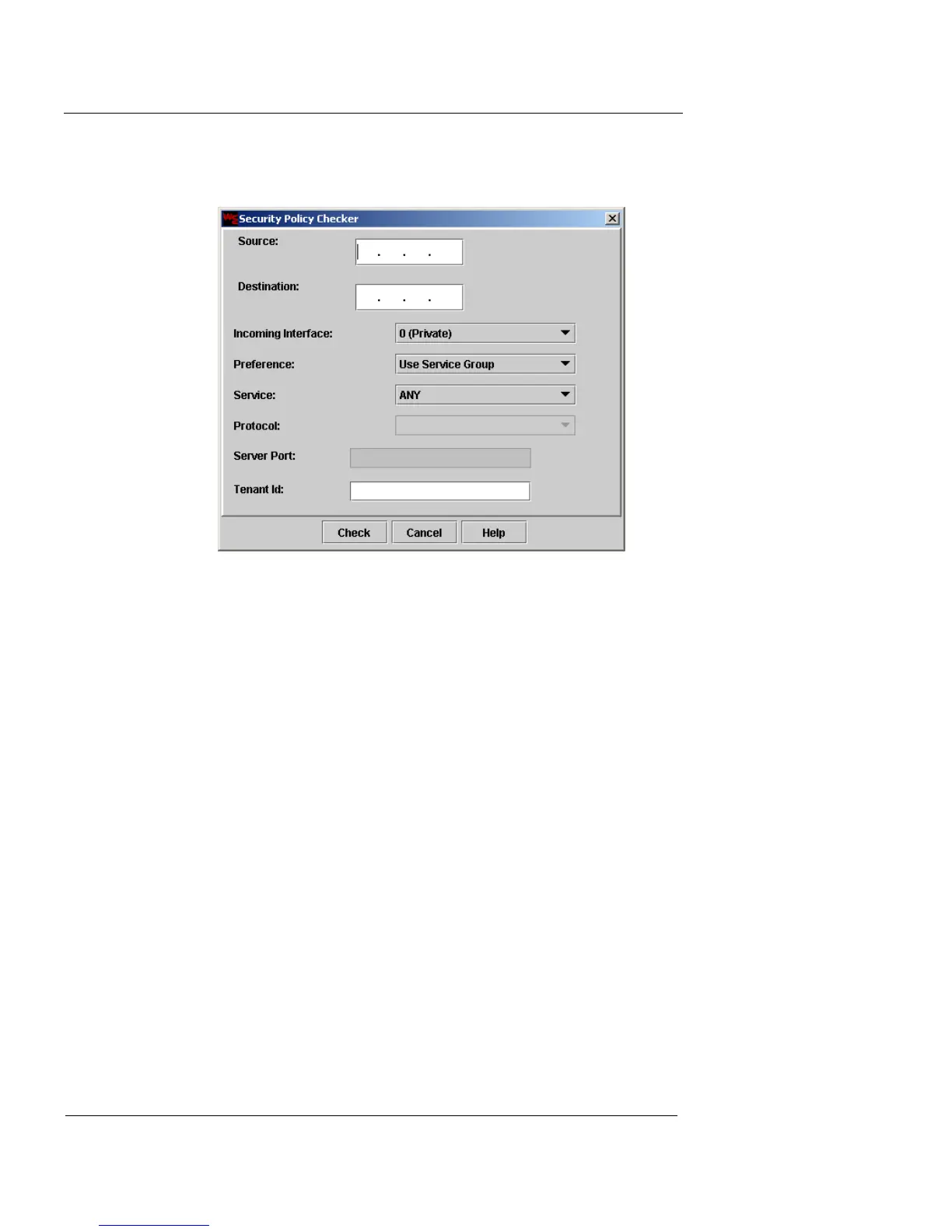
side of the window. The Security Policy Checker dialog
box appears.
2 In the Source field, type the IP address of the external
device from which the expected source traffic will
arrive.
3 In the Destination field, type the IP address of the
internal device to which the expected source traffic will
arrive.
4 Select the appropriate interface at which the expected
traffic will arrive from the Incoming Interface drop-
down list.
5 From the Preference drop-down list, select one of the
following:
Use Service Group
If you select this item, the Service drop-down list is
your only active option.
Use Protocol and Port
If you select this item, the Protocol and Service Port
features become active (and the Service drop-down
list becomes inactive.)













 To Next Page