CHAPTER 3: Getting Started
40 Vcontroller
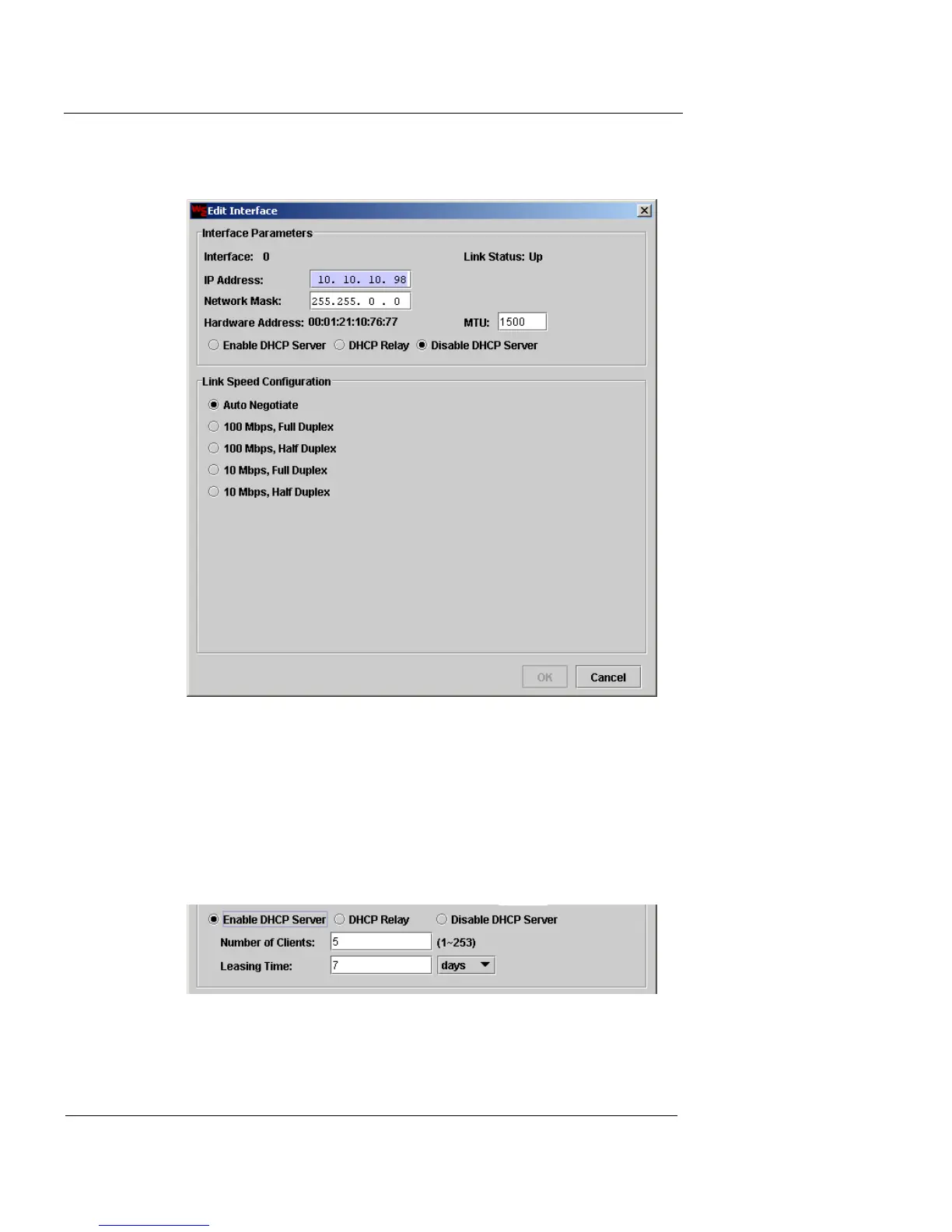
2 Double-click on Interface 0 to edit it. The Edit Interface
window appears.
3 Enter the IP address and network mask for the
interface in the appropriate fields. If you wish to
change the size of the Maximum Transmission Unit
(MTU), type a number in the MTU field. This number
represents the maximum size (in bytes) of a packet.
4 If you want to enable the appliance as a DHCP server,
click Enable DHCP Server.













 To Next Page