Running the Vcontroller Installation Wizard
Firebox Vclass User Guide 41
5 Enter the maximum number of potential clients that
will be assigned IP addresses in the Number of Clients
field.
6 Select either Days or Hours from the Leasing Time
drop-down list, and type the number of hours or days
that an IP address will be loaned to a DHCP client.
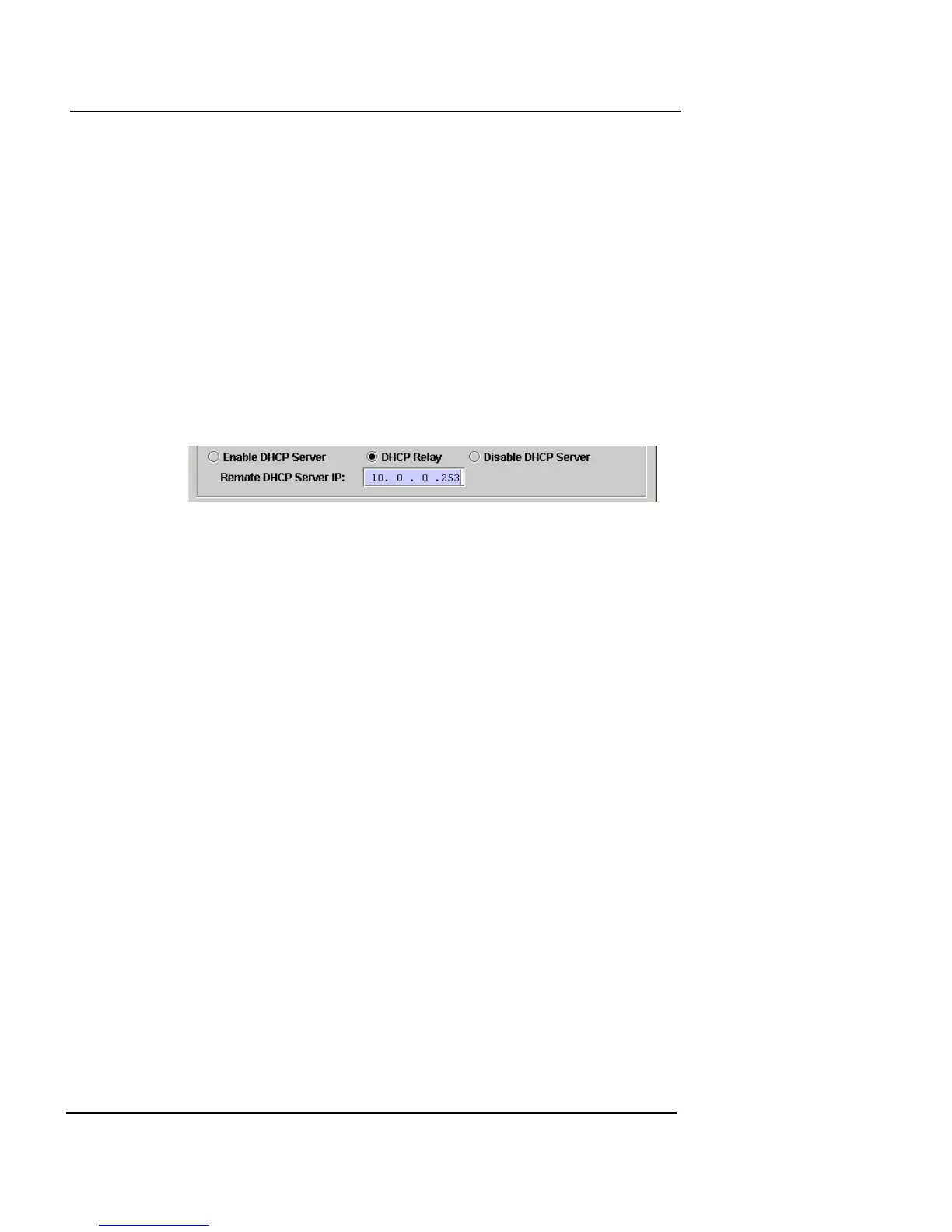
7 You can use a separate DHCP Server with the Vclass
appliance using DHCP relay. This option makes the
Vclass act as a DHCP agent, requesting DHCP leases
from a separate DHCP server. Click DHCP Relay to
use this option.
A Remote DHCP Server IP field appears.
8 In the Remote DHCP Server IP field, type the
appropriate IP address.













 To Next Page