CHAPTER 6: System Configuration
98 Vcontroller
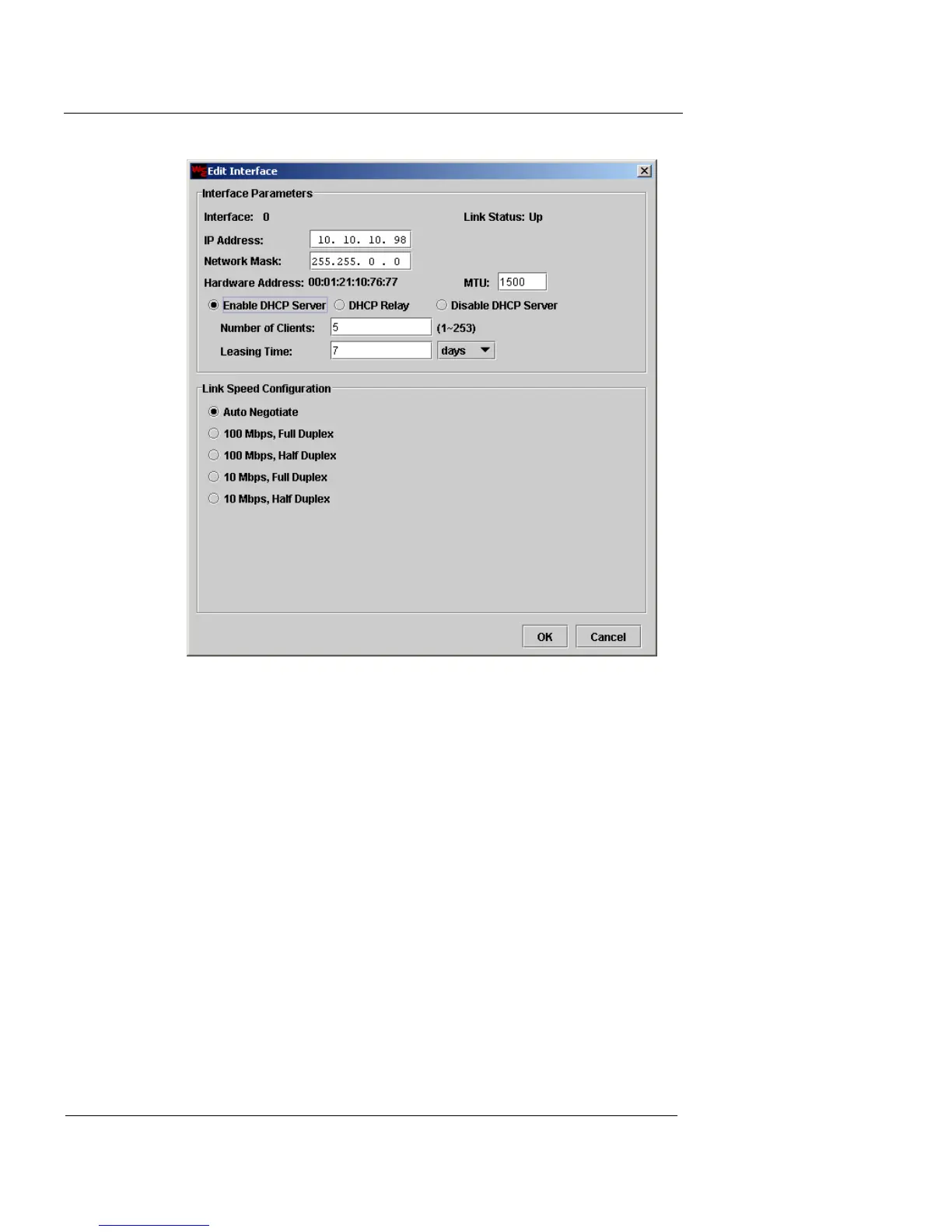
5 Type the maximum number of potential clients that
will be assigned IP addresses in the Number of Clients
field.
6 From the Leasing Time drop-down list, select either
Days or Hours.
7 Type the number of days or hours that an IP address
will be loaned to a DHCP client.
DHCP Relay
8 To allow the Vclass appliance to request and relay
DHCP addresses from another DHCP server on your
network, click DHCP Relay.
The dialog changes to show Remote DHCP Server IP options.
This option is not available if the appliance is configured for High
Availability, or the appliance is in Transparent Mode.













 To Next Page