CHAPTER 5: Router and Transparent Mode
80 Vcontroller
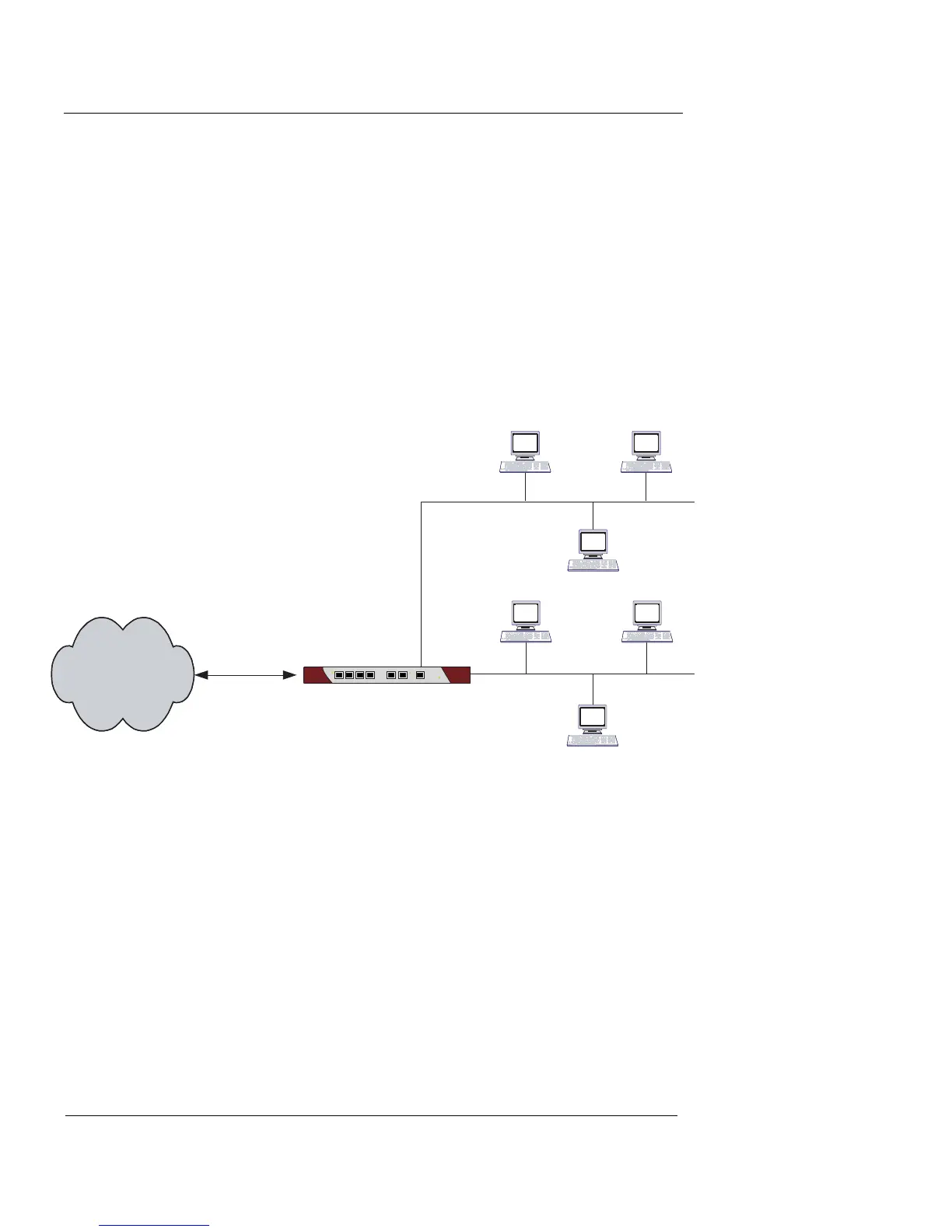
In Router Mode, all interfaces are routable. Each individual
interface is assigned an IP address on the subnet it is con-
nected to. Packets crossing the Vclass appliance are man-
aged by configured policies and proxies. Allowed packets
are routed to their destinations. In this mode, the Vclass
appliance only receives the packets that are addressed to it.
Packets sent out from the Vclass are marked with the
Vclass interface MAC as their source.
Figure 6: Vclass Router Mode operation
No special configuration is required to set an appliance to
Router Mode. Vclass appliances are set to Router Mode by
default. Use the instructions provided throughout this
guide to configure your Router Mode appliance.
You can switch an appliance to Router Mode at any time,
using Device Discovery, the Installation Wizard, the Sys-
tem Configuration window on the Interfaces page, or by
importing a Router mode XML configuration.
Vclass
Untrusted Trusted
Internet
DMZ Network
Private Network













 To Next Page