CHAPTER 5: Router and Transparent Mode
84 Vcontroller
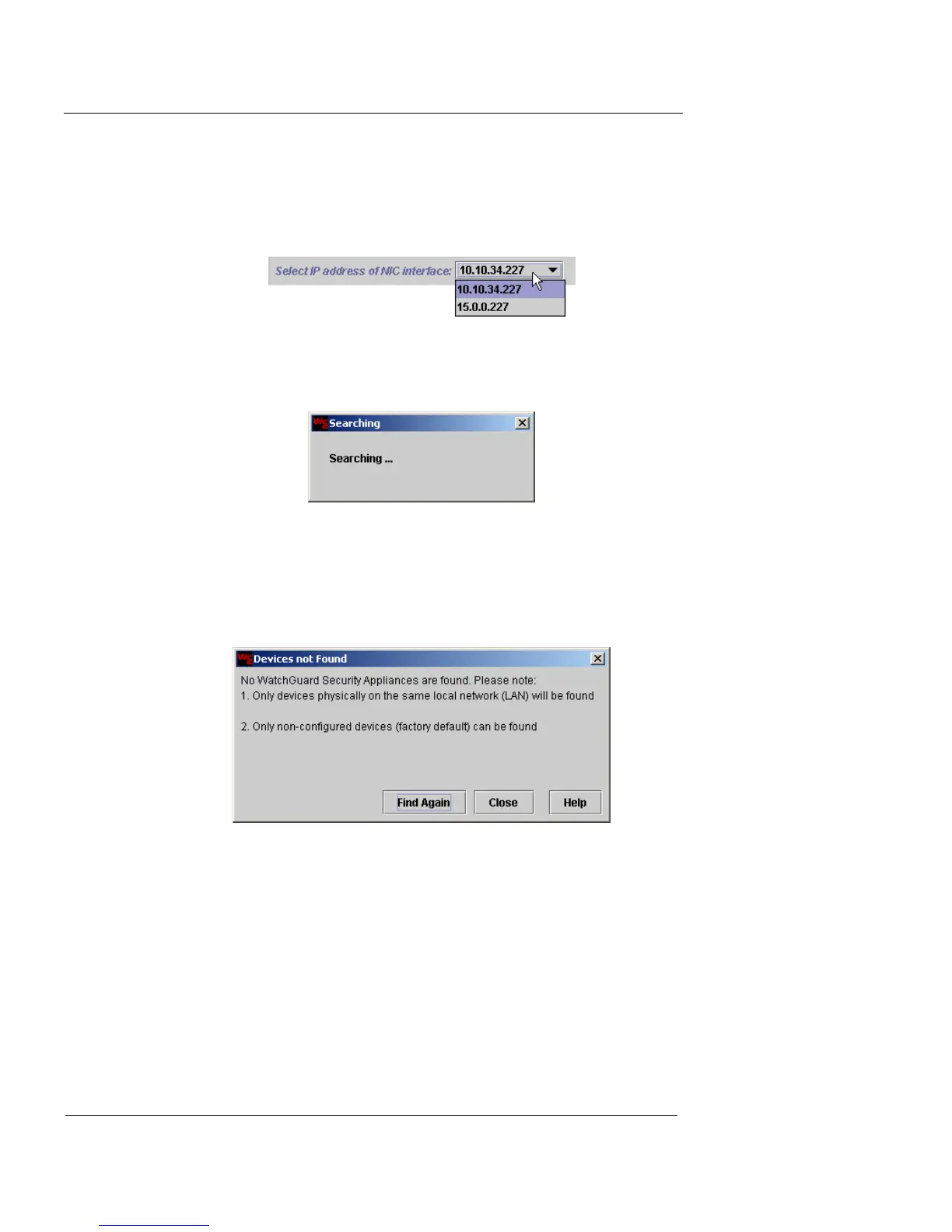
If the Management Station has more than one Network
Interface Card (NIC), you must select the IP address of the
appropriate card from the drop-down list before proceed-
ing.
A status dialog box appears and remains open until the
discovery process is complete.
If no appliance is discovered
If no appliances are discovered, a Devices Not Found dia-
log box appears.
Check the Firebox Vclass appliance for the following:
- Verify that the appliance has been properly
connected to the network.
- Verify that all cable connections are secure.
- Make sure that the appliance is started. The
Ready LED should be lit.
Click Find Again to attempt another discovery.













 To Next Page