Interface Configuration
Firebox Vclass User Guide 105
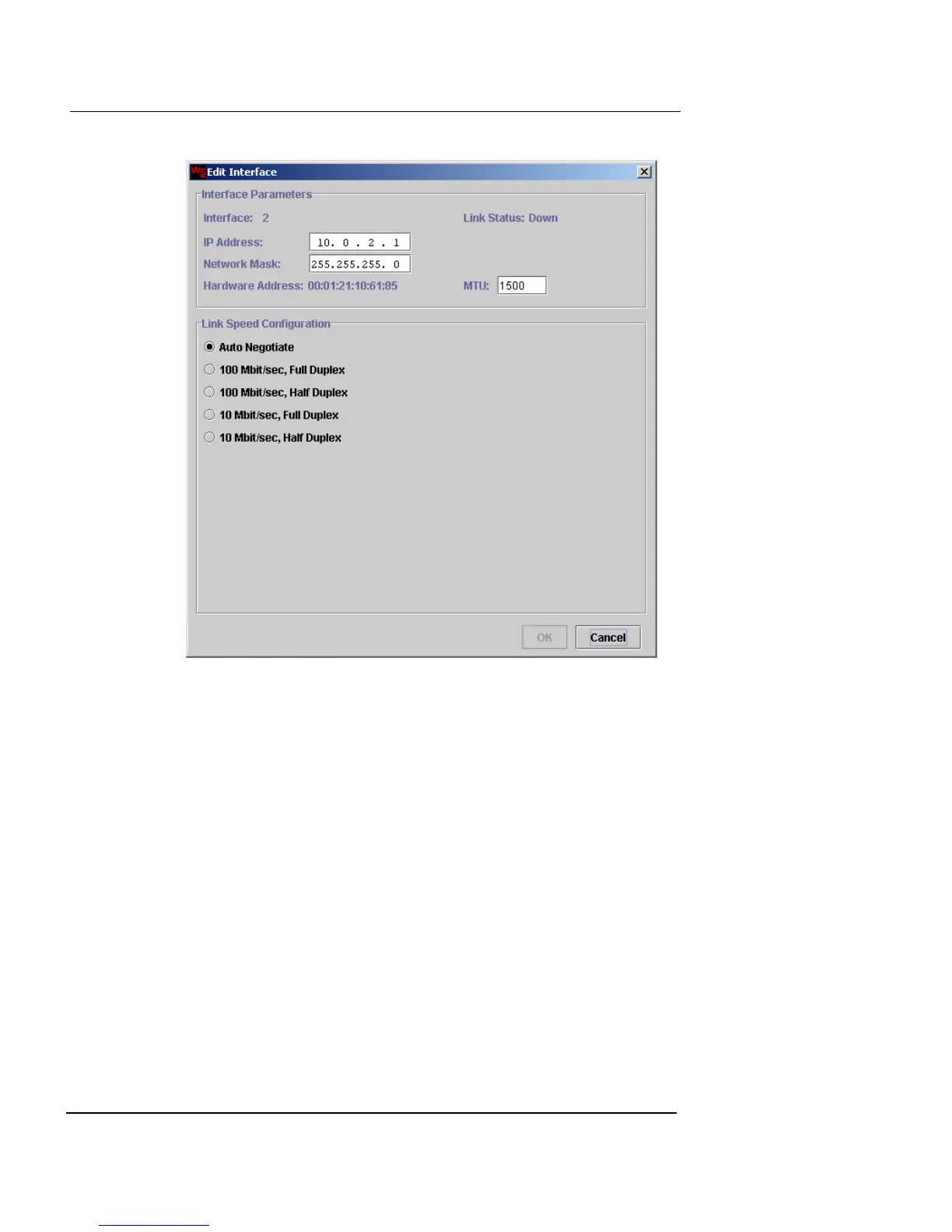
2 In the IP Address and Network Mask fields, type the
IP address and network mask.
The interface Hardware Address (MAC address) is displayed
beneath these fields.
3 In the MTU field, type a new size for the MTU if you
want to change it from the default size (1500 bytes).
4 Click the Link Speed Configuration option you want to
use for this interface. The default is Auto Negotiate.
Auto Negotiate is the only option available on the V100 and
V200 models.
5 Click OK to close the Edit Interface dialog box and
return to the Interface tab.













 To Next Page