Configuring Accounts
Firebox Vclass User Guide 151
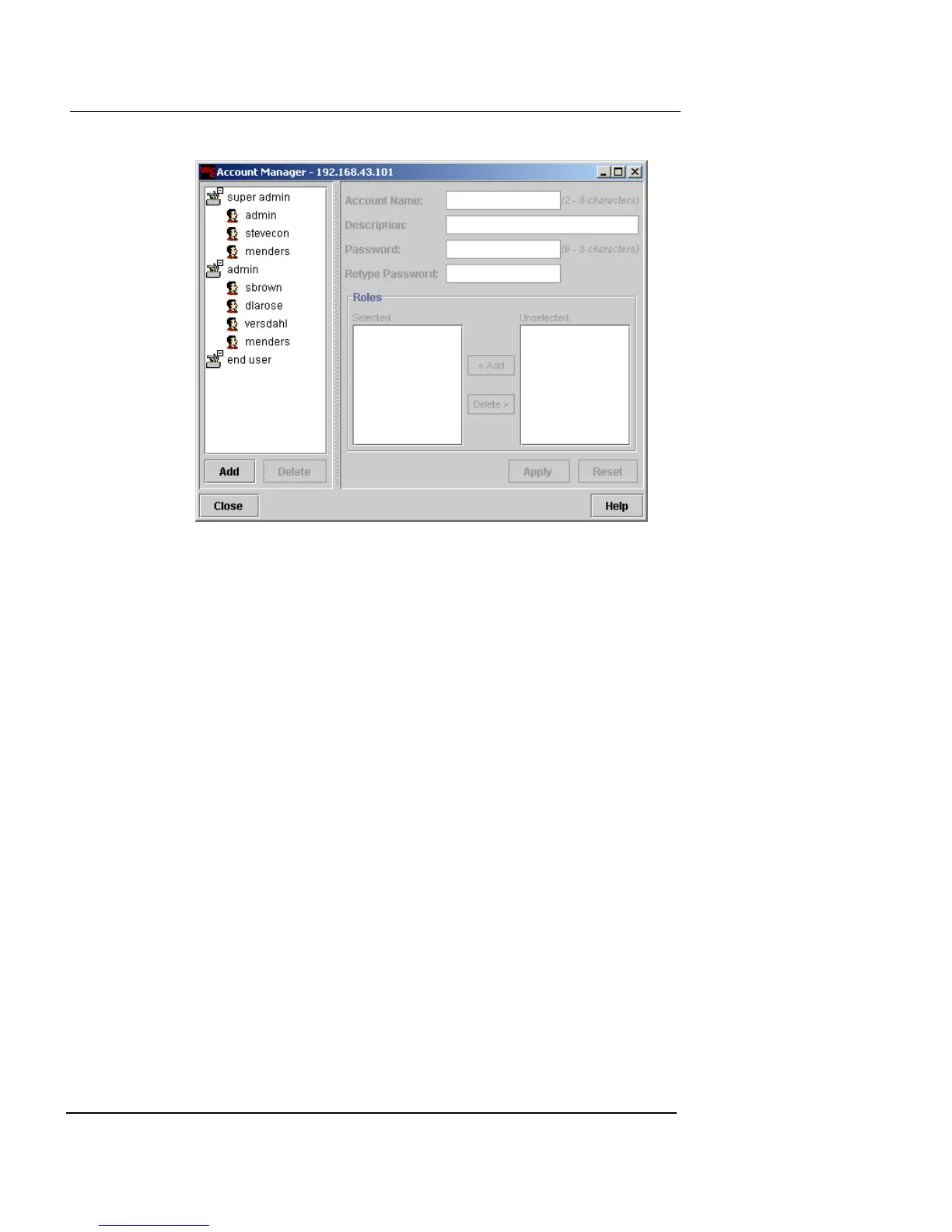
2 Click Add.
The account settings become active.
3 In the Account Name field, type an account name.
The account name must be between 2 and 8 characters.
4 In the Description field, type a brief description for the
account . This field is optional.
5 Type the appropriate password in the Password field.
The password must be between 6 and 20 characters.
6 Retype the password in the Retype Password field.
7 Select the appropriate role from those displayed in the
Unselected list. Click Add to move the role to the
Selected column.
8 Click Apply.
A new account entry appears below the appropriate user account
header on the left.













 To Next Page