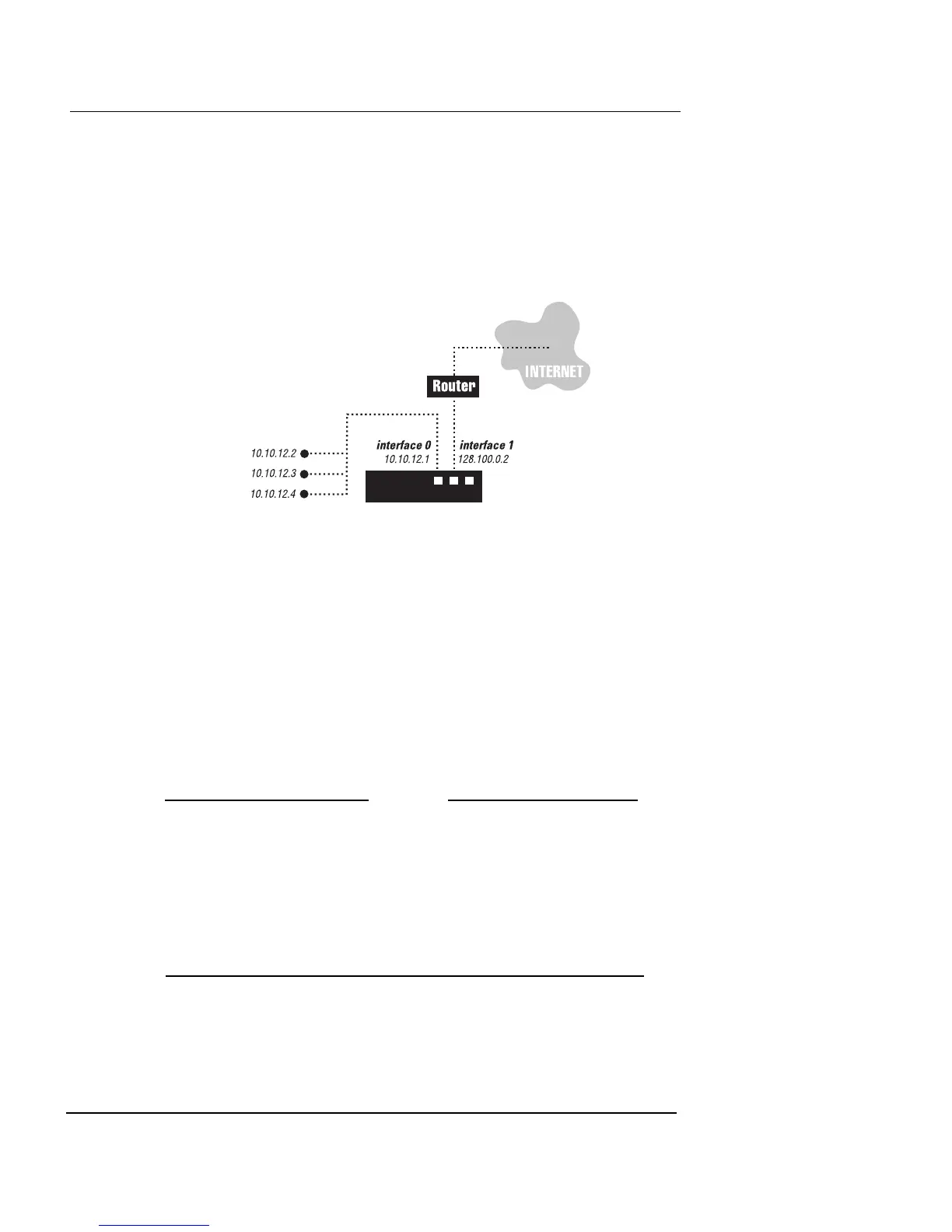
Firewall Policy Examples
Firebox Vclass User Guide 213
However, this company also wants to set the following
restrictions on how internal users access the Internet:
• No web surfing (HTTP traffic) during office hours
• Only Web services and email traffic are passed by the
Firebox Vclass appliance to the Internet
This example uses the firewall policies created in Example
1. Dynamic NAT provides Internet access for internal
users, while another policy protects the private network
from external users.
This network also requires two new policies. The first addi-
tional policy denies HTTP traffic from the private network
using a schedule such that the policy action takes effect
only from 9am to 5pm. The second new policy uses the
same traffic specifications but passes all HTTP traffic
(using dynamic NAT) without any schedule restrictions.
N
OTE
If you create a security policy that applies an action
according to a schedule, it is a good practice to create an
exact duplicate of that policy, with the opposite firewall
action without a schedule, that is listed immediately
following the scheduled policy. Having such a pair of policies
ensures that the same traffic is permitted after the specified
schedule expires.
1 Using the Insert Security Policy dialog box, set up the
following policies, one at a time.













 To Next Page