CHAPTER 10: Using Proxies
242 Vcontroller
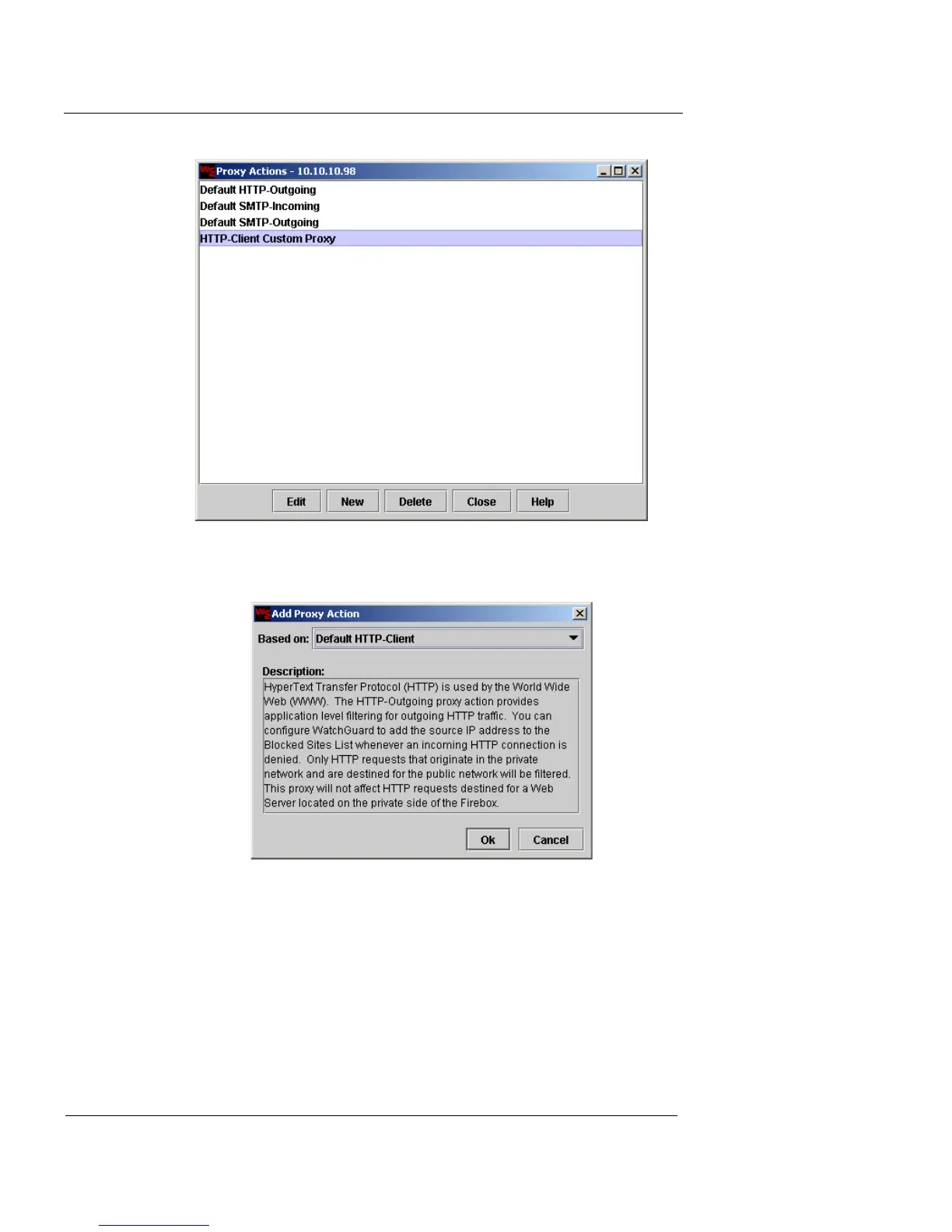
3 Click New.
The Add Proxy Action dialog appears.
4 Select an existing proxy action to use as the base for the
new proxy action from the Based On drop-down list.
Click OK. The proxy action Details window appears.
This window is different for each type of proxy. The following
figure shows the initial window for a new proxy action based on
the Default HTTP-Outgoing proxy action.













 To Next Page