Defining an IKE Policy
Firebox Vclass User Guide 311
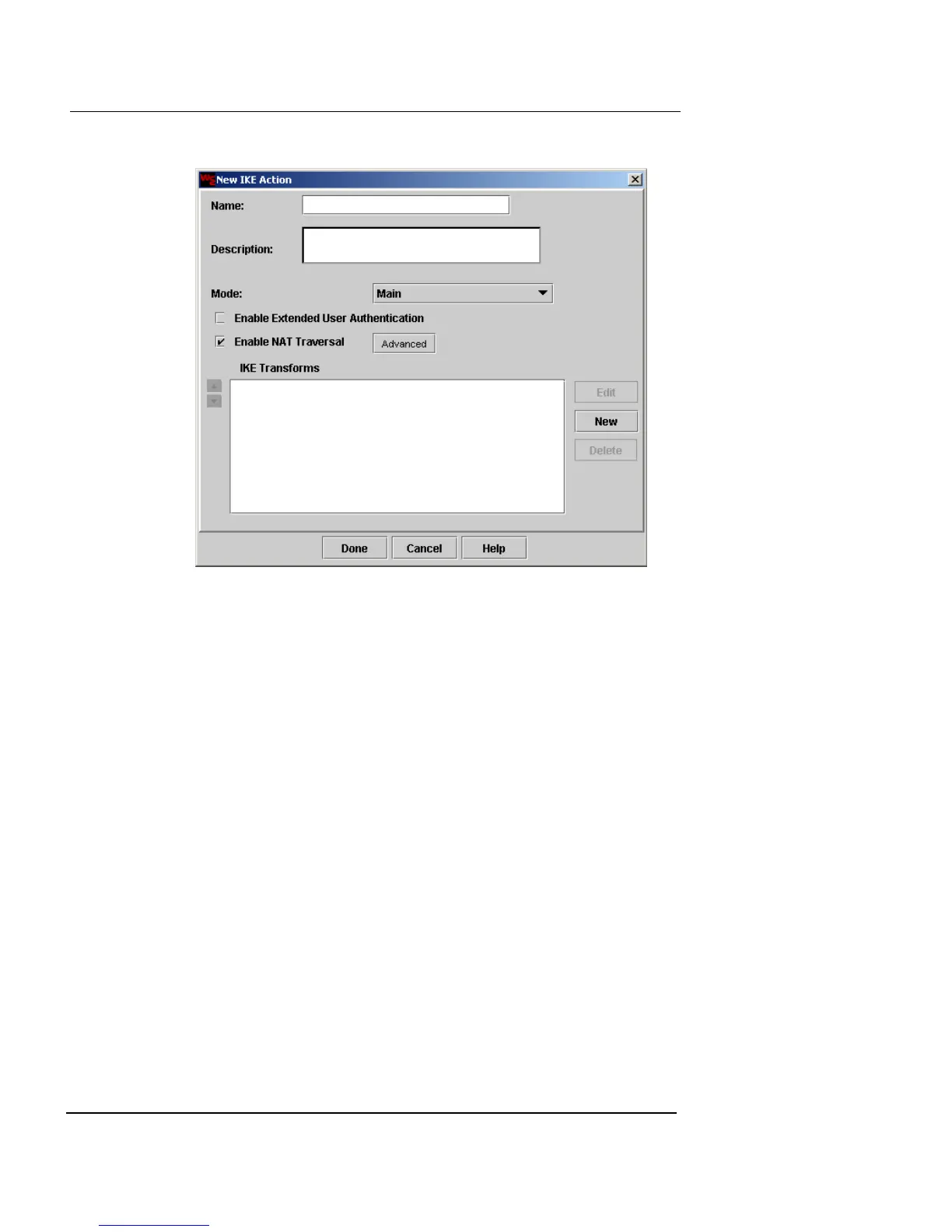
2 In the Name and Description fields, type a name and
brief description for the IKE action.
The Description field is optional.
3 From the Mode drop-down list, select one of these
options:
Main
A slower mode that provides greater security. This
is the recommended mode.
Aggressive
A faster, less secure mode. If you choose this mode,
you can include only one IKE transform.
4 Select the Enable NAT Traversal checkbox. NAT
Traversal is enabled by default.
For more information, see “NAT Traversal (UDP
Encapsulation)” on page 303.
5 If you want to change the NAT Traversal keep-alive
time, click Advanced.
The NAT Traversal Advanced Settings dialog box appears.













 To Next Page