Viewing the Logs
Firebox Vclass User Guide 381
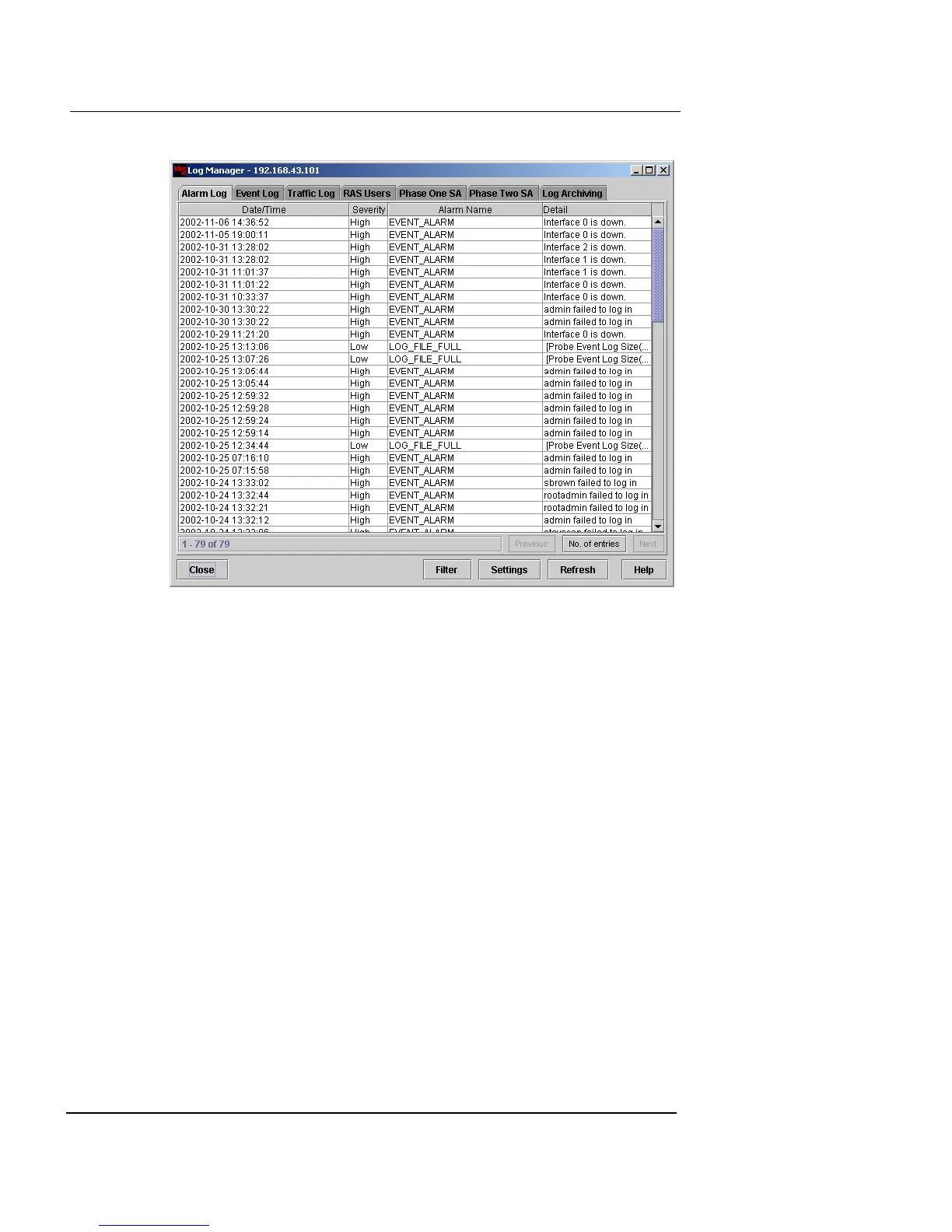
2 Click each tab to review the entries for that category.
3 If the log has more than 500 entries, as noted in the
status message in the lower-left corner, click Next to
download the next group of records.
4 Click Prev to display earlier listings.
5 To update the screen with the latest entries, click
Refresh.
6 To increase or decrease the number of entries
displayed, click Number of Entries in the lower-right
corner of this window.
A counter pop-up appears in the tab.













 To Next Page