CHAPTER 18: Using the Diagnostics/CLI Feature
416 Vcontroller
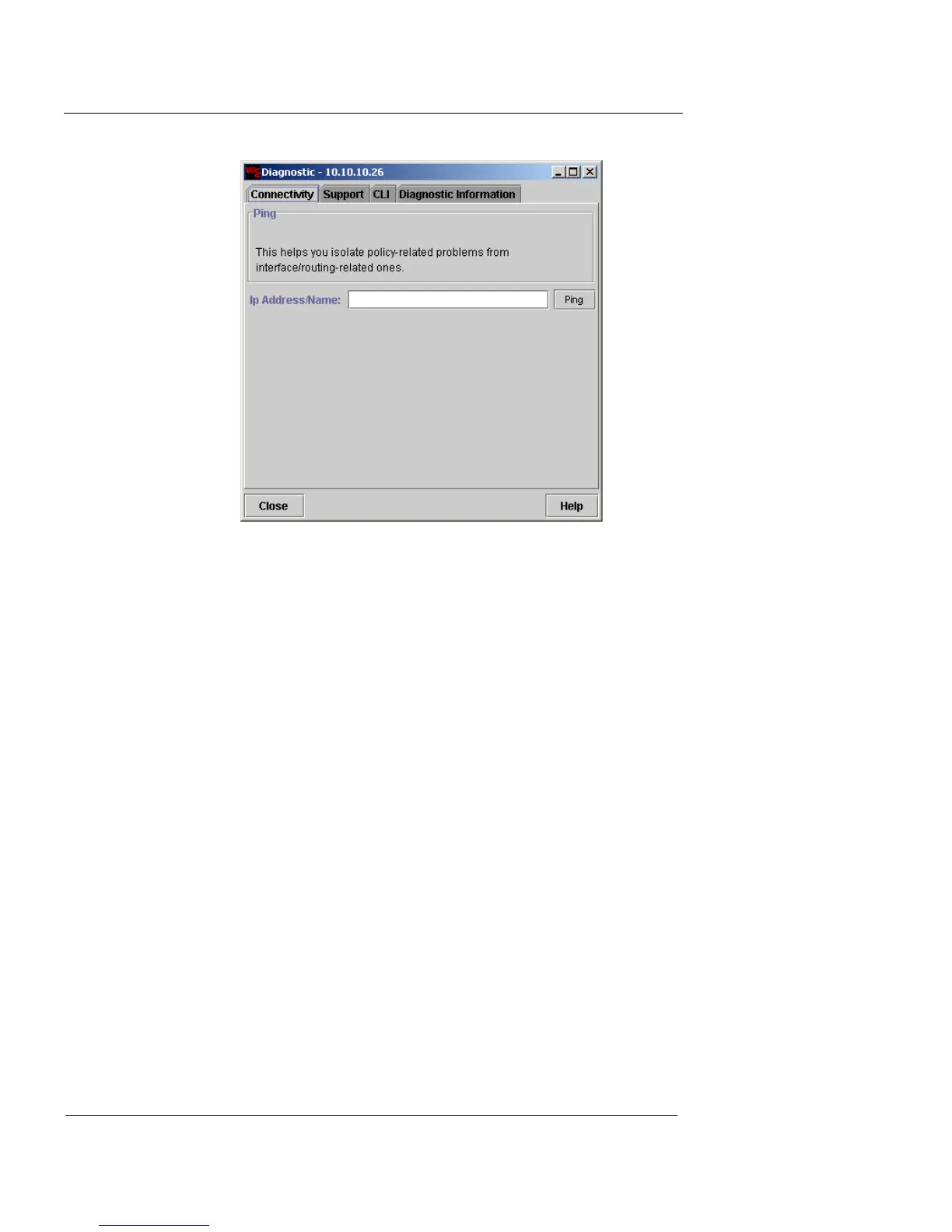
2 Click the Connectivity tab.
3 In the IP Address/Name field, type the IP address or
DNS host name.
4 Click Ping.
The Ping History table displays the result. This entry describes
the time of the test, the address you attempted to ping and the
result, either OK or Failed.













 To Next Page