Using Appliance Discovery
Firebox Vclass User Guide 33
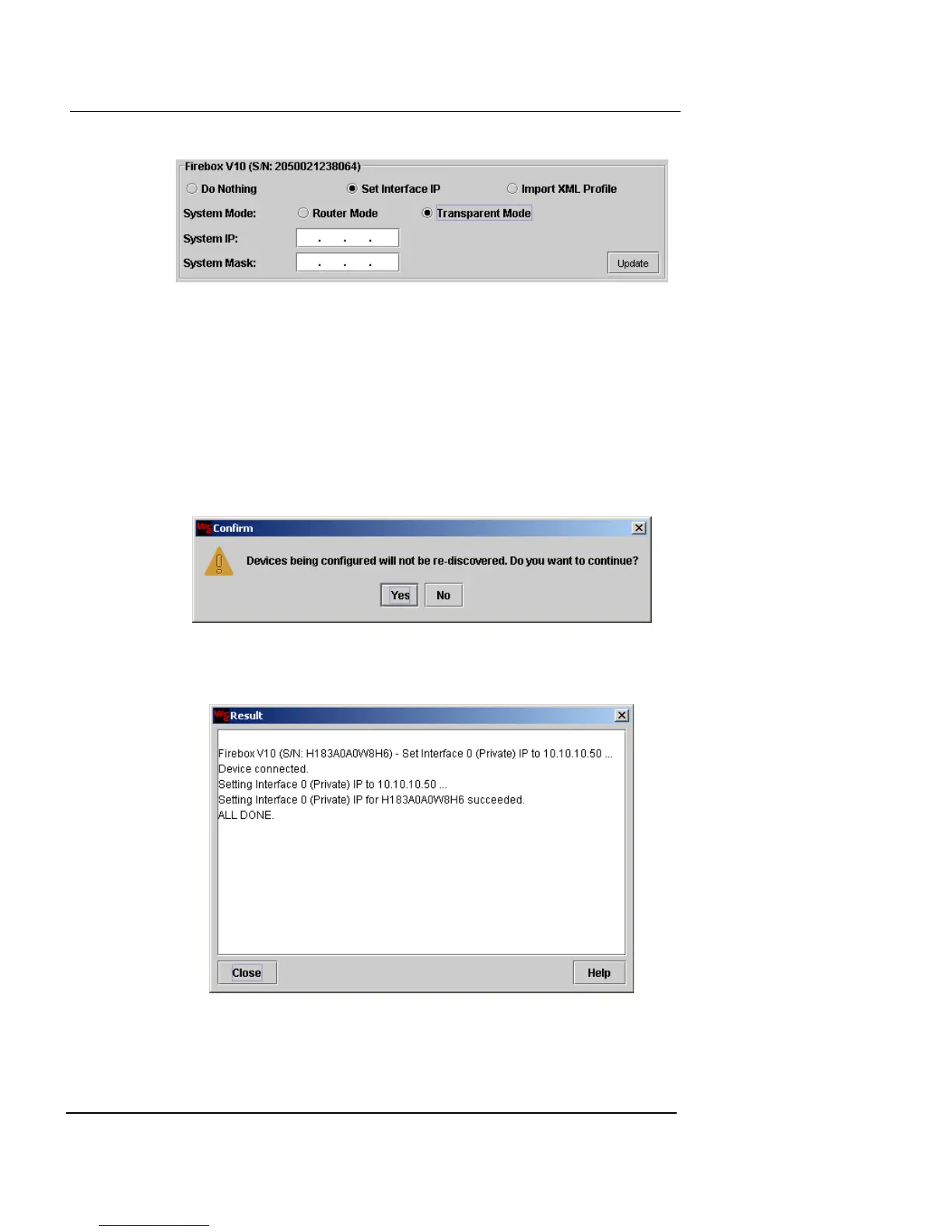
In the System Mask field, type the subnet mask for this
IP address.
6 Click Update.
If more than one appliance is listed in this window, you can set an
IP address for each appliance at this time, prior to clicking Apply
All.
7 If there are no more appliances to be set, click Apply
All.
A confirmation window appears.
8 Click Yes.
The Result window appears.













 To Next Page