July, 2007
3-27
WorkCentre 5020
Image Quality
Initial Issue
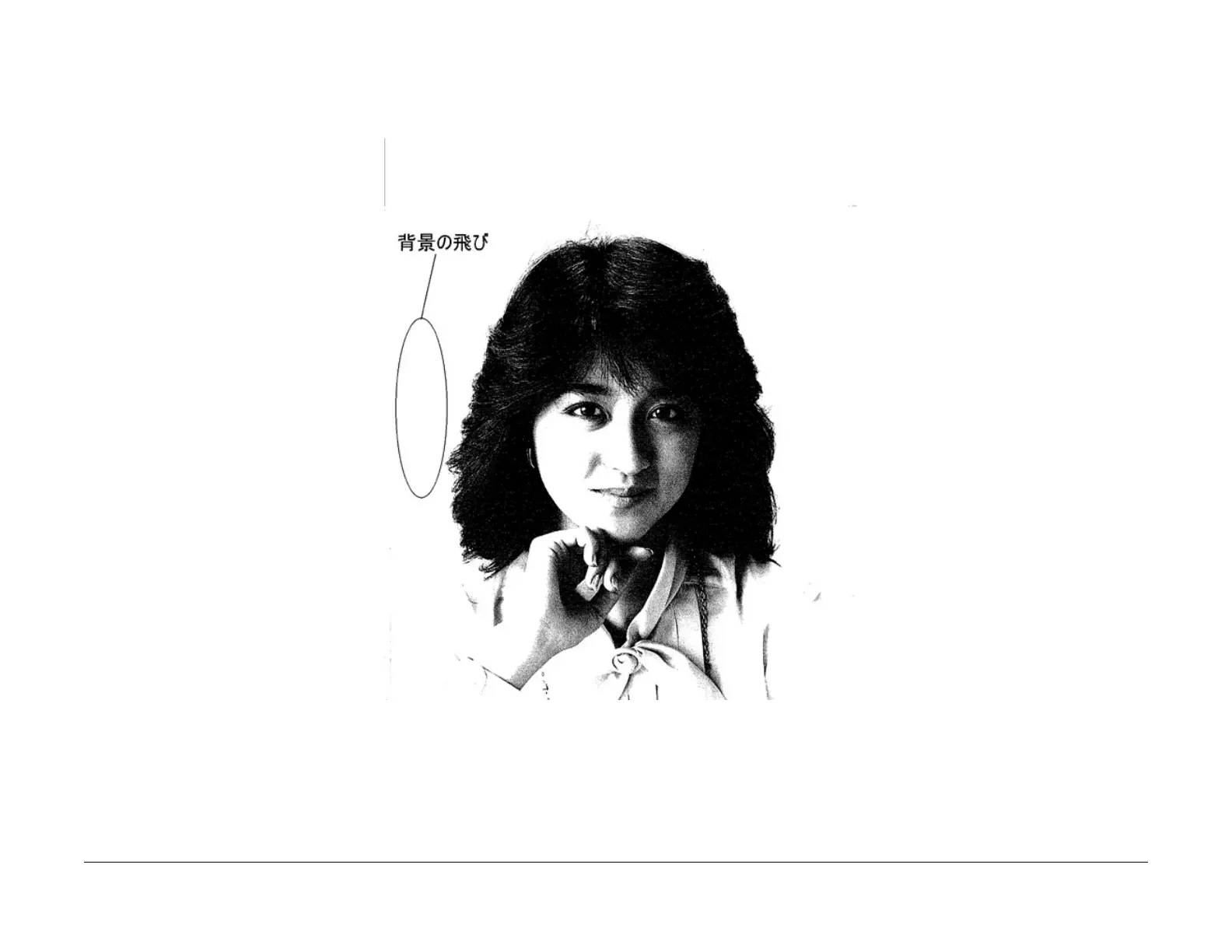
Light Background in Copies of Originals with Frames
When [Auto] is selected for originals with dark frames along the Lead Registration Edge, the
background suppression value is set so large that areas of medium density appear extremely
light.
Figure 10 Light Background in Copies of Originals with Frames
Cause
[Auto] performs background detection of images at a distance of up to 10mm from the Lead
Registration Edge. If there are dark frames along the Lead Registration Edge, Automatic Expo
-
sure cannot detect the original background density. Therefore, Background Suppression is cal-
culated based on the density of the frames.
Action
Select [Off] for [Auto].



 To Next Page
 Loading...







