1.
a.
b.
c.
d.
e.
f.
All accesses – e-mail shall be sent whenever any RFID card is tapped on
the card reader and/or Bluetooth/fingerprint reader identification is made.
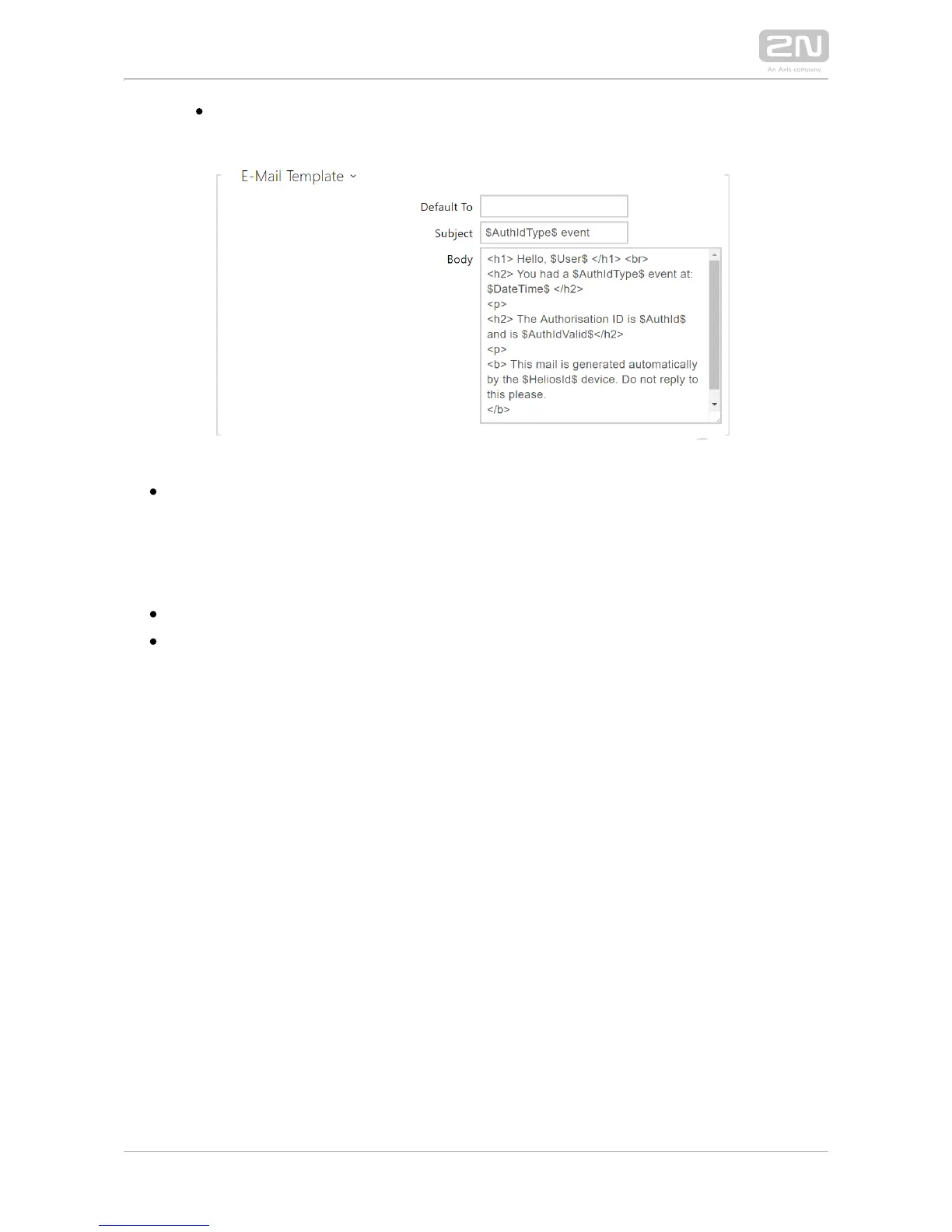
Default to – the intercom sends messages to the e-mail address specified for the
user when a valid user card is applied. When an invalid card is applied or no e-
mail address is assigned to the user, the message shall be sent the e-mail
address included here. If the receiver is included neither in the phone book nor in
this parameter, no e-mail shall be sent. You can set more e-mail addresses
separated with a comma if necessary.
Subject – set the e-mail subject to be sent.
Body – edit the text to be sent. Use the HTML formatting marks in the text. You
can insert special symbols substituting the username, date and time, intercom
/card identification, Bluetooth/fingerprint identifier and identifier validity for
information. These symbols will be replaced with the actual value before
sending. Refer to the table of substitute symbols below:
$User$ Called username
$DateTime$ Current date and time
$AuthId$ User authentication ID
$HeliosId$ Intercom identification
$AuthIdType$ Authentication type – define the identifier source (Card,
Bluetooth or Fingerprint)
$AuthIdValid$ Identifier validity – valid for a valid identifier, Invalid for an
invalid identifier
An extended syntax can be used for the $AuthIdType$ and $AuthIdValid$
placeholders to replace the values in different languages.
If the placeholder value is not found in the string, the value is used directly.



 To Next Page