Chapter 6 How to Operate Sampling Scope
6-6
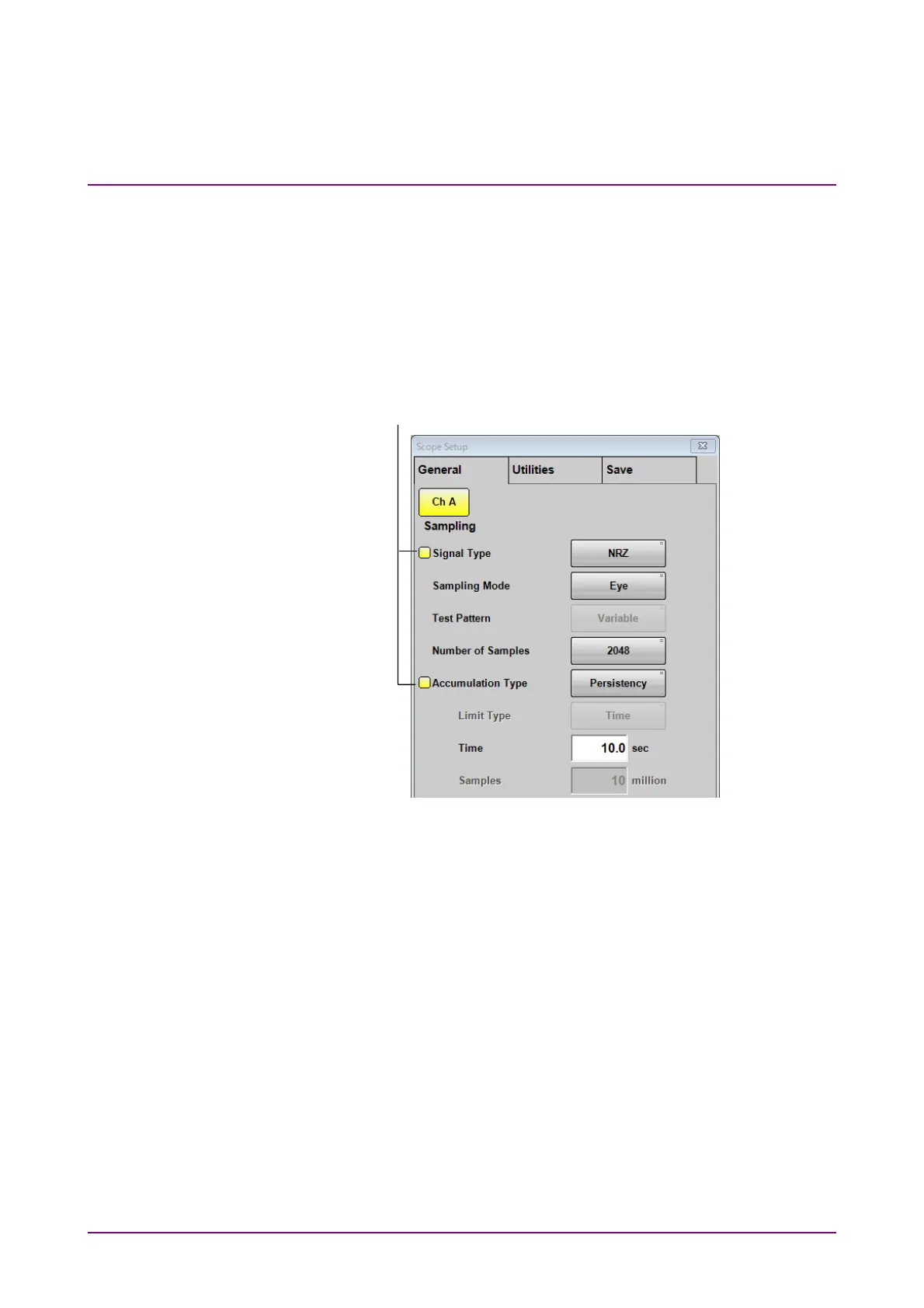
When Control Ch is set to Single, the buttons in the following dialog boxes
and effective only for the active channel are also indicated by the same
color as the active channel.
Setup Dialog Box
Measure Dialog Box
Amplitude, O/E Dialog Box
Time, CRU Dialog Box
Figure 6.2.1-4 How Setting Items Look When Control Ch is Set to Single
Even if Control Ch is set to All, the items indicated by the active channel
color can be set separately.
Note:
If the following items do not match among channels, “* The setting
of each channel is different” is displayed.
● Accumulation Type on the General tab
● Input Connector (Wavelength) on the O/E tab
● Filter on the O/E tab
Items set only for the active channel are
indicated by the color of the active channel.














 To Next Page