Chapter 6 How to Operate Sampling Scope
6-36
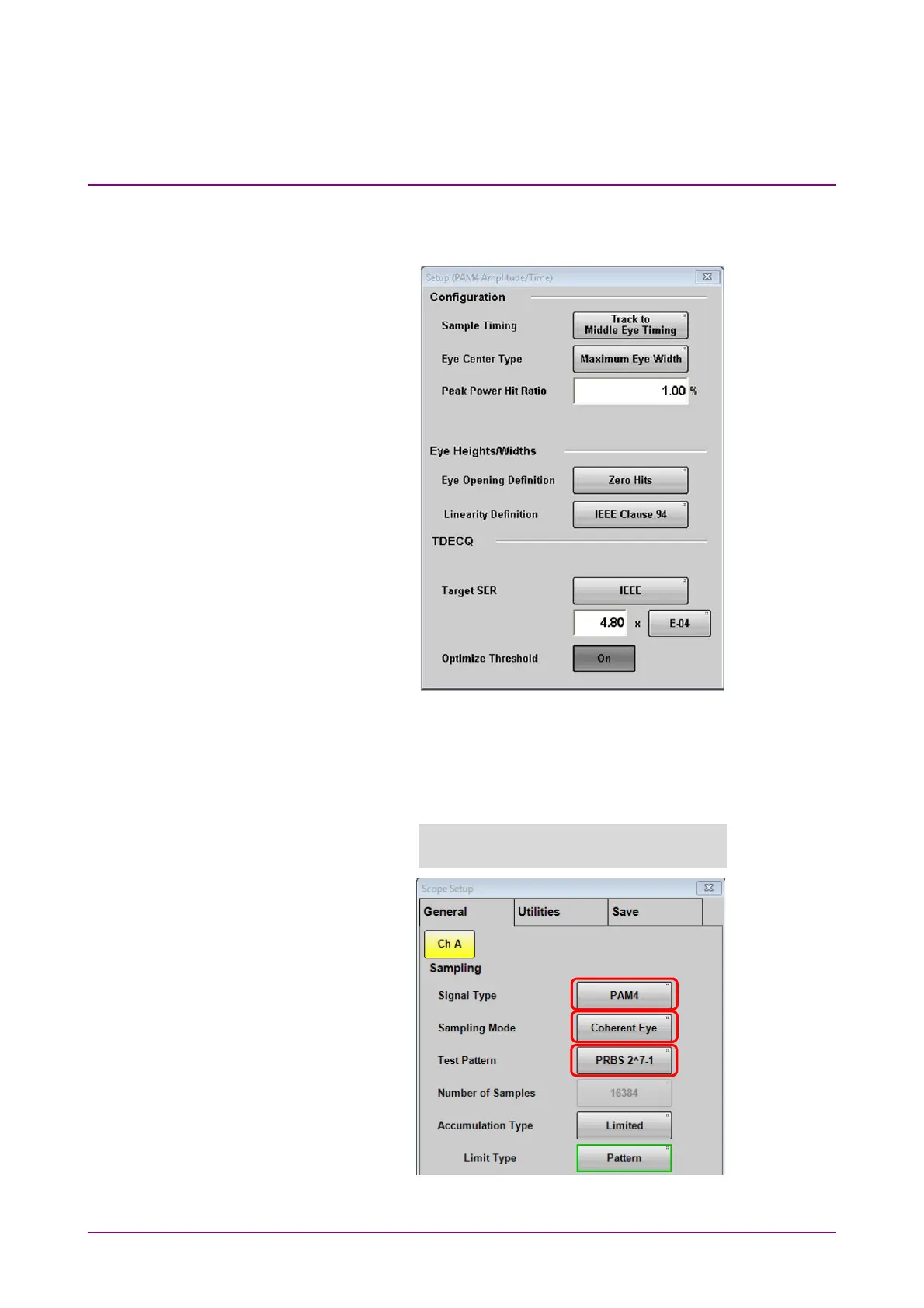
Clicking PAM4 at Measure Setup displays the Setup (PAM4
Amplitude/Time) dialog box.
Figure 6.2.4-4 Setup (PAM4 Amplitude/Time) Dialog Box
The TDECQ equalizer is set on the Measure Dialog Box – Equalizer Tab
shown in Figure 6.2.4-9. When you see the following message, check the
settings on the General tab of the Setup dialog box.
Figure 6.2.4-5 General Tab Settings for Measuring TDECQ
TDECQ settings can be selected only
when set PAM4, Coherent Eye and Pattern.














 To Next Page