6.2 Explanation of Windows
6-39
6
How to Operate Sampling Scope
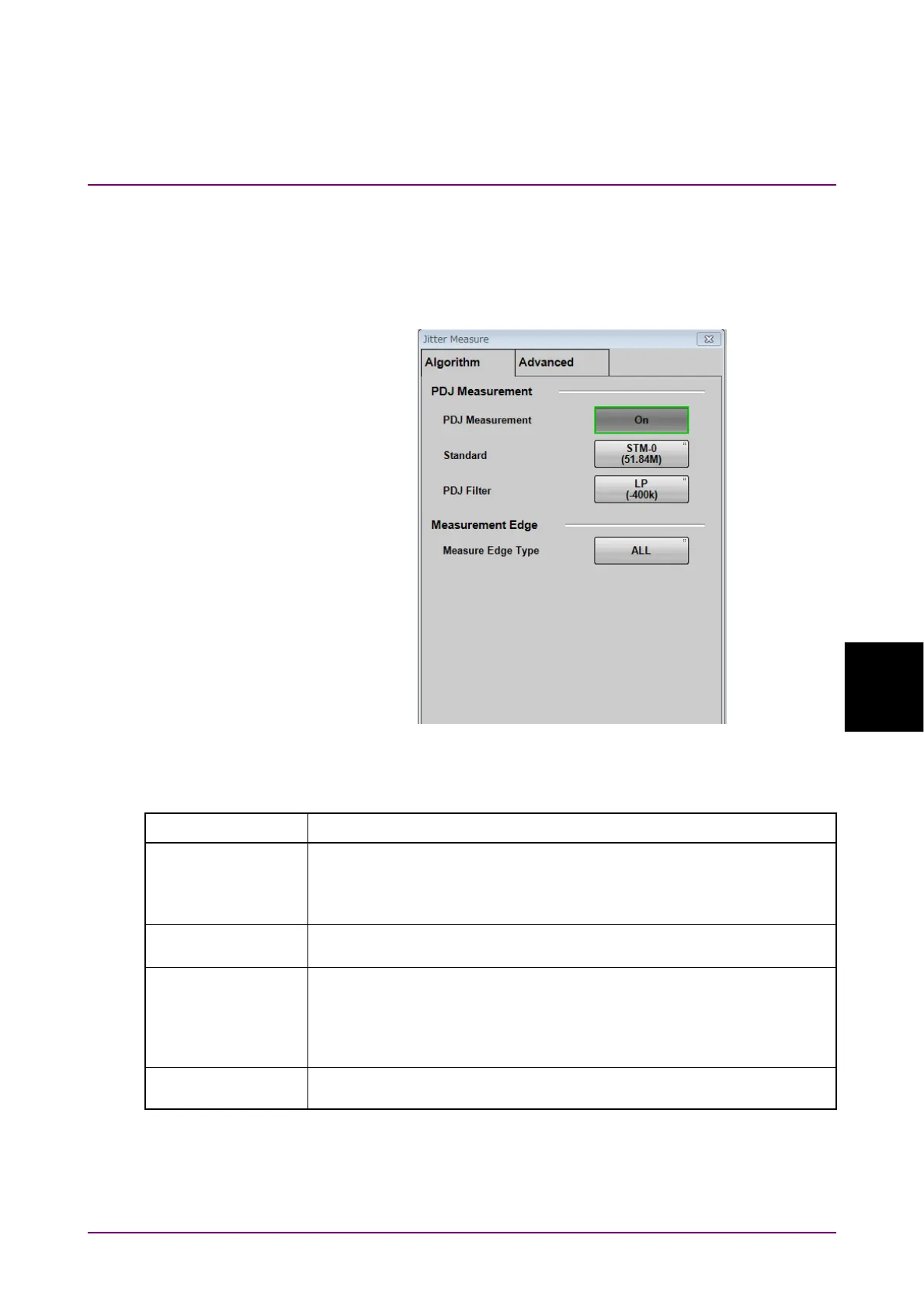
Jitter Measure Dialog Box
Clicking Jitter at Measure Setup displays the Jitter Measure dialog box.
If Sampling in the Setup dialog box is Advanced Jitter, the Algorithm tab
and Advanced tab are displayed in the Jitter Measure dialog box.
Figure 6.2.4-7 Jitter Measure Dialog Box - Algorithm Tab
Table 6.2.4-4 Items of Jitter Measure Dialog Box - Algorithm Tab
Item Description
PDJ Measurement Sets execution of PDJ measurement. PDJ (Pattern Dependent Jitter) is
jitter measured by applying a band-pass filter to DDJ.
ON: Displays PDJ vs Bit graph.
OFF: Displays DDJ vs Bit graph.
Standard Specify the standard used for PDJ measurement from the following.
STM-0, STM-1, STM-4, STM-16, STM-64, STM-256
PDJ Filter Set the combination of filters to be used for PDJ measurement from the
following:
LP, HP0+LP, HP1+LP, HP1'+LP, HP2+LP, HP+LP, HP'+LP, LP',
HP0+LP'
Table 6.2.4-5 shows the filter name and frequency range.
Measurement Edge
Type
Set edge detection method of pattern data from All, Falling or Rising.
The name you set will be displayed in the graph.














 To Next Page