6.9 Measuring Waveform
6-121
6
How to Operate Sampling Scope
When saving the measurement screen:
1. Click Setup.
2. Click Save.
3. To save the waveform as a color image, select Color Grade at
Waveform Color .
To save the waveform as a monochrome image, select Gray Scale at
Waveform Color.
4. To save both waveform and measurement results as an image, switch
the option for Waveforms only to Off.
To save only the waveform as an image, switch the option for
Waveforms only to On.
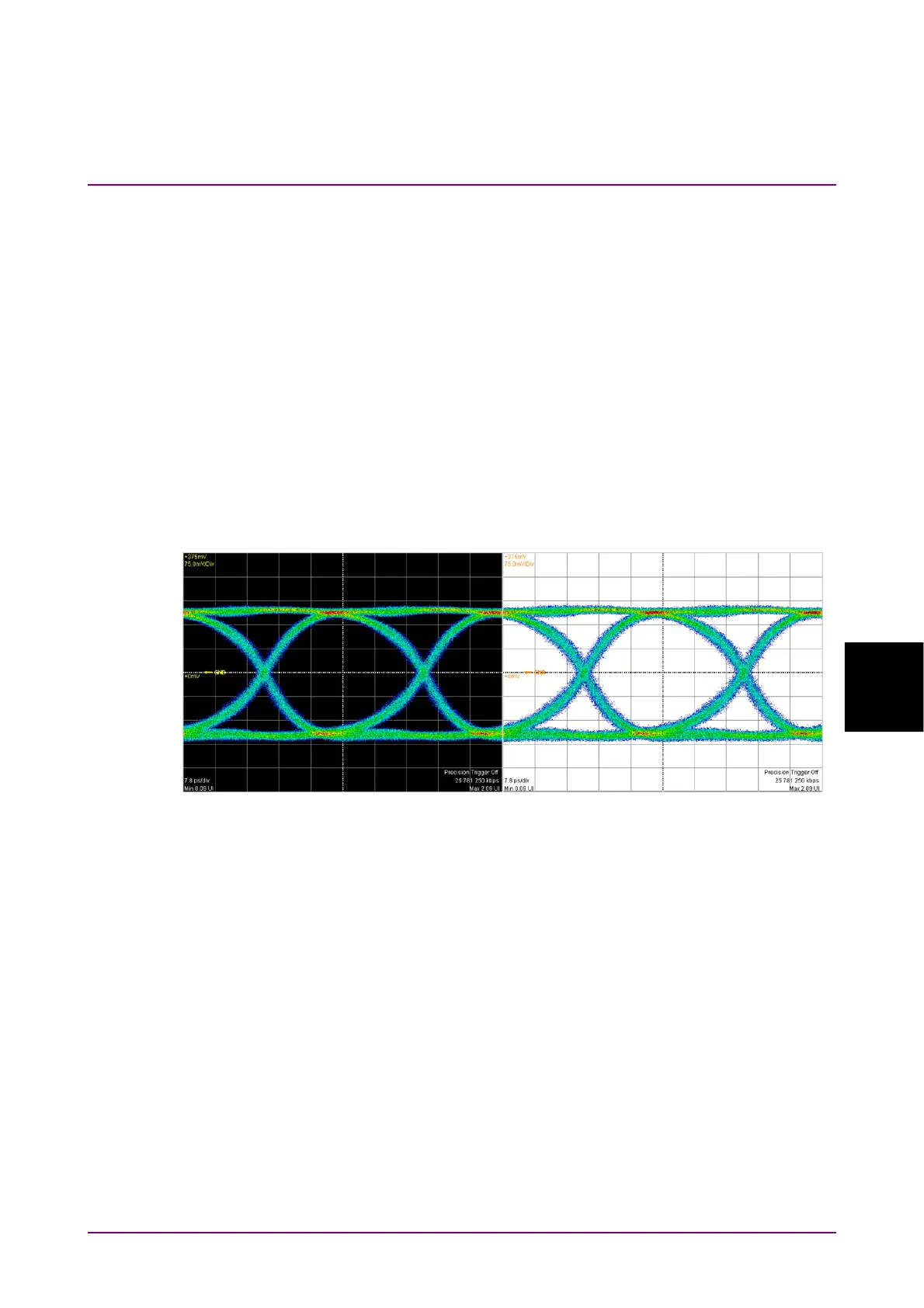
5. To save a screenshot using monitor color, set Inverse background
color to Off.
To reverse the screen color, set Inverse background color to On.
6. Click Capture. The file selection screen same as the entire screen to
be saved is displayed.
7. Set the file format, folder and file name and click OK.
8. The image png file is saved in the following path when the folder is
set to the default.
C:\Users\Public\Documents\Anritsu\MX210000A\UserData\Screen
Copy
Inverse Off Inverse On














 To Next Page