Chapter 3 Auxiliary Operations
HA-8190V 3-40
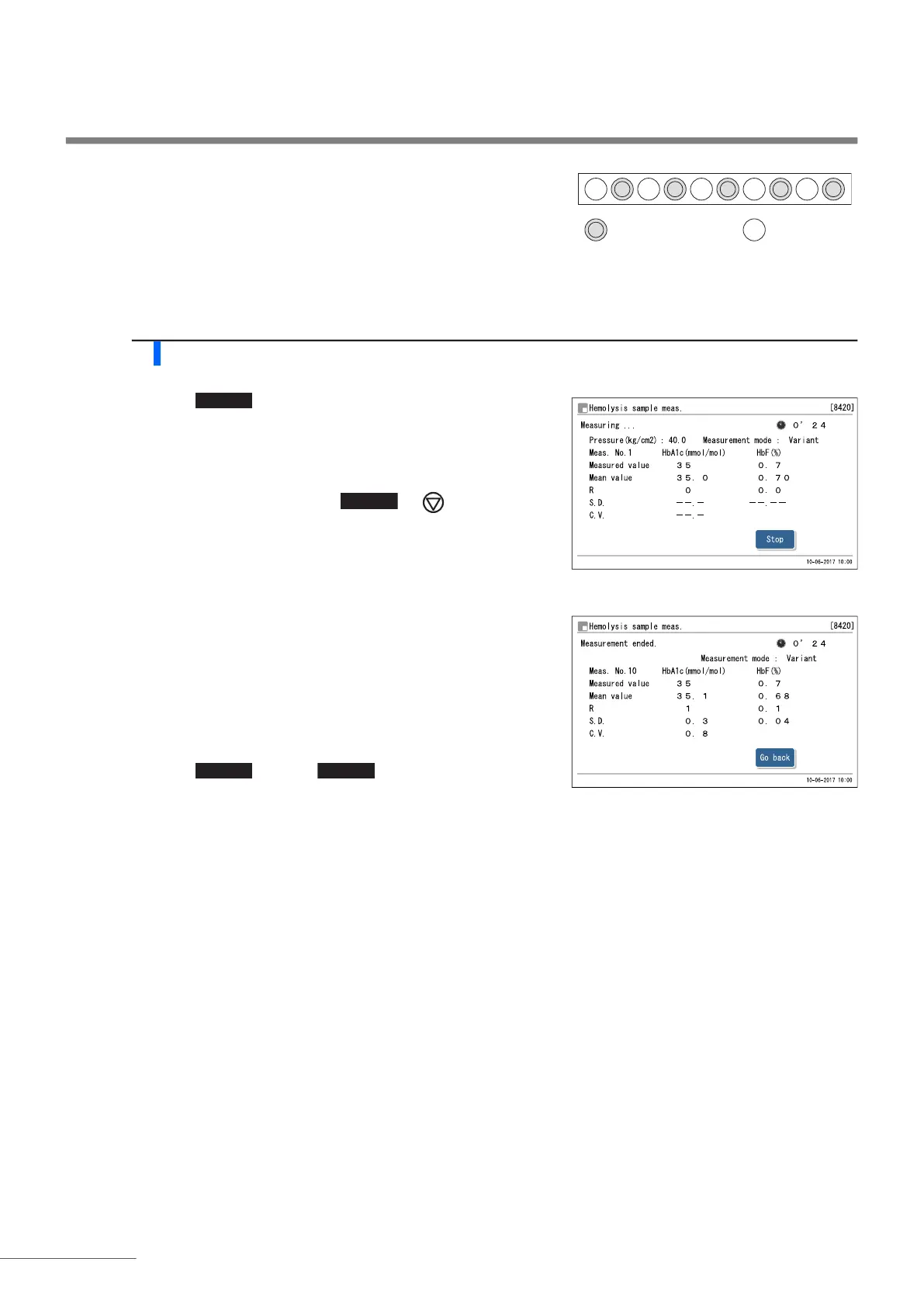
For sample cups:
Odd-numbered ports: Empty
Even-numbered ports: Sample cup
d Load the hemolysis control rack onto the sampler.
2 Measure the samples.
a Touch .
• Measurement will start.
• A result will be displayed for each measurement.
If “Measurement ended.” appears:
The most recent result will appear on the display.
If an error or trouble message appears:
Trouble was detected. See the relevant page in “Chapter 5
Troubleshooting” to take the appropriate action.
b Touch and then to return to the standby
screen.
c Check that the hemolysis control rack is not moving, and remove the rack from the rack unloading side of the
sampler.
Sample cup with
hemolysis sample
Empty
12345678910
REFERENCE:
To stop measurement, touch or .








 To Next Page