3.5 Measurement Conditions
HA-8190V 3-13
3.5 Measurement Conditions
3.5.1 Setting the User-specified Coefficients
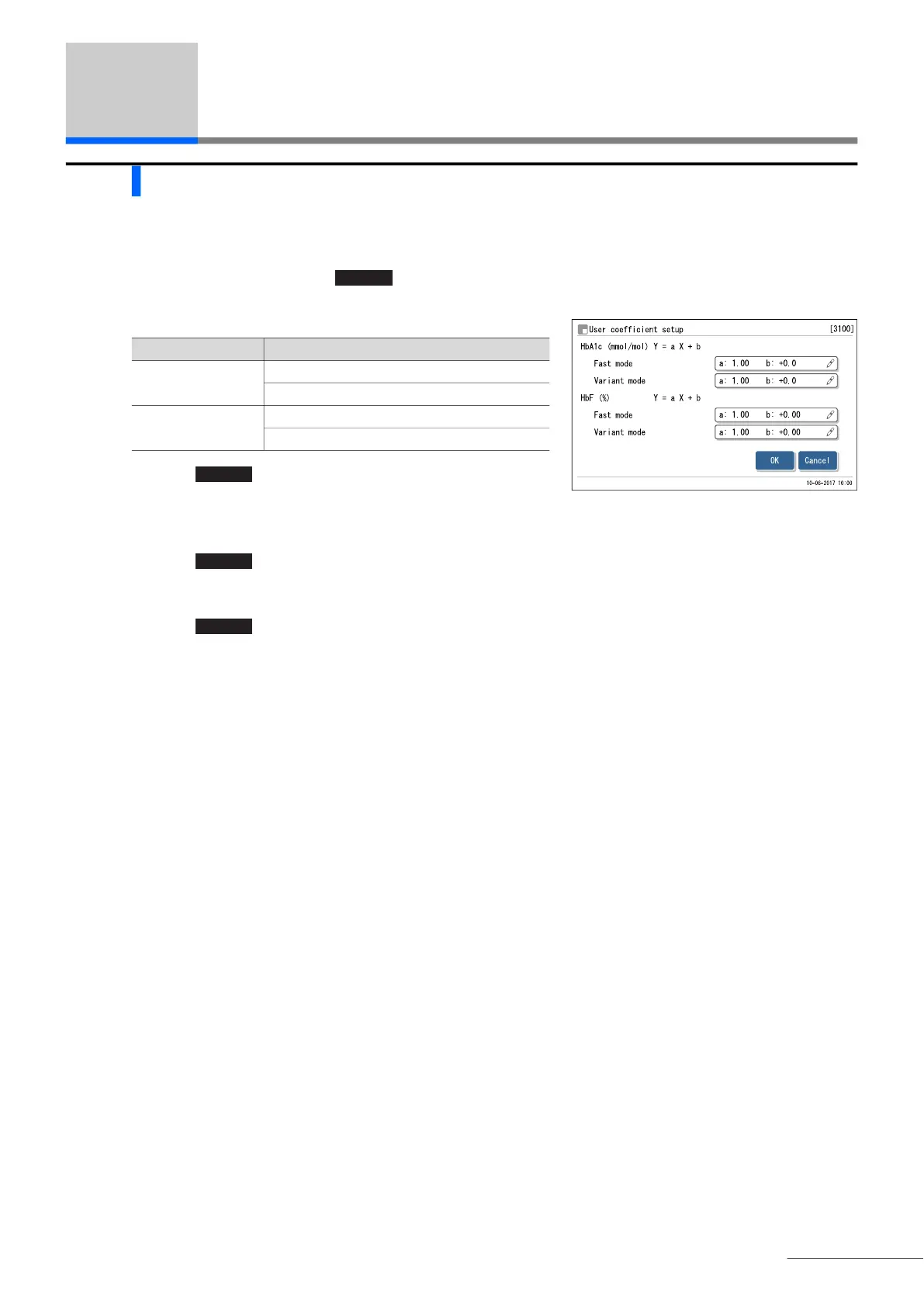
Set coefficients “a” and “b” of the correction formula for HbA1c and HbF, “Y=aX+b”.
a On the standby screen, touch , <3. Meas. condition menu> and <1. User coefficient setup> in that order.
b Enter coefficients.
c Touch .
• The message “Settings changed. Save setting changes?” will
appear.
d Touch .
• This saves your entries and will return you to the [Meas. condition menu] screen.
e Touch to return to the standby screen.
MENU
Setup item Description (default bolded)
HbA1c (mmol/mol) a: 0.01 to 1.50 (1.00)
b: -50.0 to 50.0 (0.0)
HbF (%) a: 0.01 to 3.00 (1.00)
b: -5.00 to 5.00 (0.00)
OK








 To Next Page