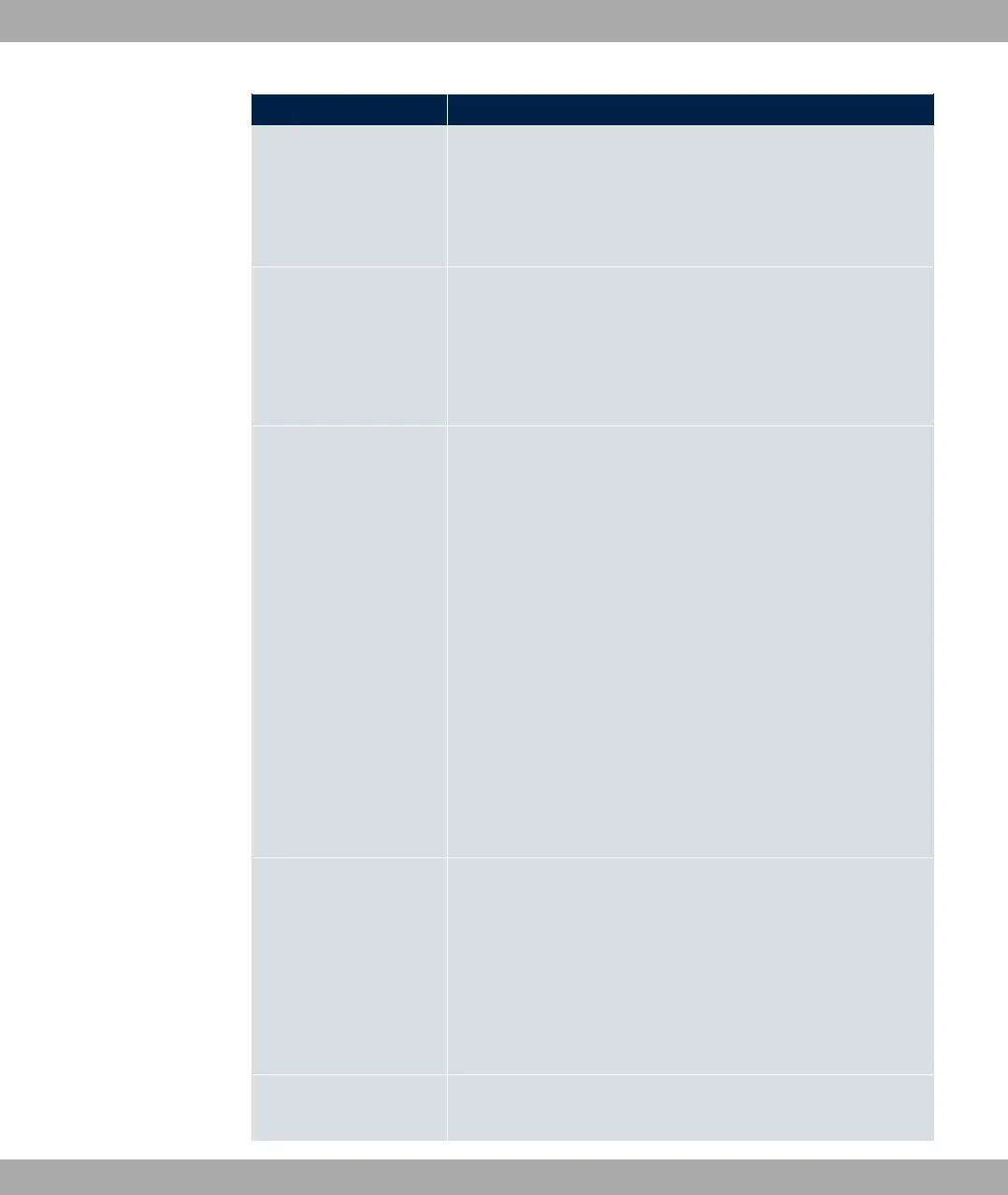
Field Description
Possible values:
• < 1 $? (default value): The Link Prefix is
derived from a General Prefix.
• %: You can enter the link prefix.
General Prefix
Only for Setup Mode = < 1 $?
Select the General Prefix the Link Prefix is to be derived from.
You can choose from the General Prefixes available under Net-
work->IPv6 General Prefixes->General Prefix Configuration-
>New.
Auto Subnet Configur-
ation
Only if Setup Mode = < 1 $? and if a Gener-
al Prefix has been selected.
Select if the subnet is to be created automatically. Automatic
subnet creation will use ID for the first subnet, ID for the
second, etc.
Possible values for the sub net ID are: - &.
The subnet ID describes the fourth of the four 16 bit fields of a
Link Prefix. Upon subnet creation the decimal ID value is con-
verted to a hexadecimal one.
The function is activated by selecting "1 .
The function is enabled by default.
If the function is disabled, you can define a subnet by entering a
Subnet ID.
Subnet ID
Only if Auto Subnet Configuration is not active.
Enter a Subnet ID in order to define a subnet. The subnet ID de-
scribes the fourth of the four 16 bit fields of a Link Prefix.
Possible values are - &.
Upon subnet creation the decimal ID value is converted to a
hexadecimal one.
Link Prefix
Only for Setup Mode = %
7 LAN bintec elmeg GmbH
142 bintec RS Series



 To Next Page