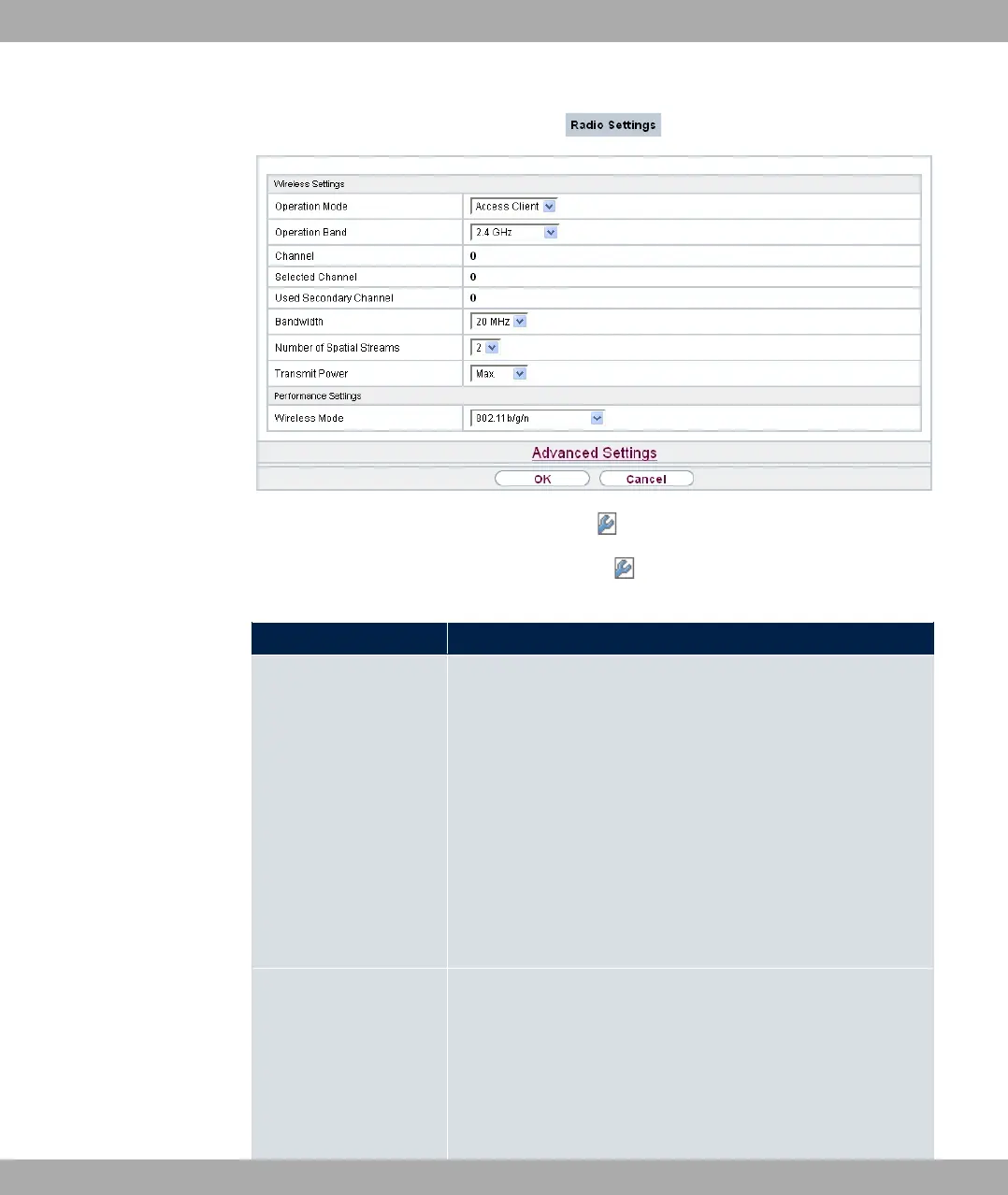
Fig. 64: Wireless LAN WLAN Radio Settings for Operation Mode 3%% 61
The Wireless LAN->WLAN->Radio Settings-> menu consists of the following fields:
Fields in the menu Wireless Settings
Field Description
Operation Mode
Define the mode in which the wireless module of your device is
to operate.
Possible values:
• -$$ (default value): The wireless module is not active.
• 3%% / :# 09 ': Your device is
used as an access point in your network.
• 3%% 61: Your device serves as an Access Client in
your network.
• :# 09 61: Your device is used as a wireless
bridge link in your network.
Operation Band Select the operation band and, where applicable, the usage
area of the wireless module.
For Operation Mode = 3%% / :# 09
' or :# 09 61
Possible values:
8 Wireless LAN bintec elmeg GmbH
154 bintec RS Series



 To Next Page