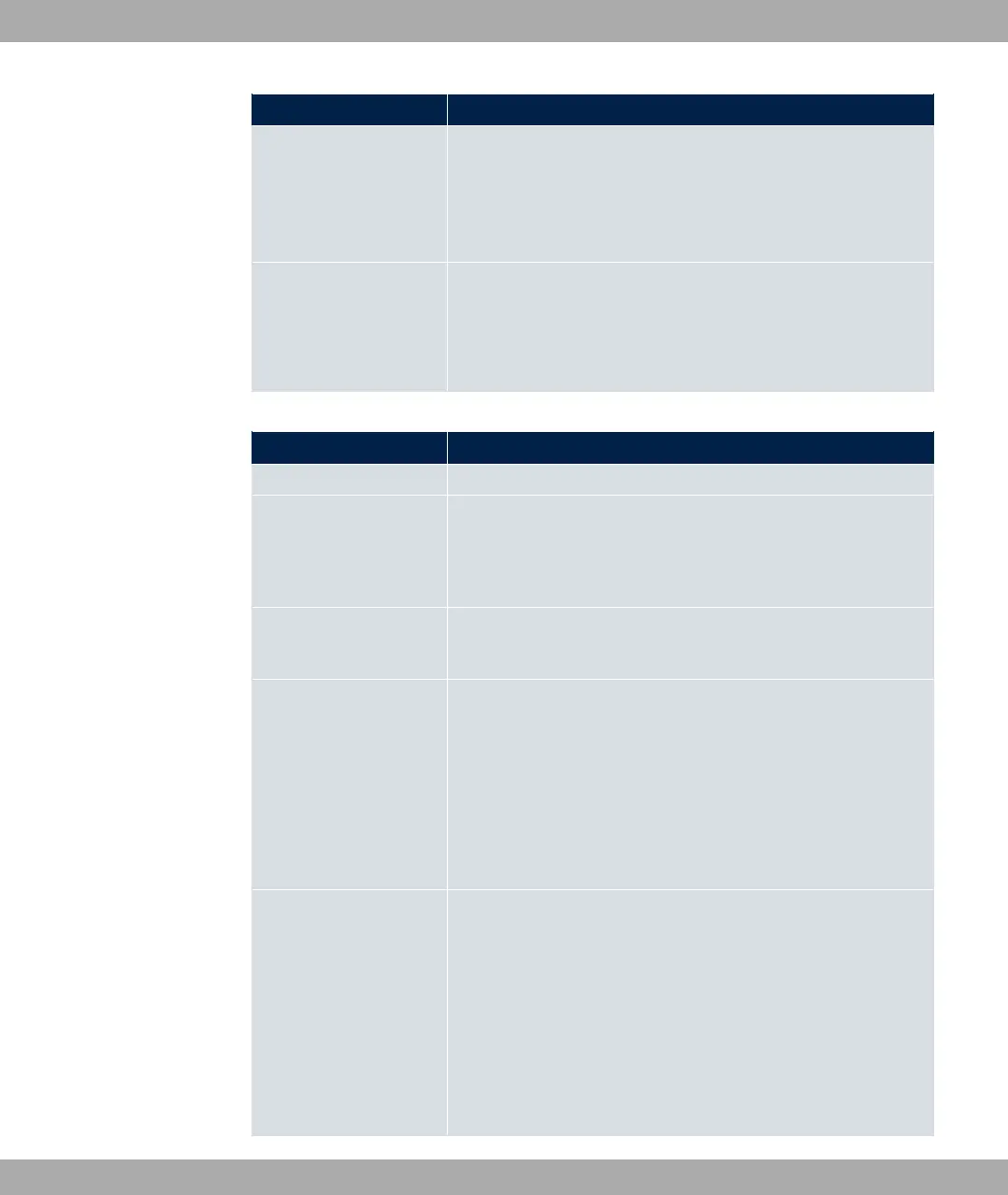
Field Description
Gateway IP Address
Only for Route Type = 5$1 A 7(, @
A 7( or )79 A 7(
Enter the IP address of the gateway to which your device is to
forward the IP packets.
Metric Select the priority of the route.
The lower the value, the higher the priority of the route.
Value range from to . The default value is .
Fields in the menu Extended Route Parameters
Field Description
Description Enter a description for the IP route.
Source Interface Select the interface over which the data packets are to reach
the device.
The default value is ).
Source IP Address/
Netmask
Enter the IP address and netmask of the source host or source
network.
Layer 4 Protocol Select a protocol.
Possible values: 3@, 3( ,
, A,
6', ', 0*, -<, ', *6, .5.
The default value is 3(.
Source Port Only for Layer 4 Protocol = *6 or .5
Enter the source port.
First select the port number range.
Possible values:
• 3( (default value): The route is valid for all port numbers.
• #1: Enables the entry of a port number.
10 Networking bintec elmeg GmbH
228 bintec RS Series



 To Next Page