10.5.1.1 New
Choose the New button to define more IP filters.
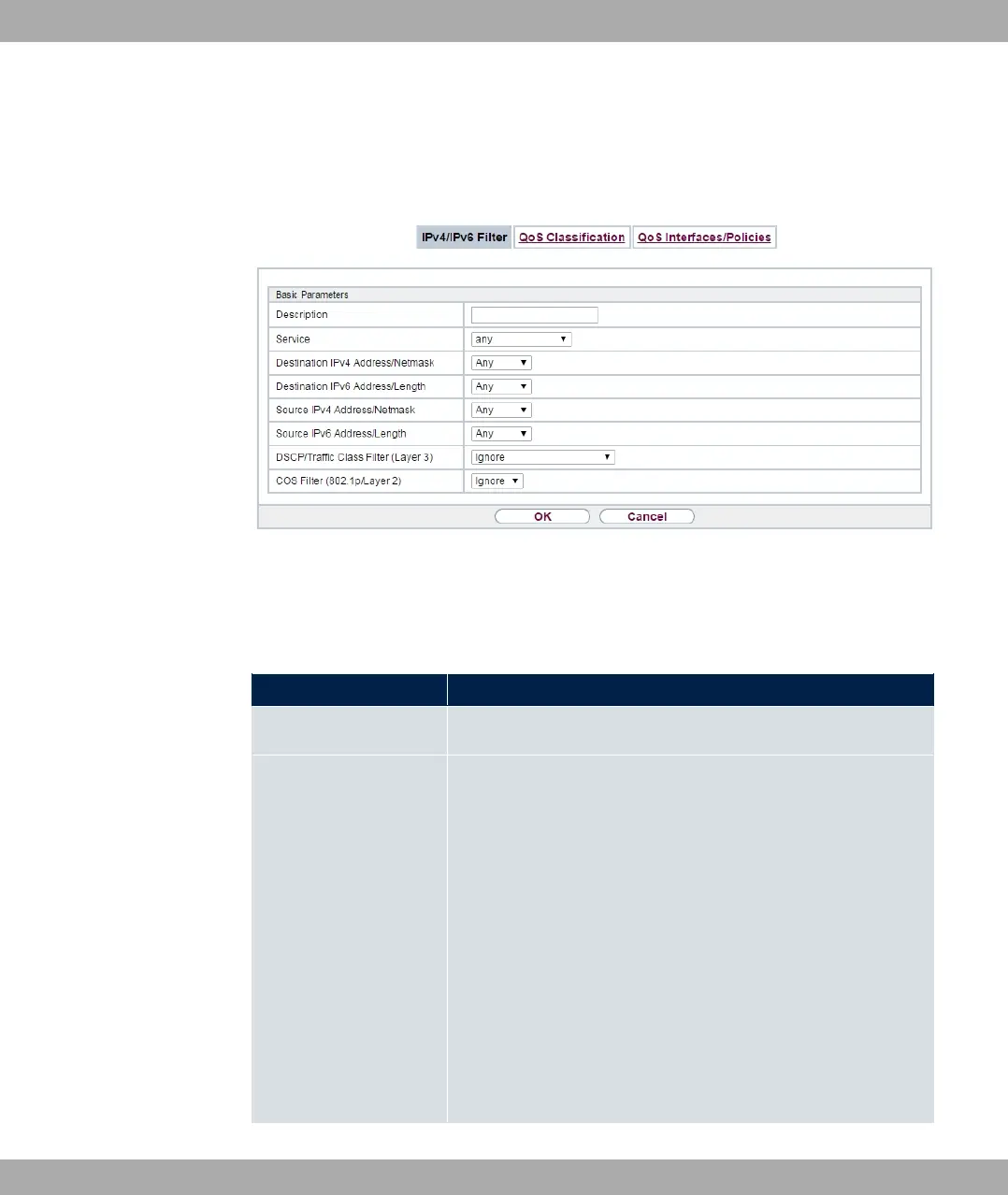
Fig. 104: Networking->IPv4/IPv6 Filter->QoS Filter->New
The Networking->IPv4/IPv6 Filter->QoS Filter->New menu consists of the following
fields:
Fields in the Basic Parameters menu.
Field Description
Description Enter the name of the filter.
Service
Select one of the preconfigured services. The extensive range
of services configured ex works includes the following:
• %(
• ++1 ;
•
• %#
• %1=
• (
• %+
• %
The default value is . $.
10 Networking bintec elmeg GmbH
260 bintec RS Series



 To Next Page