only for data traffic classified as outgoing and for data traffic classified in both directions. A
priority is assigned to these automatic queues. The value of the priority is equal to the
value of the class ID. You can change the default priority of a queue. If you add new
queues, you can also use classes in other class plans via the class ID.
10.5.3.1 New
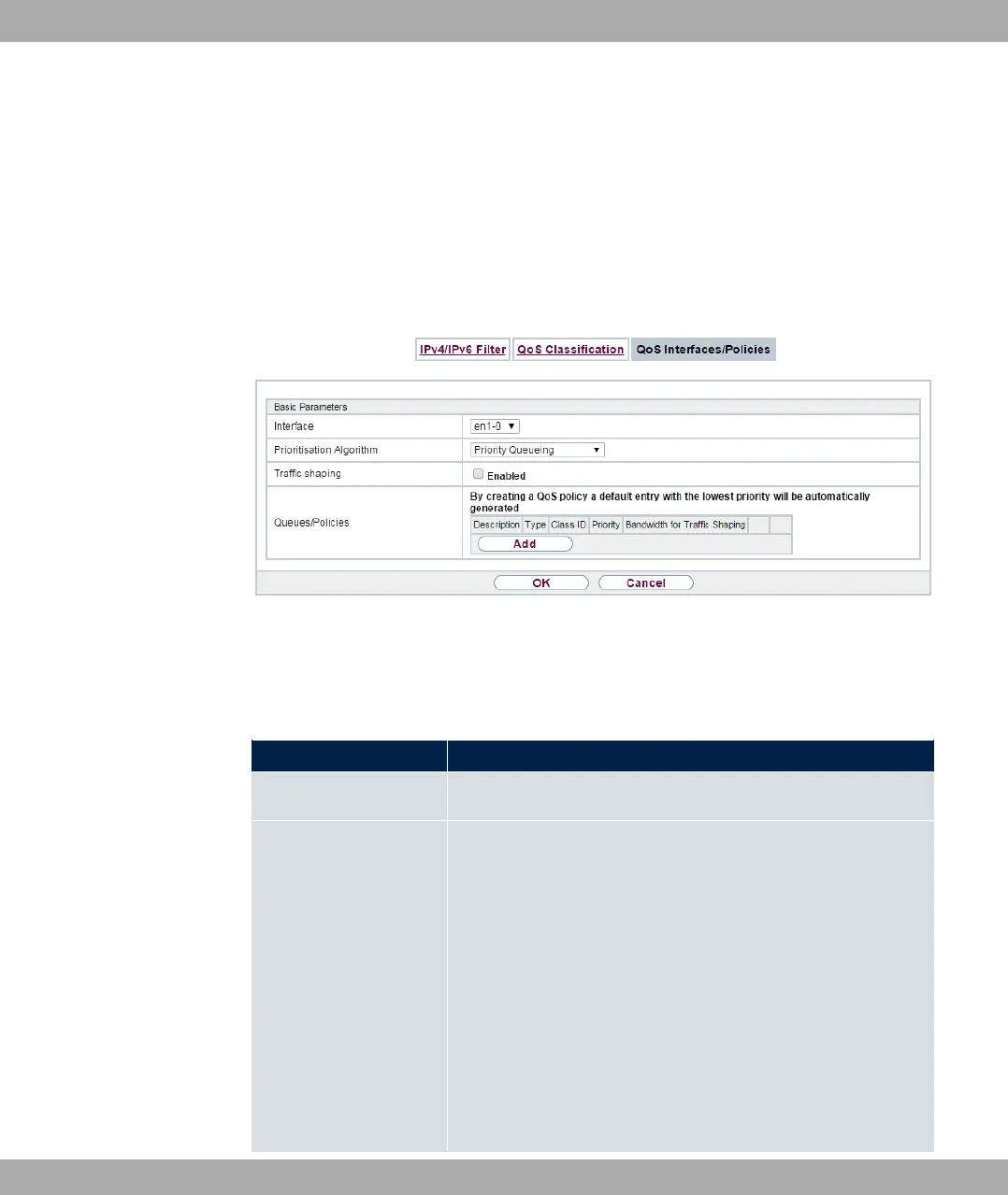
Choose the New button to create additional prioritisations.
Fig. 106: Networking->QoS->QoS Interfaces/Policies->New
The Networking->QoS->QoS Interfaces/Policies->New menu consists of the following
fields:
Fields in the Basic Parameters menu.
Field Description
Interface Select the interface for which QoS is to be configured.
Prioritisation Al-
gorithm
Select the algorithm according to which the queues are to be
processed. This activates and deactivates QoS on the selected
interface.
Possible values:
• ( K#: QoS is activated on the interface. The
available bandwidth is distributed strictly according to the
queue priority.
• 2# A A": QoS is activated on the interface.
The available bandwidth is distributed according to the
weighting (weight) of the queue. Exception: High-priority pack-
ets are always handled with priority.
bintec elmeg GmbH
10 Networking
bintec RS Series 267



 To Next Page