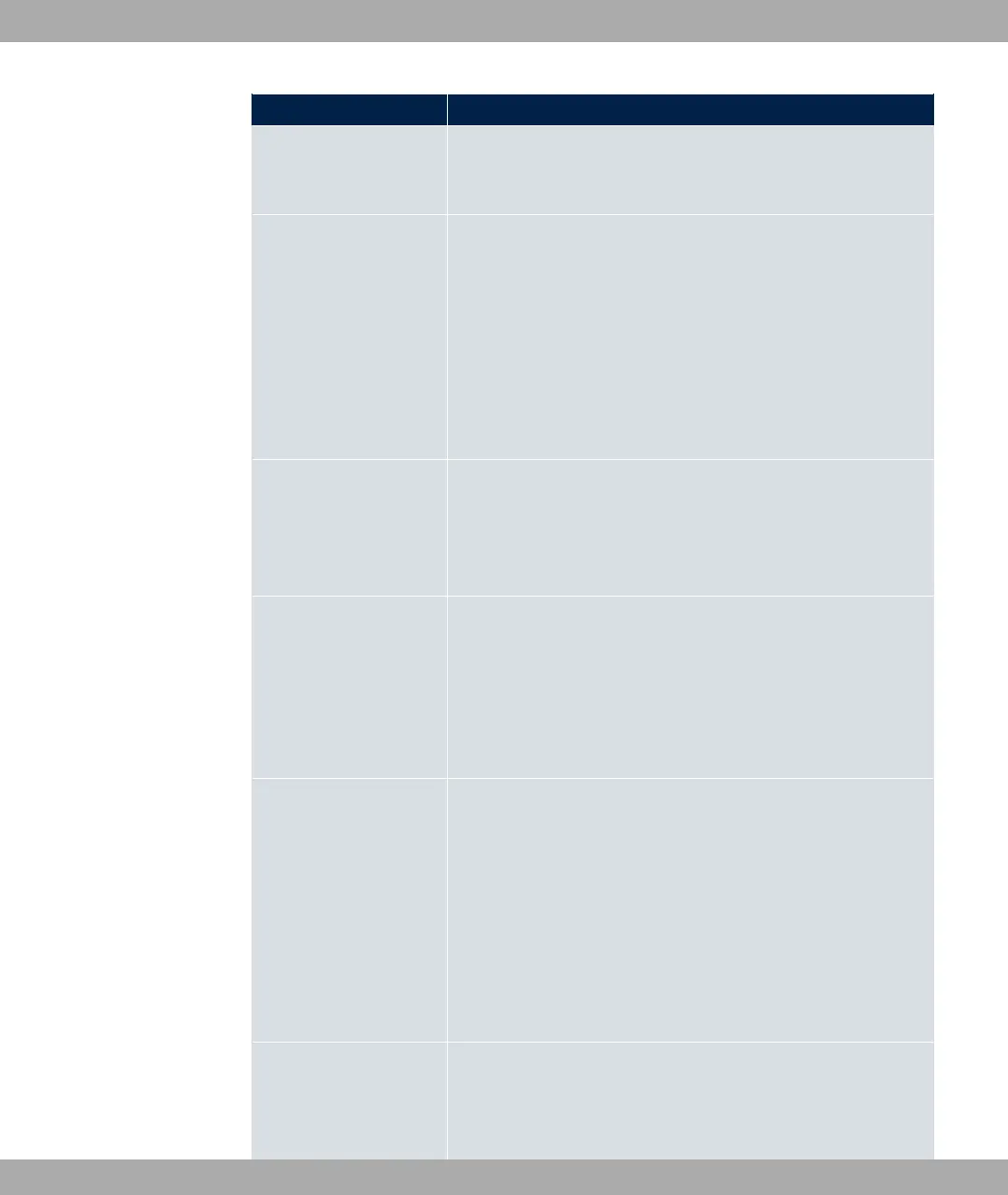
Field Description
The function is enabled with "1.
The function is disabled by default.
Address Mode Only for Type = 3*'
Select how an IP address is to be assigned to the interface.
Possible values:
• % (default value): The interface is assigned a static IP
address in IP Address / Netmask.
• 5@6: An IP address is assigned to the interface dynamically
via DHCP.
IP Address/Netmask Only for Address Mode = %
Enter the IP addresses (IP Address) and the corresponding
netmasks (Netmask) of the ATM interfaces. Add new entries
with Add.
MAC Address Enter a MAC address for the internal router interface of ATM
connection, e.g. 88$88"$8&. An entry is only re-
quired in special cases.
For Internet connections, it is sufficient to select the option Use
built-in (default setting). An address is used which is derived
from the MAC address of the .
DHCP MAC Address Only for Address Mode = 5@6
Enter the MAC address of the internal router interface of ATM
connection, e.g. 88$88"$8&.
If your provider has assigned you an MAC address for DHCP,
enter this here.
You can also select the Use built-in option (default setting) An
address is used which is derived from the MAC address of the
.
DHCP Hostname Only for Address Mode = 5@6
If necessary, enter the host name registered with the provider to
be used by your device for DHCP requests.
bintec elmeg GmbH
13 WAN
bintec RS Series 341



 To Next Page