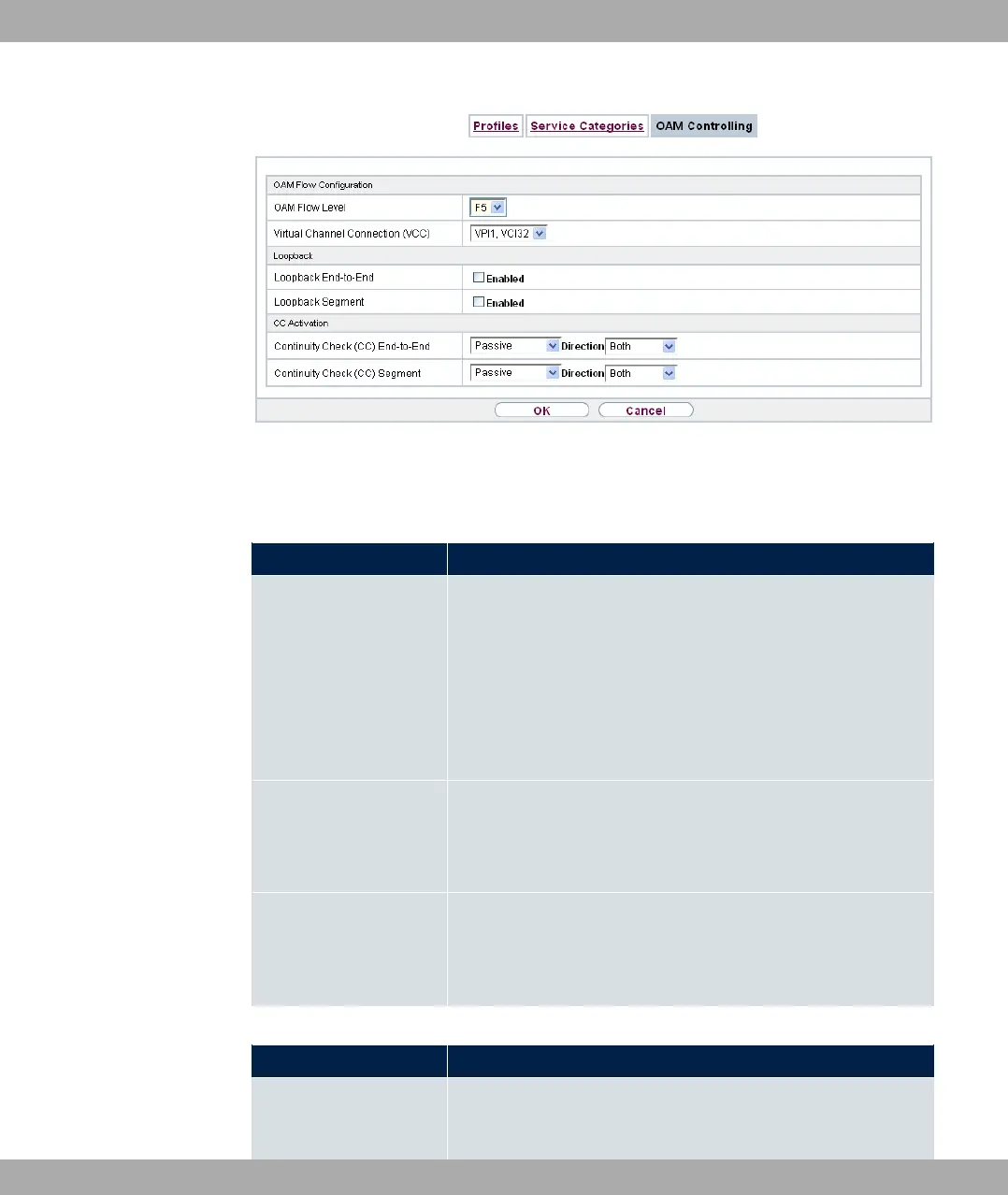
Fig. 132: WAN->ATM->OAM Controlling->New
The menu WAN->ATM->OAM Controlling->New consists of the following fields:
Fields in the OAM Flow Configuration menu.
Field Description
OAM Flow Level Select the OAM flow level to be monitored.
Possible values:
• <: (virtual channel level) The OAM settings are used for the
virtual channel (default value).
• < : (virtual path level) The OAM settings are used on the vir-
tual path.
Virtual Channel Con-
nection (VCC)
Only for OAM Flow Level = <
Select the already configured ATM connection to be monitored
(displayed by the combination of VPI and VCI).
Virtual Path Connec-
tion (VPC)
Only for OAM Flow Level = <
Select the already configured virtual path connection to be mon-
itored (displayed by the VPI).
Fields in the Loopback menu.
Field Description
Loopback End-to-End Select whether you activate the loopback test for the connection
between the endpoints of the VCC or VPC.
13 WAN bintec elmeg GmbH
346 bintec RS Series



 To Next Page