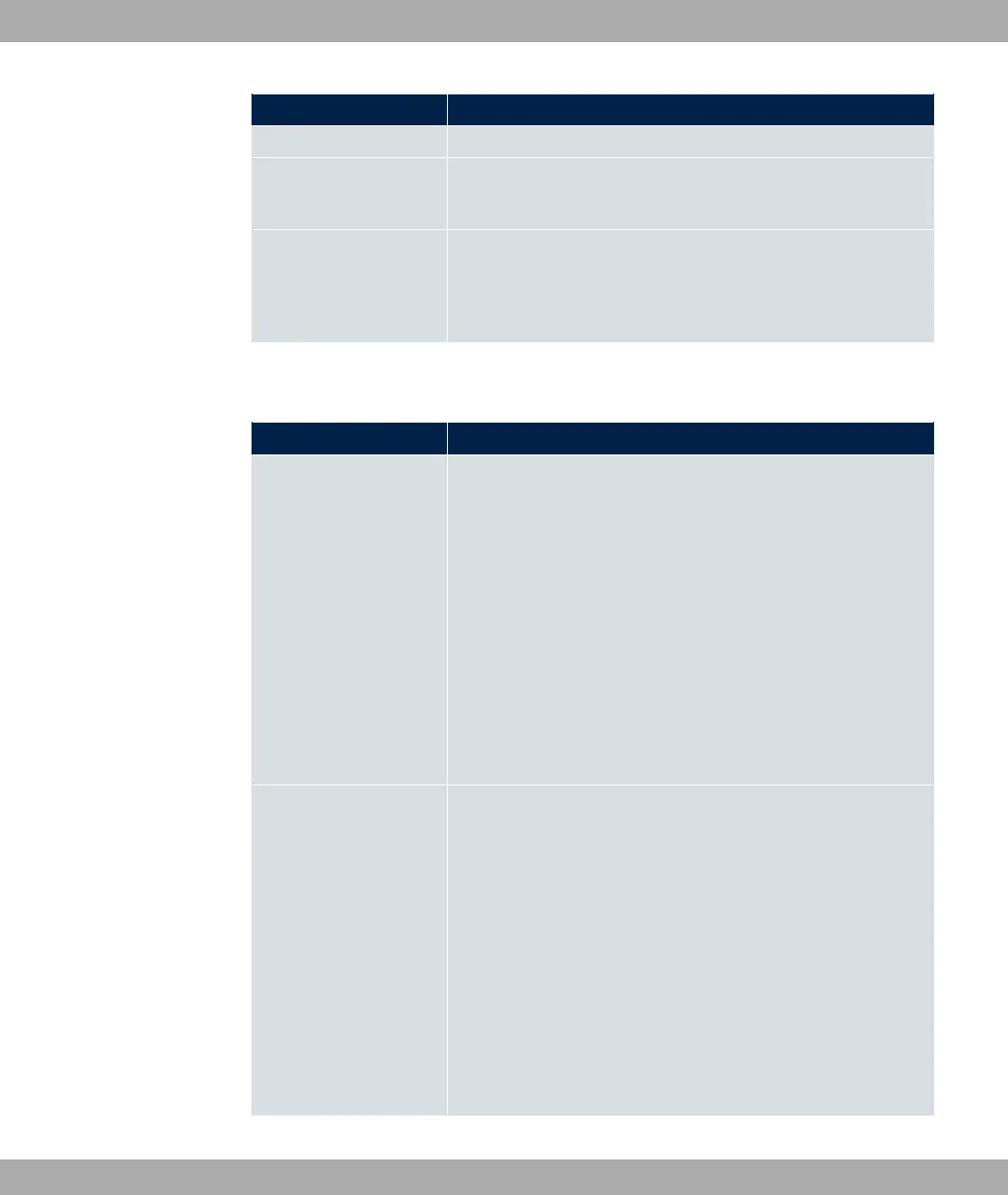
Field Description
311 (= -1) means that the port remains unspecified.
Destination IP Ad-
dress/Netmask
Enter the destination IP address and corresponding netmask of
the data packets.
Destination Port Only for Protocol = *6 or .5
Enter the destination port of the data packets. The default set-
ting 311 (= -1) means that the port remains unspecified.
The menu Advanced Settings consists of the following fields:
Fields in the menu Advanced IPSec Options
Field Description
Phase-1 Profile Select a profile for Phase 1. Besides user-defined profiles, pre-
defined profiles are available.
Possible values:
• ) $1 +$1!: Uses the profile marked
as standard in VPN->IPSec->Phase-1 Profiles
• '1 +1: Uses a special profile which contains the
proposals for Phase 1 3DES/MD5, AES/MD5 and Blowfish/
MD5 regardless of the proposal selection in menu
VPN->IPSec->Phase-1 Profiles.
• B$1C: Uses a profile configured in menu
VPN->IPSec->Phase-1 Profiles for Phase 1.
Phase-2 Profile Select a profile for Phase 2. Besides user-defined profiles, pre-
defined profiles are available.
Possible values:
• ) $1 +$1!: Uses the profile marked
as standard in VPN->IPSec->Phase-2 Profiles
• '1 +1: Uses a special profile which contains the
proposals for Phase 2 3DES/MD5, AES-128/MD5 and Blow-
fish/MD5 regardless of the proposal selection in menu
VPN->IPSec->Phase-2 Profiles.
• B$1C: Uses a profile configured in menu
VPN->IPSec->Phase-2 Profiles for Phase 2.
bintec elmeg GmbH
14 VPN
bintec RS Series 363



 To Next Page