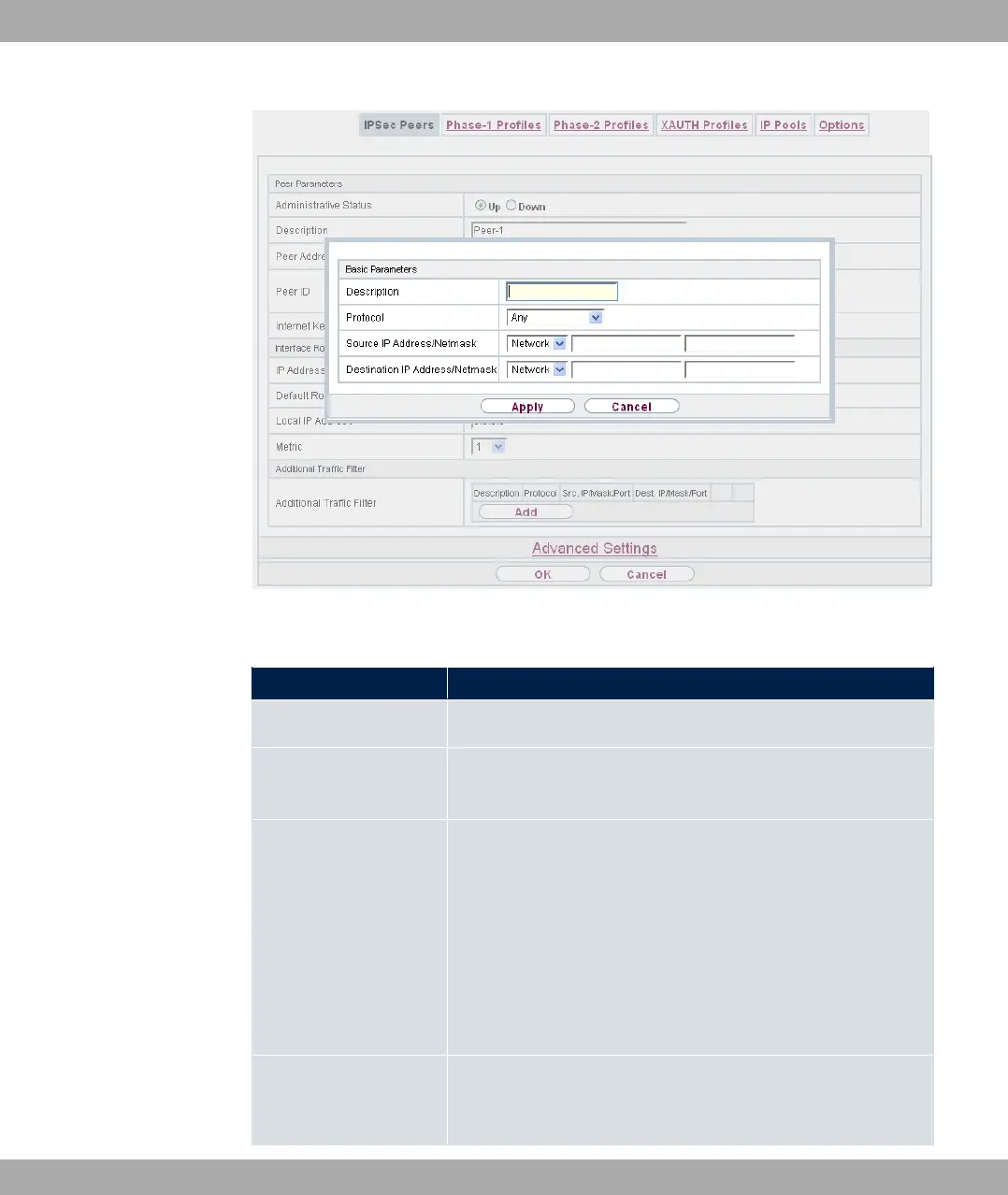
Fig. 136: VPN->IPSec->IPSec Peers->New->Add
Fields in the menu Basic Parameters
Field Description
Description Enter a description for the filter.
Protocol Select a protocol. The 3( option (default value) matches all
protocols.
Source IP Address/
Netmask
Enter, if required, the source IP address and netmask of the
data packets.
Possible values:
• 3(
• @: Enter the IP address of the host.
• )79 (default value): Enter the network address and the
related netmask.
Source Port Only for Protocol = *6 or .5
Enter the source port of the data packets. The default setting
14 VPN bintec elmeg GmbH
362 bintec RS Series



 To Next Page