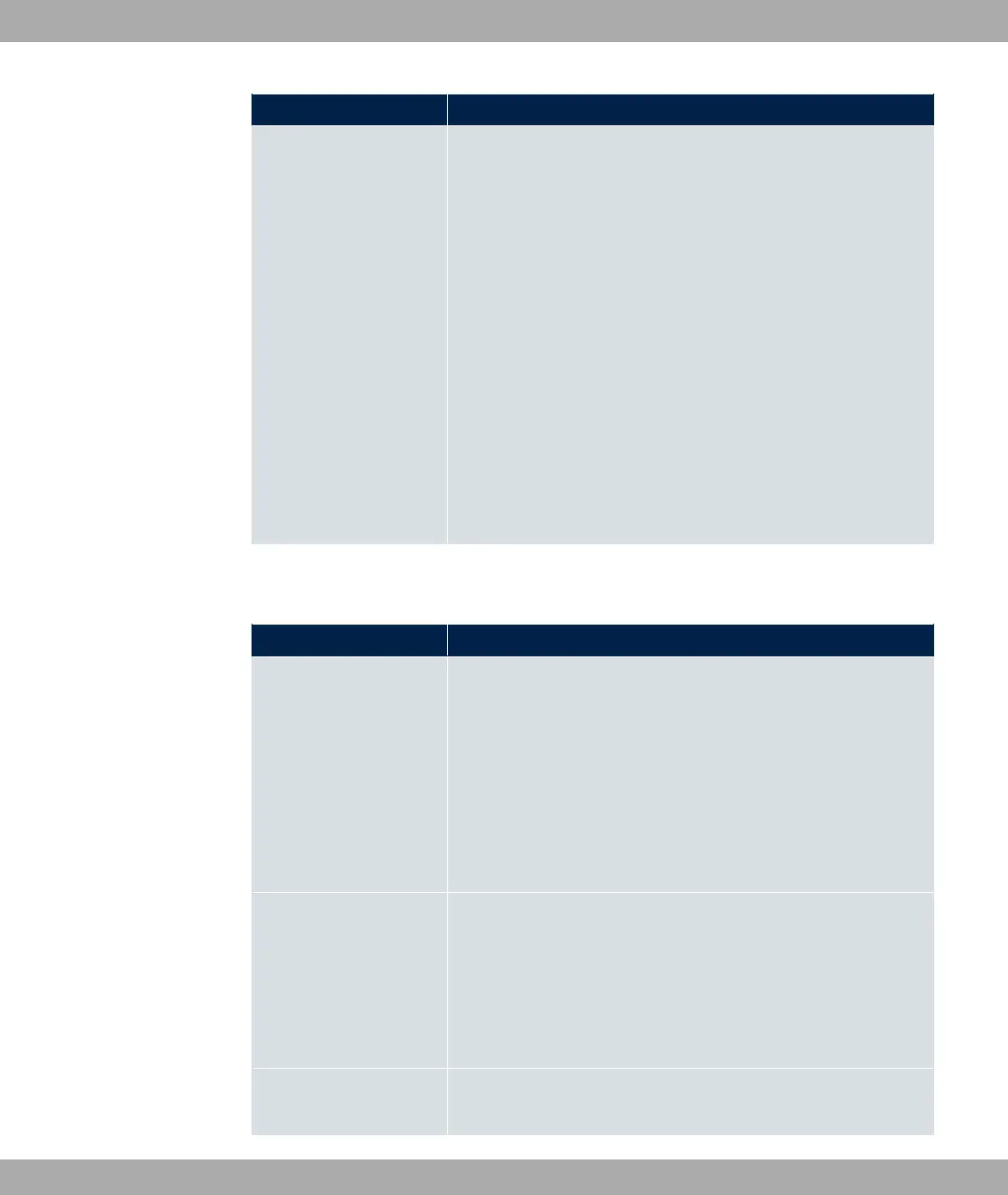
Field Description
Pool Usage Select if the DHCP pool is to be used for requests from clients
in a network directly connected to an Ethernet interface, or if it is
to be used for DHCP requests from a remote network that are
sent to your device via a DHCP relay station.
In the second case, it is possible to use an IP address pool for
the remote network.
Possible values:
• 0%1 (default value): The DHCP pool is only used for DHCP
requests from a network directly connected to an Ethernet in-
terface.
• A1(: The DHCP pool is only used for DHCP requests for-
warded from remote networks.
• 0%1/A1(: The DHCP pool can be used for both kinds of
requests.
The menu Advanced Settings consists of the following fields:
Fields in the menu Advanced Settings
Field Description
Gateway Select which IP address is to be transferred to the DHCP client
as gateway.
Possible values:
• . #7( (default value): Here, the IP ad-
dress defined for the Interface is transferred.
• ) #7(: No IP address is sent.
• +%$(: Enter the corresponding IP address.
Lease Time Enter the length of time (in minutes) for which an address from
the pool is to be assigned to a host.
After the Lease Time expires, the address can be reassigned
by the server.
The default value is .
DHCP Options Specify which additional data is forwarded to the DHCP client.
17 Local Services bintec elmeg GmbH
460 bintec RS Series



 To Next Page