17.9.1.1 Edit or New
Choose the icon to edit existing entries. Choose the New button to create additional
monitoring tasks.
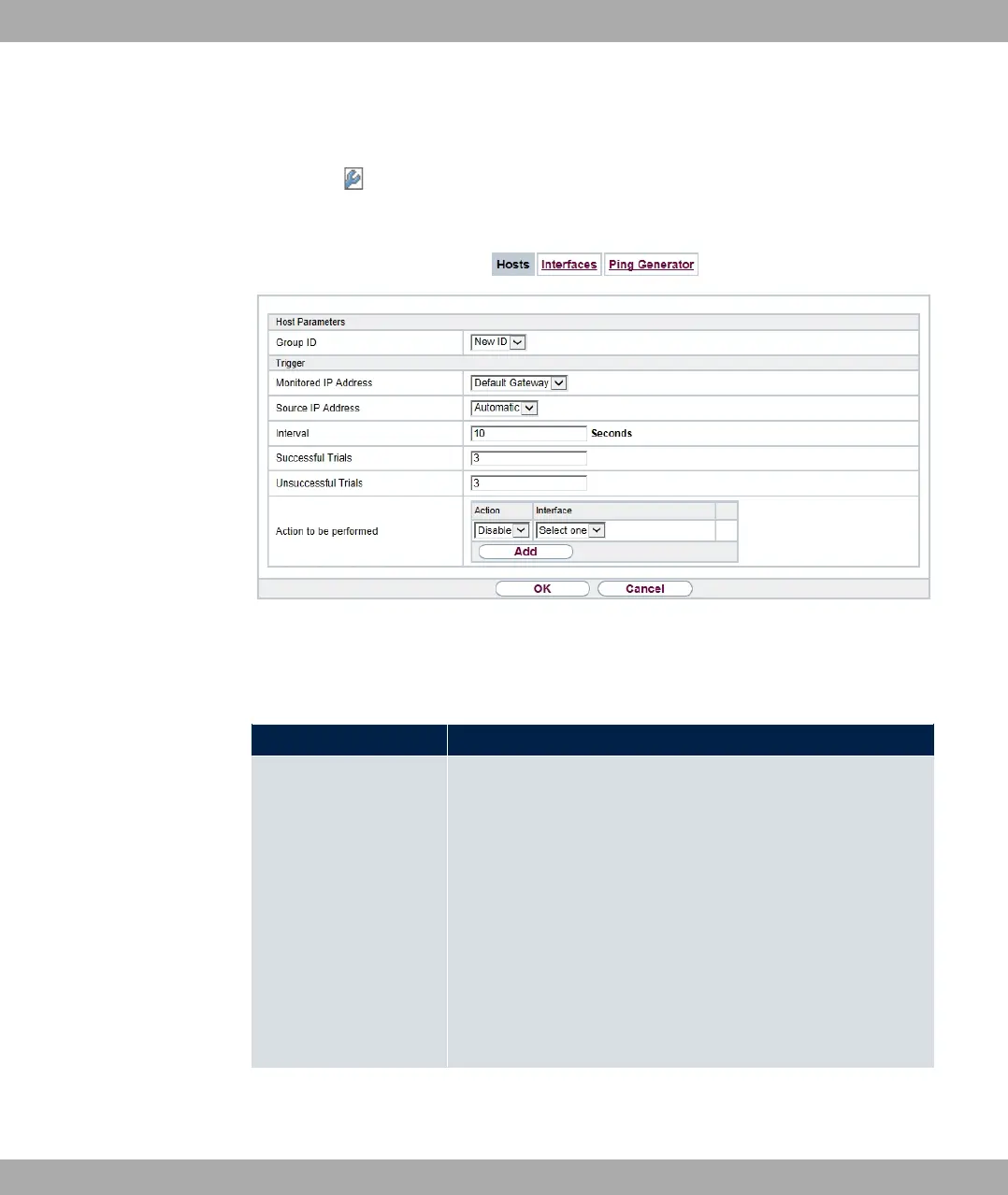
Fig. 191: Local Services->Surveillance->Hosts->New
The menu Local Services->Surveillance->Hosts->New consists of the following fields:
Fields in the Host Parameters menu
Field Description
Group ID If the availability of a group of hosts or the default gateway is to
be monitored by your device, select an ID for the group or the
default gateway.
The group IDs are automatically created from to . If an
entry has not yet been created, a new group is created using
the )7 5 option. If entries have been created, you can se-
lect one from the list of created groups.
Each host to be monitored must be assigned to a group.
The operation configured in Interface is only executed if no
group member can be reached.
Fields in the Trigger menu.
bintec elmeg GmbH
17 Local Services
bintec RS Series 507



 To Next Page