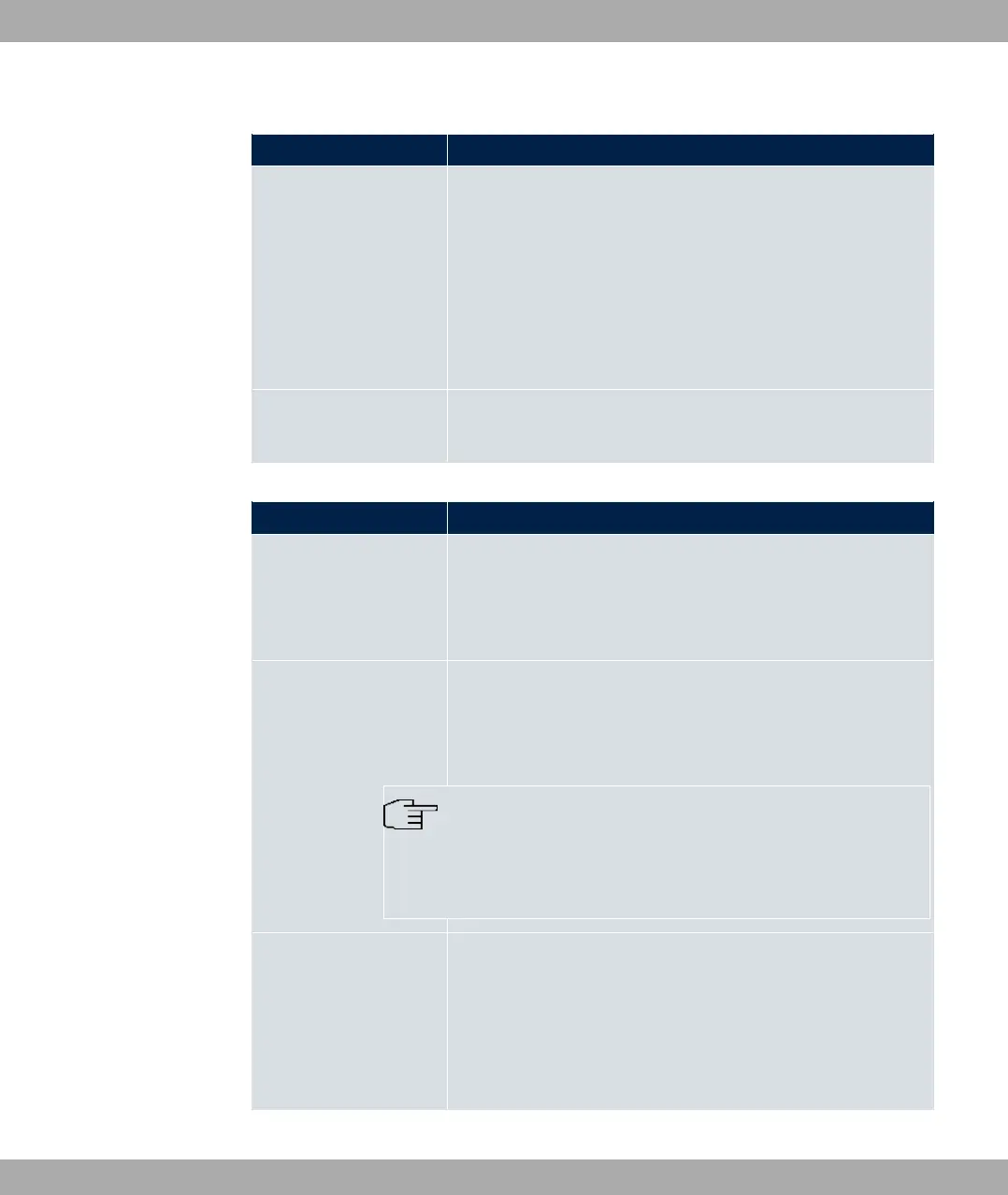
Fields in the BRRP Advertisement Interface menu.
Field Description
Ethernet Interface Choose the interface via which BRRP advertisement packets
are sent and expected.
If you edit a Virtual Router, the Ethernet interface is displayed
and cannot be changed.
Please note: The Ethernet interface for sending the advertise-
ments is always up and running and cannot therefore be used
as the Virtual Router Interface.
IP Address Shows the IP address(es) of the interface via which BRRP ad-
vertisement packets are sent and expected.
Fields in the BRRP Monitored Interface menu.
Field Description
Virtual Router Interface
Indicates on which physical interface the virtual interface is
based, if a new virtual interface is created. The name of the vir-
tual interface is assigned automatically when it is created.
Shows the name of the virtual interface, if a virtual interface that
has already been created is edited.
Virtual Router IP Ad-
dress
Enter the IP address and the netmask of the virtual router. Here
enter the IP address that you want to use in the local network as
the actual gateway IP address.
Note
To avoid problems in the LAN, the IP Address for advert-
isements and the Virtual Router IP Address cannot origin-
ate from the same subnet.
Virtual Router ID Select the ID of the virtual router.
This ID identifies the “virtual router” in the LAN and is part of
every BRRP advertisement packet that is sent by the current
master.
Possible values are whole numbers between and .
bintec elmeg GmbH
17 Local Services
bintec RS Series 535



 To Next Page