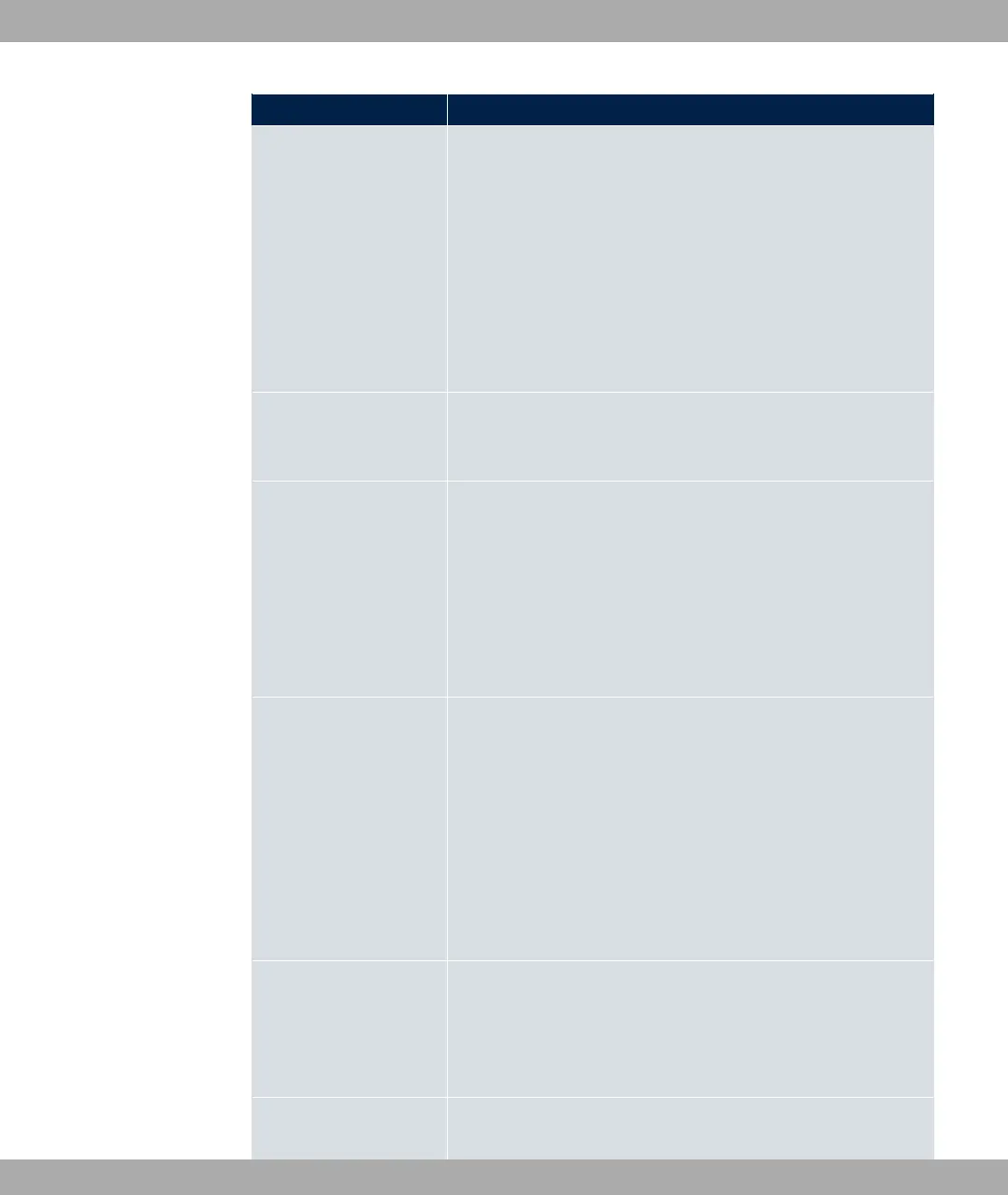
Field Description
• .+ ( $7: You can launch an update of
the system software, the ADSL logic and the BOOTmonitor.
• + E% '1 2 <1: (Only displayed if an
SD card is inserted, if supported by you device) In file name,
select the =7$1H+ file that you wish to import.
• ?+ %$# 7 $:
The active configuration from the RAM is transferred to your
local host. If you click the Go button, a dialog box is dis-
played, in which you can select the storage location on your
PC and enter the desired file name.
Current File Name in
Flash
For Action = ?+ %$#
Select the configuration file to be exported.
Include certificates
and keys
For Action = ?+ %$#, ?+ %$#
7 $
Define whether the selected Action should also be applied for
certificates and keys.
The function is activated by selecting "1.
The function is enabled by default.
Configuration Encryp-
tion
Only for Action = + %$#, ?+ %
$#, ?+ %$# 7
$. Define whether the data of the selected Action
are to be encrypted.
The function is activated by selecting "1.
The function is disabled by default.
If the function is enabled, you can enter the Password in the
text field.
Filename
Only for Action = + %$#, + 1
## .+ ( $7.
Enter the path and name of the file or select the file with
Browse... via the explorer/finder.
Source File Name
Only for Action = 6+( %$#
18 Maintenance bintec elmeg GmbH
548 bintec RS Series



 To Next Page