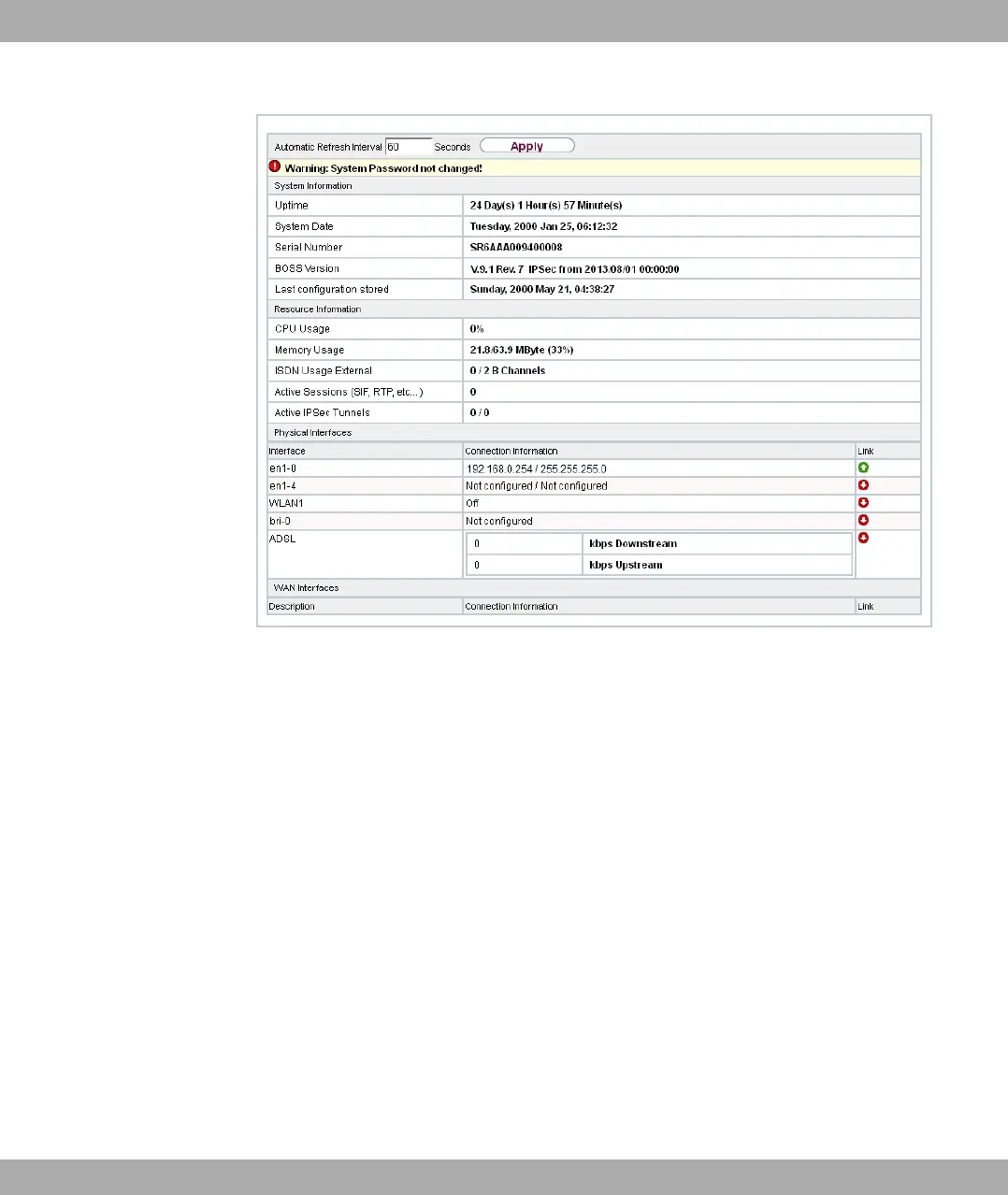
Fig. 17: GUI home page
3.3.1.1 Calling up GUI
(1) Check whether the device is connected and switched on and that all the necessary
cables are correctly connected (see on page ).
(2) Check the settings of the PC from which you want to configure your device (see Con-
figuring a PC on page 29).
(3) Open a web browser.
(4) Enter +8// in the address field of the web browser.
(5) Enter in the User field and enter in the Password field and click LO-
GIN.
You are not in the status menu of your device's GUI (see Status on page 53).
3.3.1.2 Operating elements
GUI window
The GUI window is divided into three areas:
bintec elmeg GmbH
3 Access and configuration
bintec RS Series 43



 To Next Page