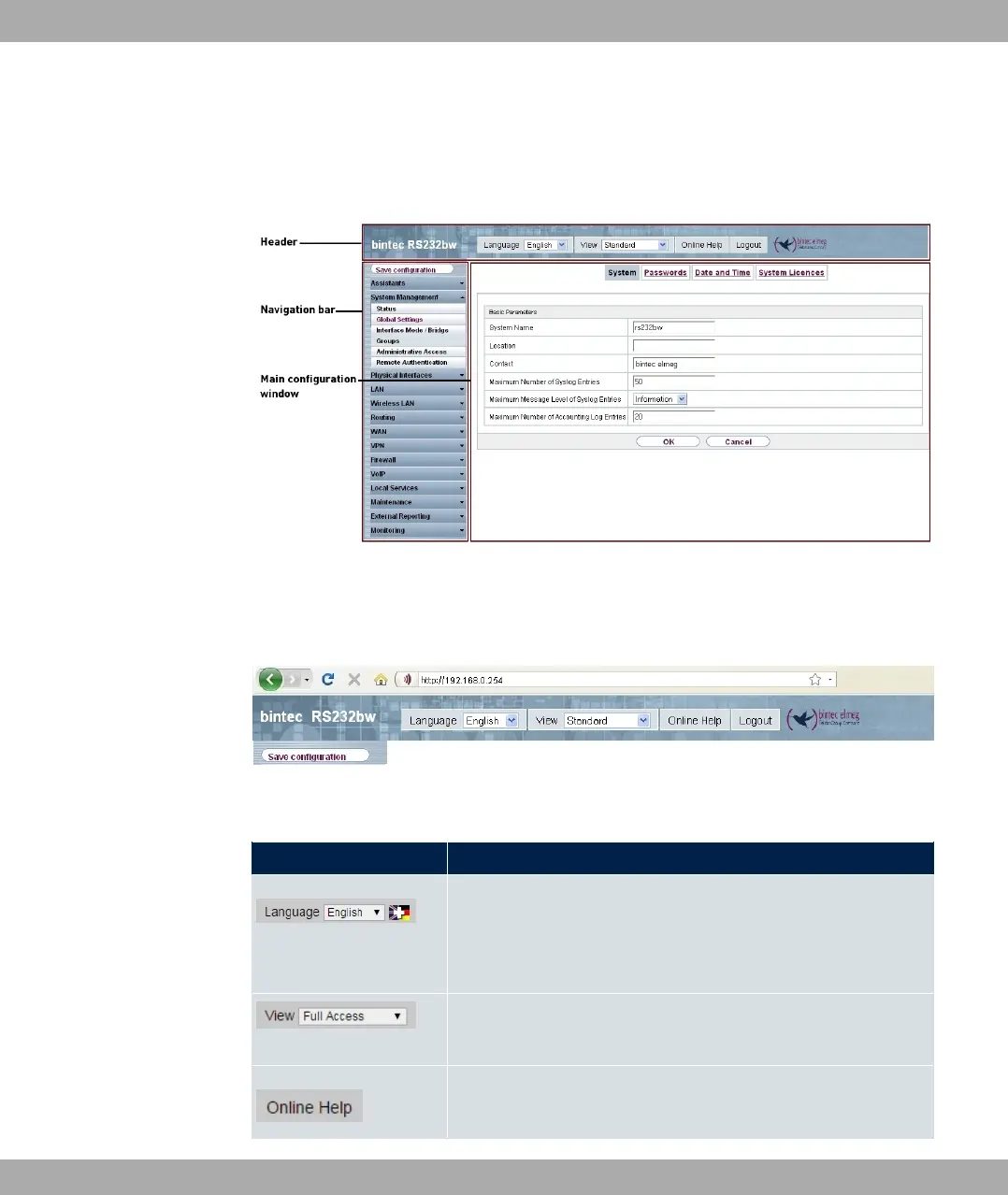
• The header
• The navigation bar
• The main configuration window
Fig. 18: Areas of the GUI
Header
Fig. 19: GUI header
GUI header
Menu Position
Language: In the dropdown menu, choose the language in
which you want to display the GUI. Here you can choose the
language in which you perform the configuration. German and
English are available.
View: Select the desired view from the dropdown menu. Stand-
ard and SNMP browsers can be selected.
Online Help: Click this button if you want help with the menu
now active. The description of the sub-menu where you are now
3 Access and configuration bintec elmeg GmbH
44 bintec RS Series



 To Next Page