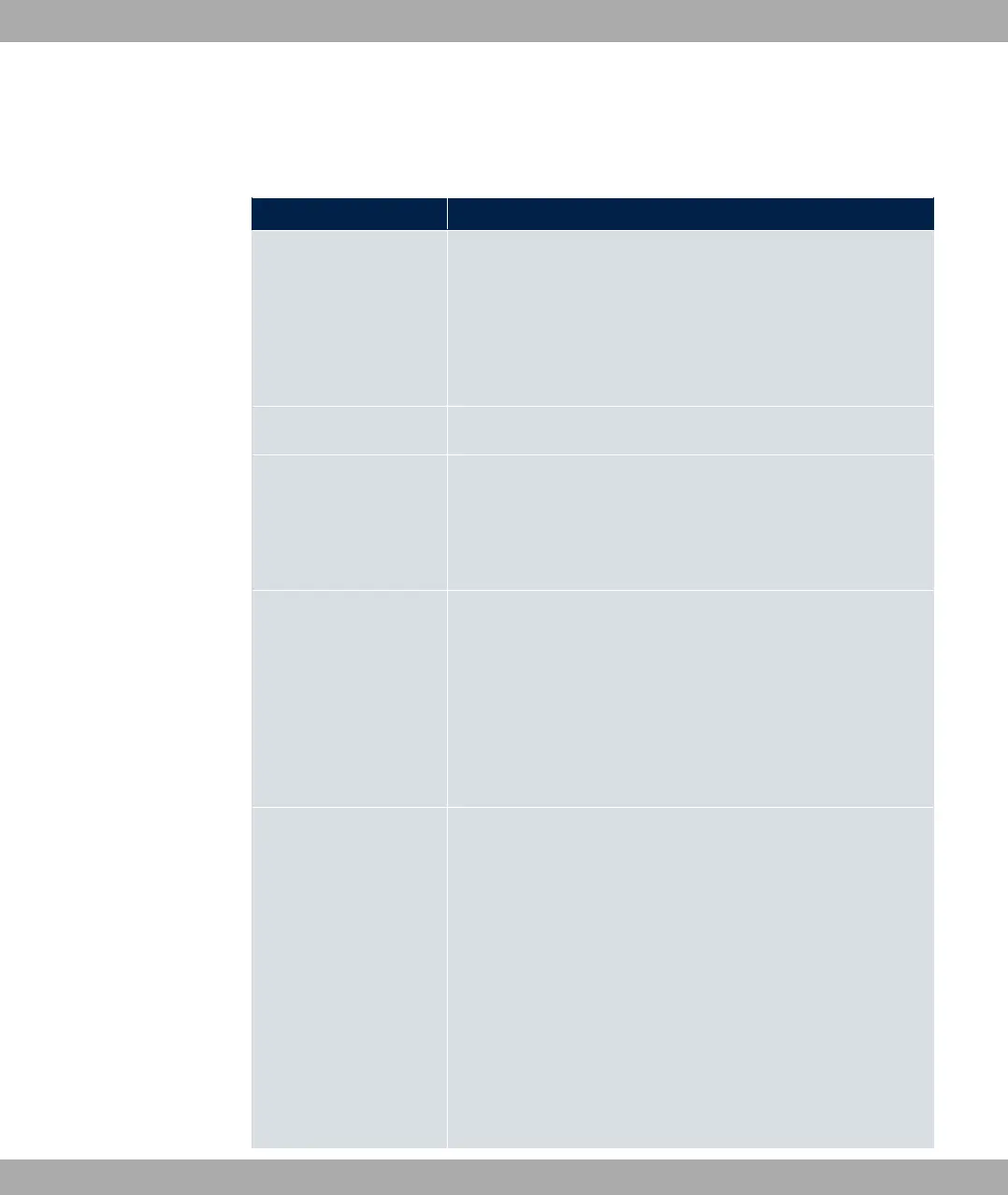
The System Management->Global Settings->System menu consists of the following
fields:
Fields in the menu Basic Settings
Field Value
System Name Enter the system name of your device. This is also used as the
PPP host name.
A character string with a maximum of 255 characters is pos-
sible.
The device type is entered as the default value.
Location Enter the location of your device.
Contact Enter the relevant contact person. Here you can enter the e-
mail address of the system administrator, for example.
A character string with a maximum of 255 characters is pos-
sible.
Maximum Number of
Syslog Entries
Enter the maximum number of syslog messages that are stored
internally in the device.
Possible values are to .
The default value is .
You can display the stored messages in Monitoring->Internal
Log.
Maximum Message
Level of Syslog Entries
Select the priority of system messages above which a log
should be created.
System messages are only recorded internally if they have a
higher or identical priority to that indicated, i.e. all messages
generated are recorded at syslog level 5"#.
Possible values:
• #%(: Only messages with emergency priority are re-
corded.
• 31: Messages with emergency and alert priority are recor-
ded.
bintec elmeg GmbH
5 System Management
bintec RS Series 57



 To Next Page