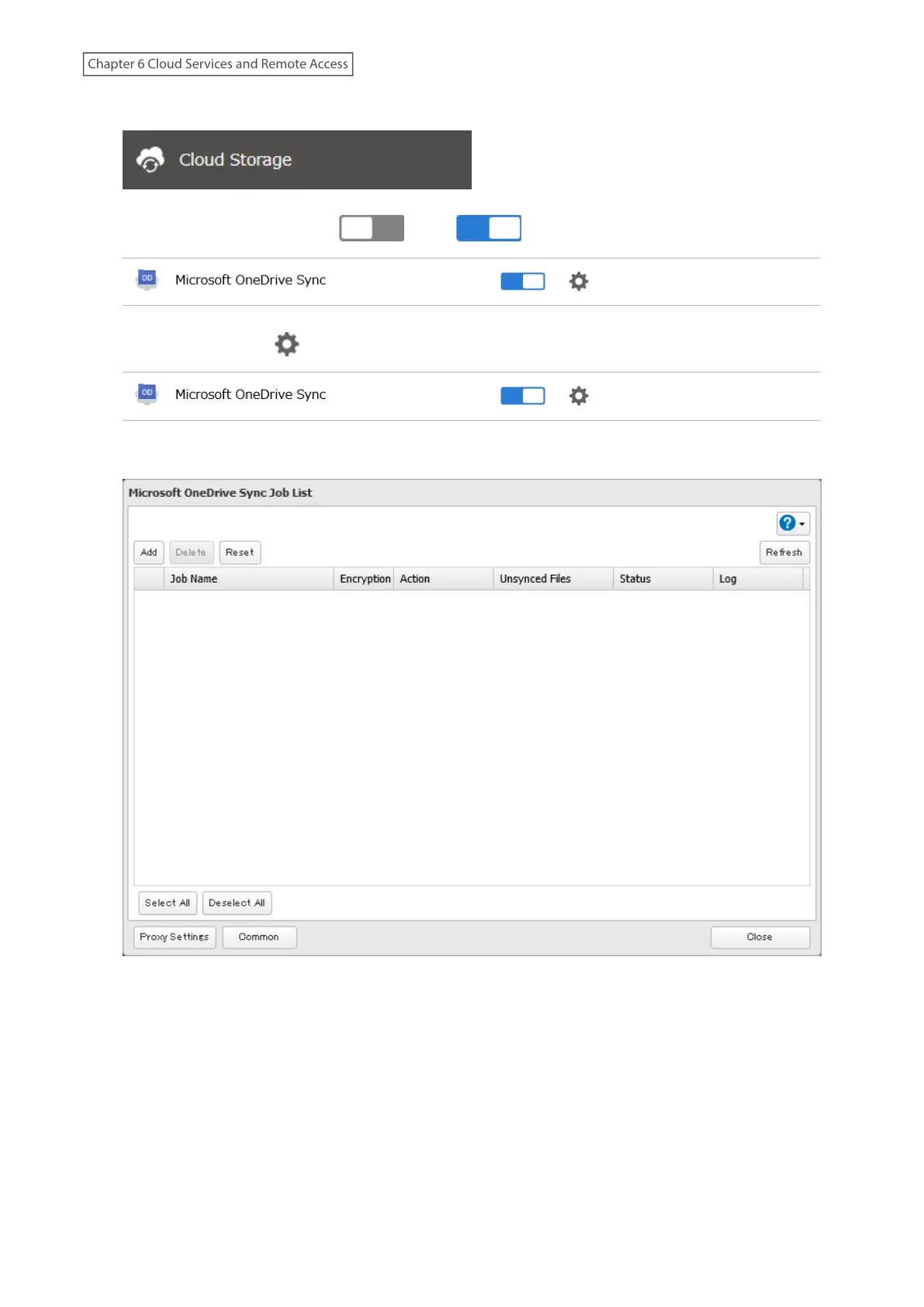
2 From Settings, click Cloud Storage.
3 Move the OneDrive Sync switch ( ) to the position to enable OneDrive Sync.
4 Click the settings icon ( ) to the right of “Microsoft OneDrive Sync”.
5 Click Add.
6 The sign-in window will open. Enter the username and password of your Microsoft account, then sign in.
163
Chapter 6 Cloud Services and Remote Access















 To Next Page