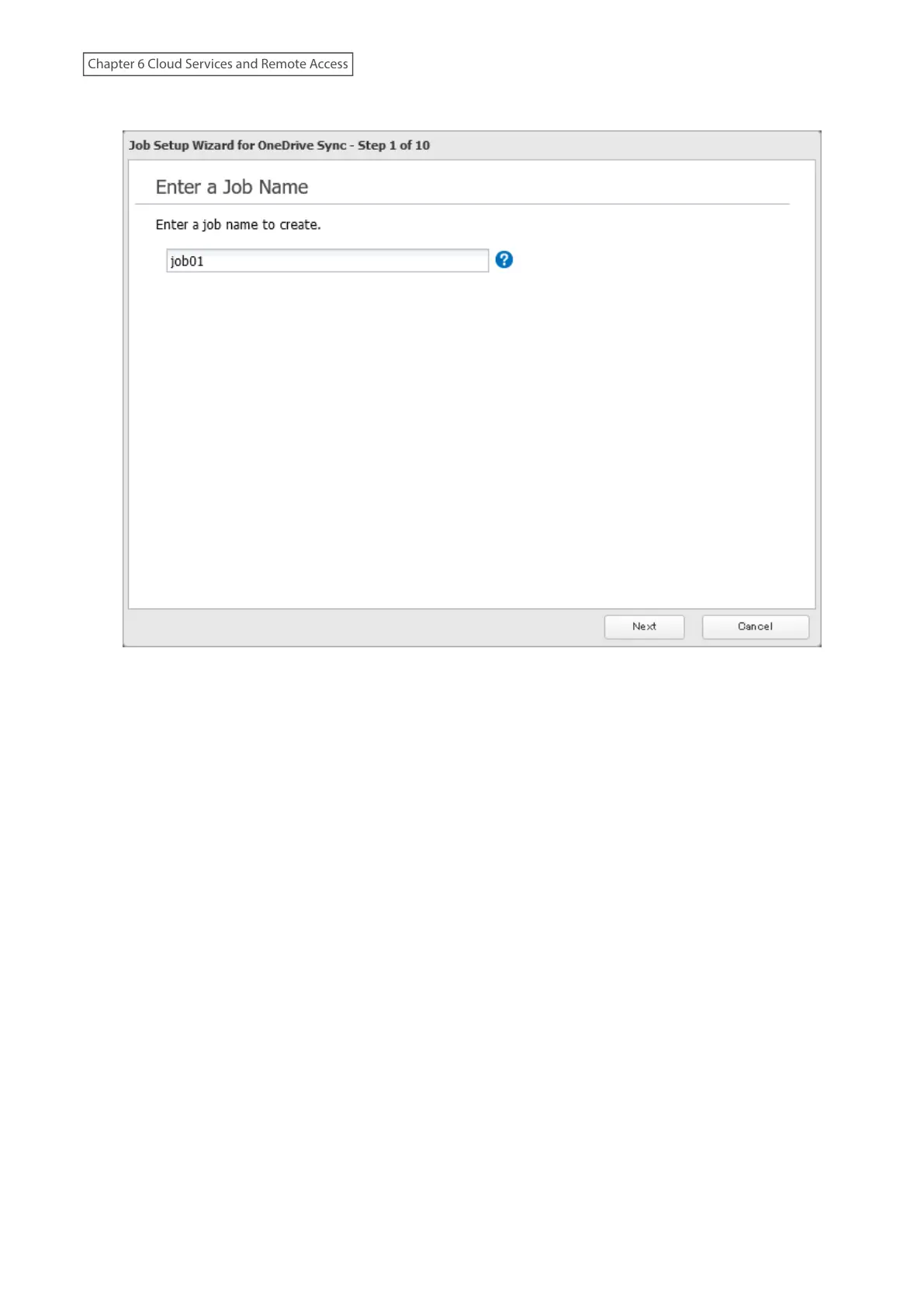
7 Enter the desired job name and click Next.
8 Select the sync action and behavior for when files with the same name are already in the target folder, then
click Next.
There are three types of sync actions; bidirectional, uploading, and downloading. If bidirectional is selected as
the sync action, files on both OneDrive and the TeraStation will be updated. If uploading is selected as the sync
164
Chapter 6 Cloud Services and Remote Access















 To Next Page