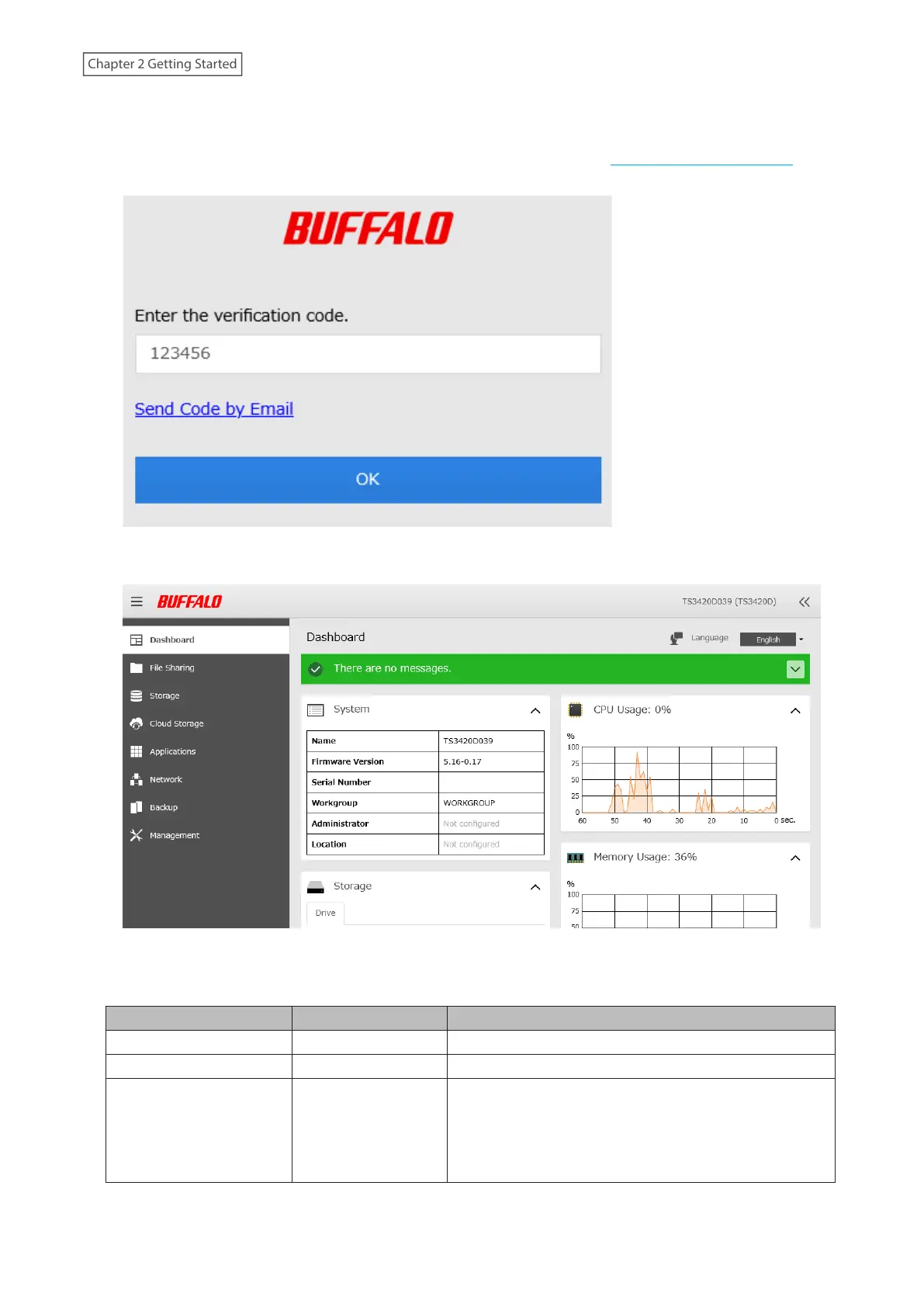
4 If you did not enable two-factor authentication, skip to step 5. Otherwise, refer to the authenticator app on
your mobile device for the verification code. Enter the verification code and click OK.
Note: For detailed information about two-factor authentication, refer to the “Two-Factor Authentication”
section in chapter 7.
5 The process is complete when Settings is opened.
Notes:
• Username/Password Combinations:
Username Password Settings Available
admin (default) password (default) All
guest blank Guest user information
Your username Your password
If a user is assigned as an administrator, all settings are
available. If assigned to a power users group, creating
or editing shared folders, users, and groups is available.
If assigned to a general users group, only changing the
password of logged-in users is available.
21
Chapter 2 Getting Started















 To Next Page